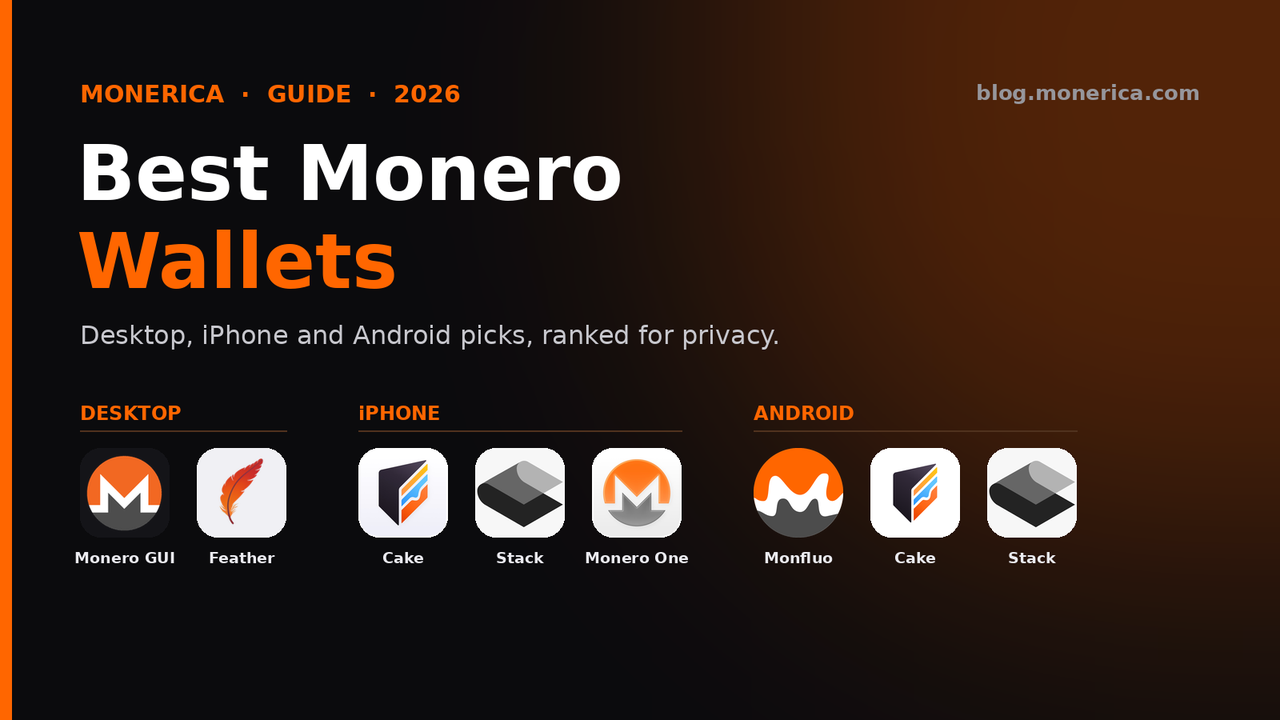
Looking for the best Monero (XMR) wallet in 2026? Below are our top picks for every device: the two best desktop wallets, the top three for iPhone and for Android, and the hardware wallets that work with Monero. Each one is open source and non-custodial, so you hold your own keys, and each links to a full, device-specific guide. Versions and features were checked against each project's official site in October 2026.
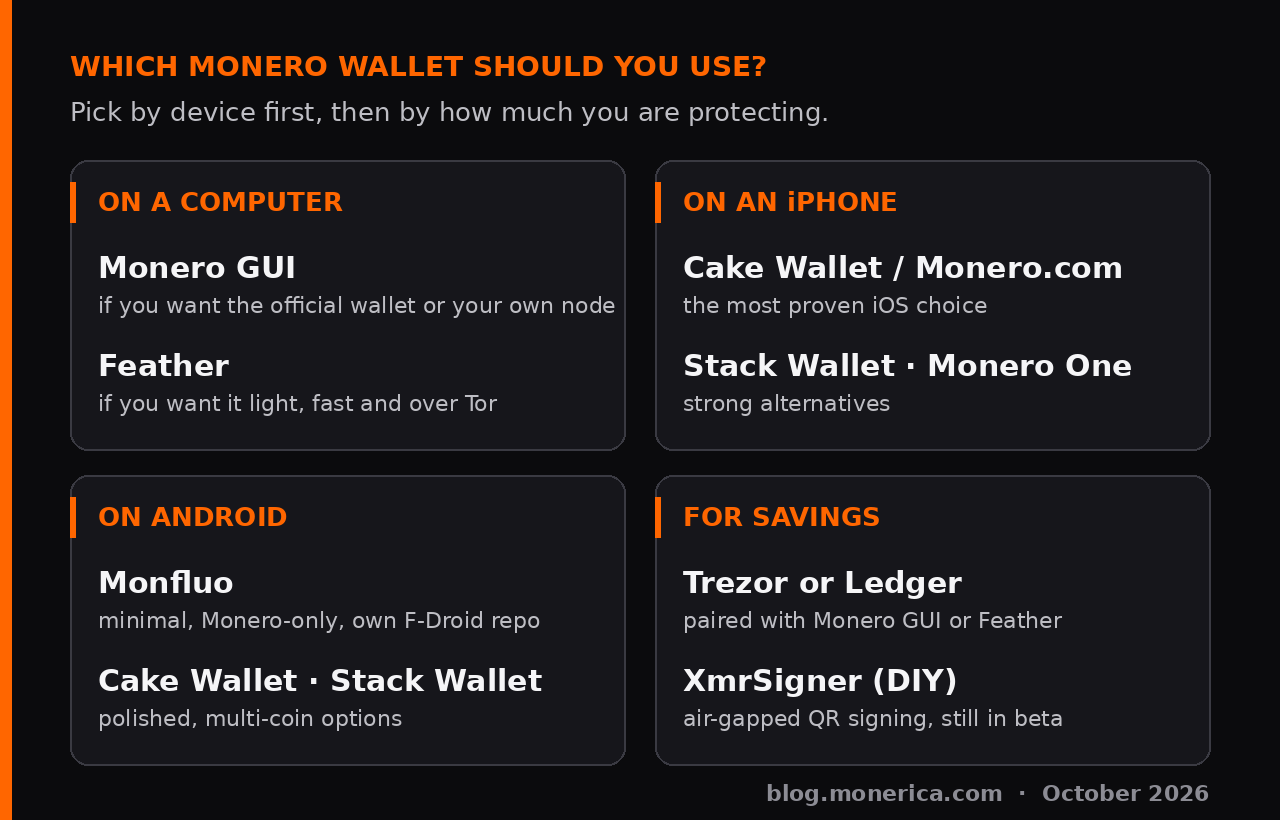
Quick answer: The best Monero wallet for most people is the official Monero GUI on a computer (or Feather if you want something lighter with Tor built in), Cake Wallet on iPhone and Monfluo on Android. For savings, pair a Trezor or Ledger hardware wallet with the Monero GUI or Feather.
What Is a Monero Wallet?
A Monero wallet is the app or device that holds the keys to your XMR. Your coins live on the Monero blockchain, and the wallet is what lets you see your balance, receive payments and sign transactions to send them. When you create a wallet it gives you a seed (a list of words). Anyone who has that seed controls the coins, so write it down offline and never share it. A non-custodial wallet, which is every wallet on this page, keeps the keys with you. An exchange or web wallet that holds the keys for you is custodial, and you are trusting that company. If you are new, pick the wallet for the device you use most from the list above, then follow our set up an XMR wallet guide. For larger amounts, see how to store Monero offline.
Quick picks
- Desktop: Monero GUI (the official wallet) and Feather (light and fast, with Tor built in).
- iPhone: Cake Wallet (or Monero.com), Stack Wallet, Monero One — full iPhone guide.
- Android: Monfluo, Cake Wallet (or Monero.com), Stack Wallet — full Android guide.
- Hardware: Trezor or Ledger used with the Monero GUI or Feather — full hardware guide.
Tested, not just listed: we installed eight Android wallets on a GrapheneOS phone over Tor, verified each download and sent real Monero with each one. See the hands-on test and the wallets we left out.
Best Monero Wallets Compared (2026)
Every wallet in this table is free, open source and non-custodial (you hold the seed).
| Wallet | Best for | Platforms | Coins | Hardware wallets |
|---|---|---|---|---|
| Monero GUI 0.18.5.4 | Official wallet; running your own node | Windows, macOS, Linux | Monero only | Ledger, Trezor |
| Feather 2.9.1 | Light, fast desktop use over Tor | Windows, macOS, Linux, Tails | Monero only | Ledger, Trezor |
| Cake Wallet / Monero.com | Easiest phone wallet; built-in Tor option | iOS, Android, macOS, Linux | Multi-coin (Monero.com: XMR only) | Ledger, Trezor |
| Stack Wallet | One app for many coins | iOS, Android, Windows, macOS, Linux | Multi-coin | — |
| Monero One | Monero-only iPhone app | iOS, Android | Monero only | — |
| Monfluo | Private Android phones (no Google Play) | Android (own F-Droid repo) | Monero only | — |
| Monerujo | Long-running Android wallet | Android | Monero only | — |
“—” means hardware wallets are not a listed feature. Hardware support for Cake Wallet depends on the device and phone; see the hardware guide for the full compatibility chart.
Best Monero Wallets for Desktop
1. Monero GUI Wallet — best overall
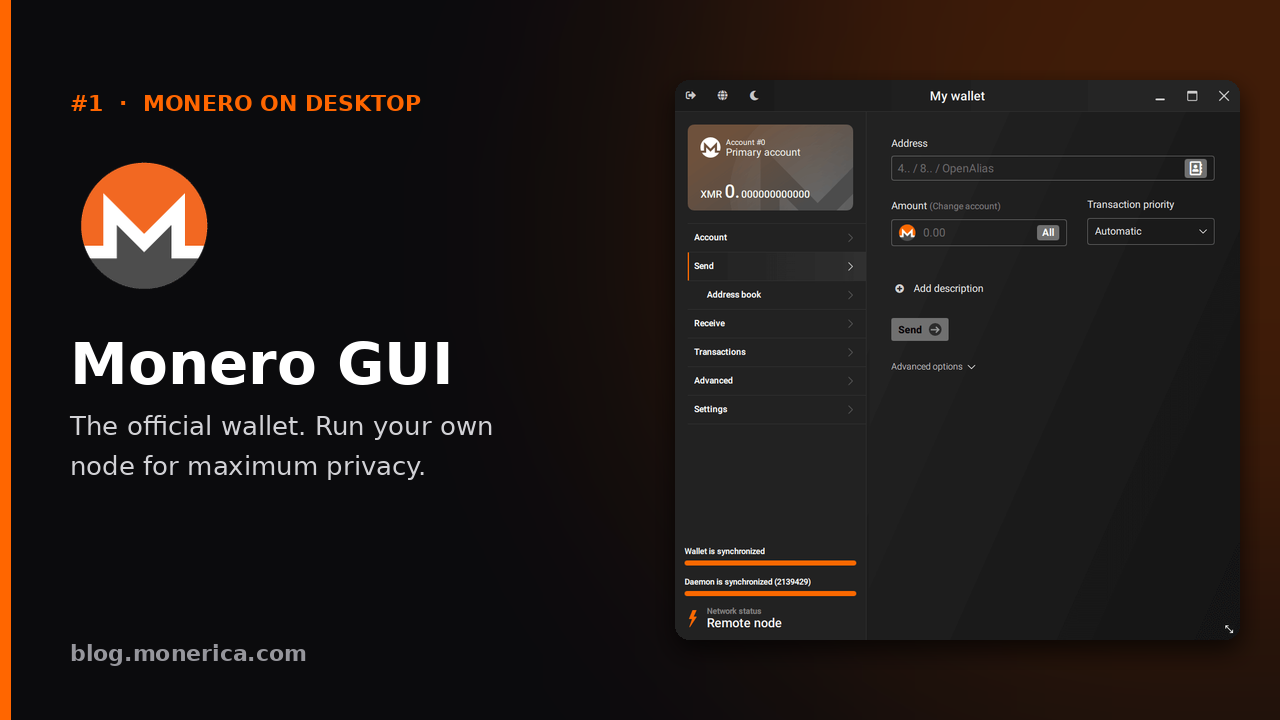
The Monero GUI Wallet is the official desktop wallet from the Monero Project (current version 0.18.5.4 “Fluorine Fermi”, released October 2026). It is the most complete Monero wallet you can run: you can sync your own full node for maximum privacy, or start in Simple mode on a remote node and switch later. It runs on Windows, macOS and Linux.
- Why it is #1: official, open source, and the only wallet here with a built-in node manager, so you never have to rely on anyone else's server.
- Extras: Ledger and Trezor support, subaddresses, payment proofs, view-only wallets, offline (cold) signing and a merchant mode.
- Keep in mind: a full node is large. The Monero docs put a full node at about 250 GB and a pruned node at about 100 GB (January 2026 figures), and the first sync takes time. No built-in Tor (you can set a SOCKS5 proxy) and no multisig in the GUI.
- Get it: getmonero.org/downloads · source on GitHub
On Windows, antivirus tools sometimes flag the GUI because it ships with mining code. See why Windows Defender flags the Monero wallet and our Monero wallet for Windows guide.
2. Feather Wallet — best lightweight desktop wallet (and best for Tor)
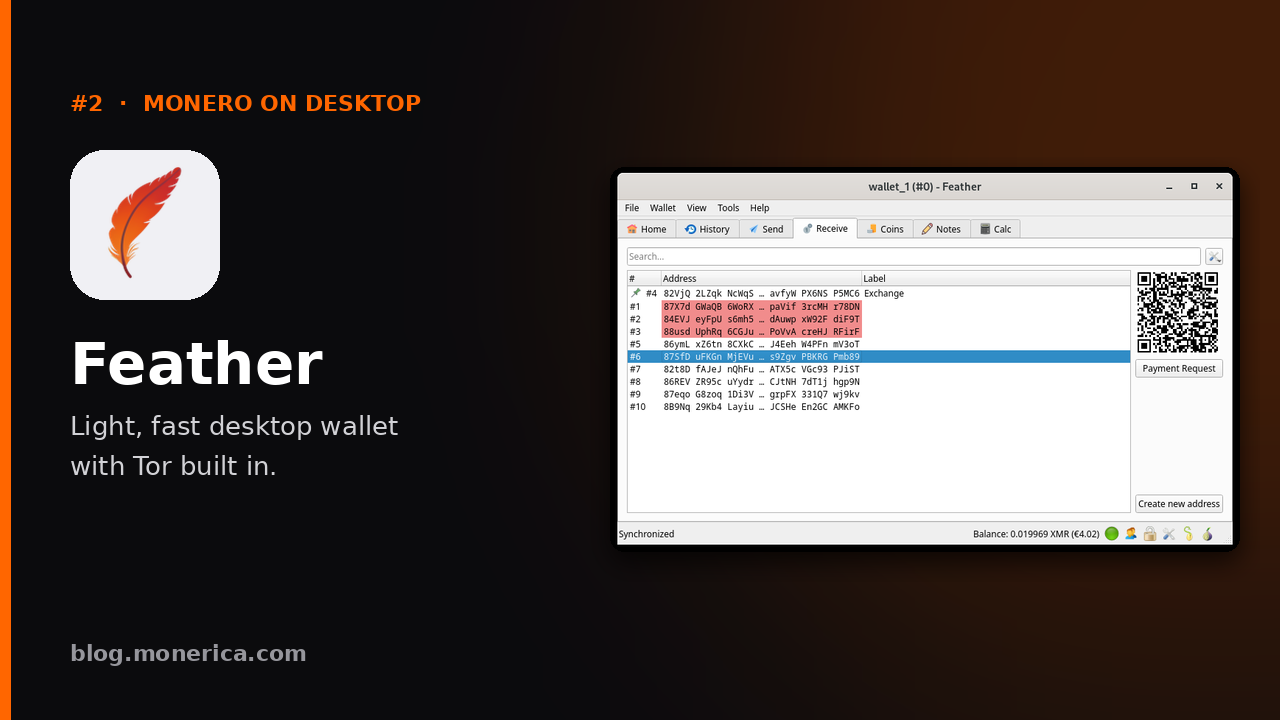
Feather (current version 2.9.1) is a fast, lightweight, Monero-only desktop wallet with Tor built in. It connects to remote nodes (or your own) and syncs quickly without downloading the whole blockchain, and it runs on Linux, Tails, Windows and macOS.
- Why we like it: quick to set up, Tor built in, excellent coin control, 16-word Polyseed seeds, and a clean, no-nonsense interface.
- Extras: Ledger and Trezor support, offline transaction signing (including animated QR codes), and several wallets open at once.
- Keep in mind: desktop only; no built-in node manager, merchant mode or multisig. For running a full node yourself, Monero GUI is the more complete package.
- Get it: featherwallet.org · source on GitHub
Torn between the two? Read Feather Wallet vs Monero GUI. Seeing an antivirus warning? It is almost always a false positive.
Best Monero Wallets for iPhone (Top 3)
These three all scan the blockchain on your phone, so your keys stay with you. For the full ranking (including Edge, and why it sits lower), see our best Monero wallets for iOS guide.
1. Cake Wallet (or Monero.com)
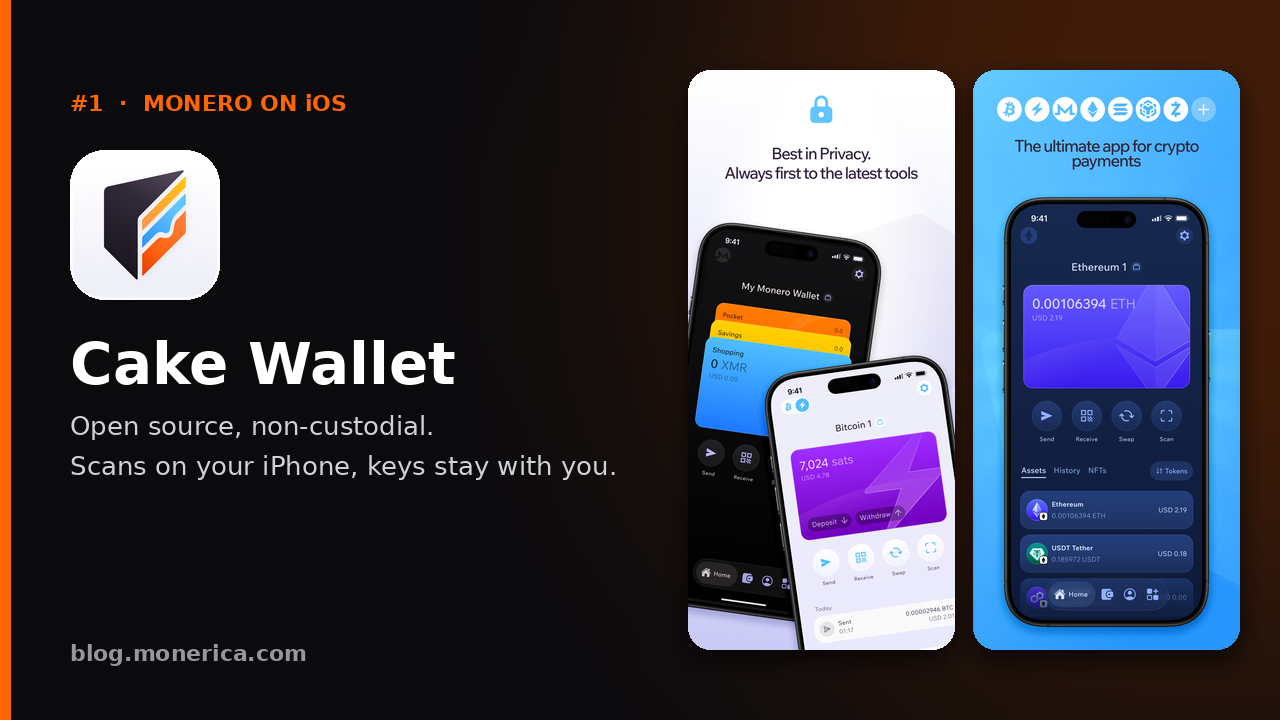
The most proven Monero wallet on iPhone: open source, non-custodial, with built-in swaps, a built-in Tor option and other coins if you want them. It can also work with a Ledger (over Bluetooth) or a Trezor Safe 7. Monero.com is the same wallet from the same team with only Monero in it. Cake Wallet on the App Store · Monero.com on the App Store
2. Stack Wallet
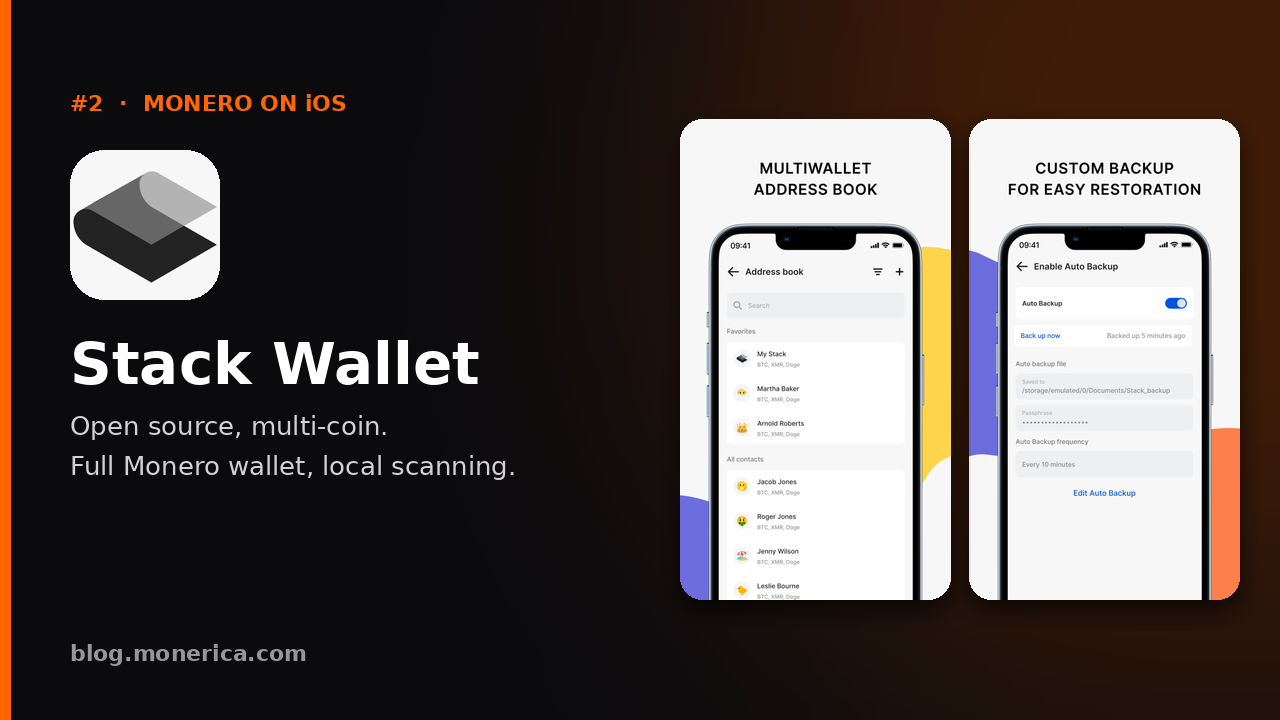
A fully open-source, multi-coin wallet that runs a full Monero wallet on your phone. A great pick if you hold more than XMR. Stack Wallet on the App Store
3. Monero One
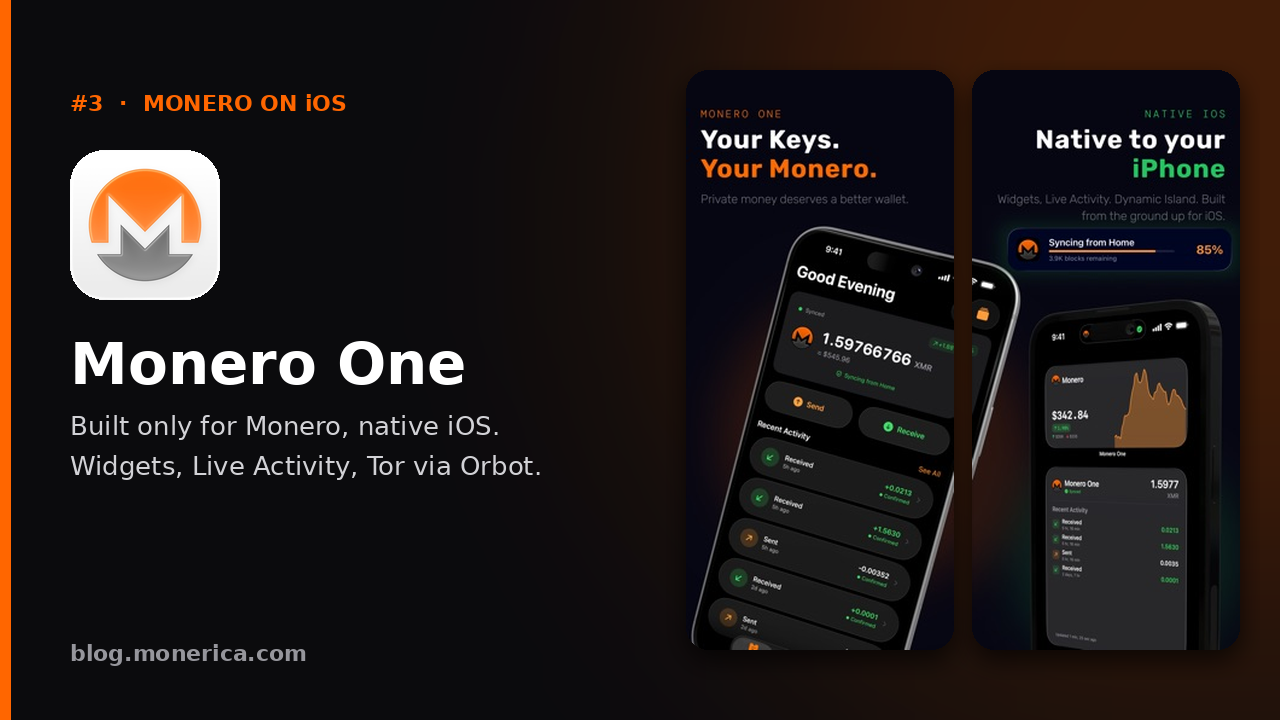
A newer Monero-only, open-source wallet built specifically for iPhone, with widgets, Live Activity and Tor support via Orbot. Monero One on the App Store · monero.one
Best Monero Wallets for Android (Top 3)
All three are open source, self-custody and scan on your phone. Our full guide ranks eight wallets and links to a step-by-step video installing them on GrapheneOS (also on Monerica Video): best Monero wallet for Android.
1. Monfluo
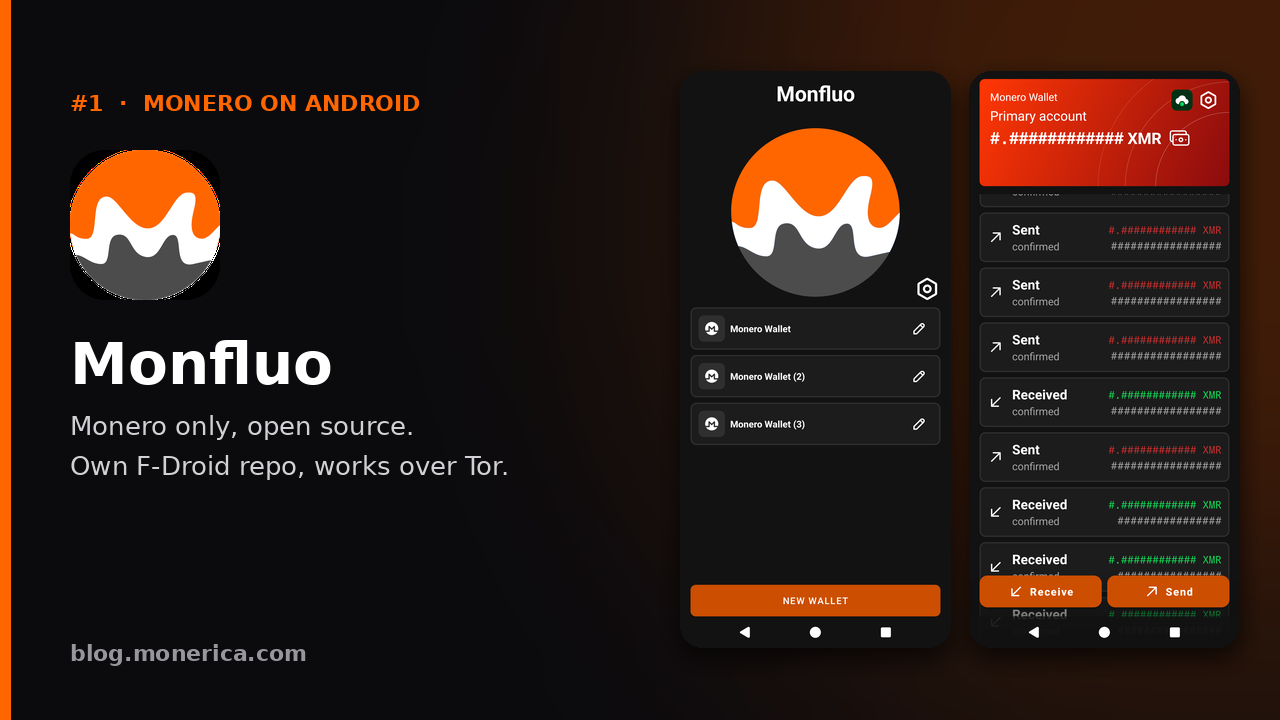
A minimal, Monero-only wallet installed from its own F-Droid repository (also reachable over Tor), so you never need Google Play. Our top pick for a private Android phone. fdroid.monfluo.org
2. Cake Wallet (or Monero.com)
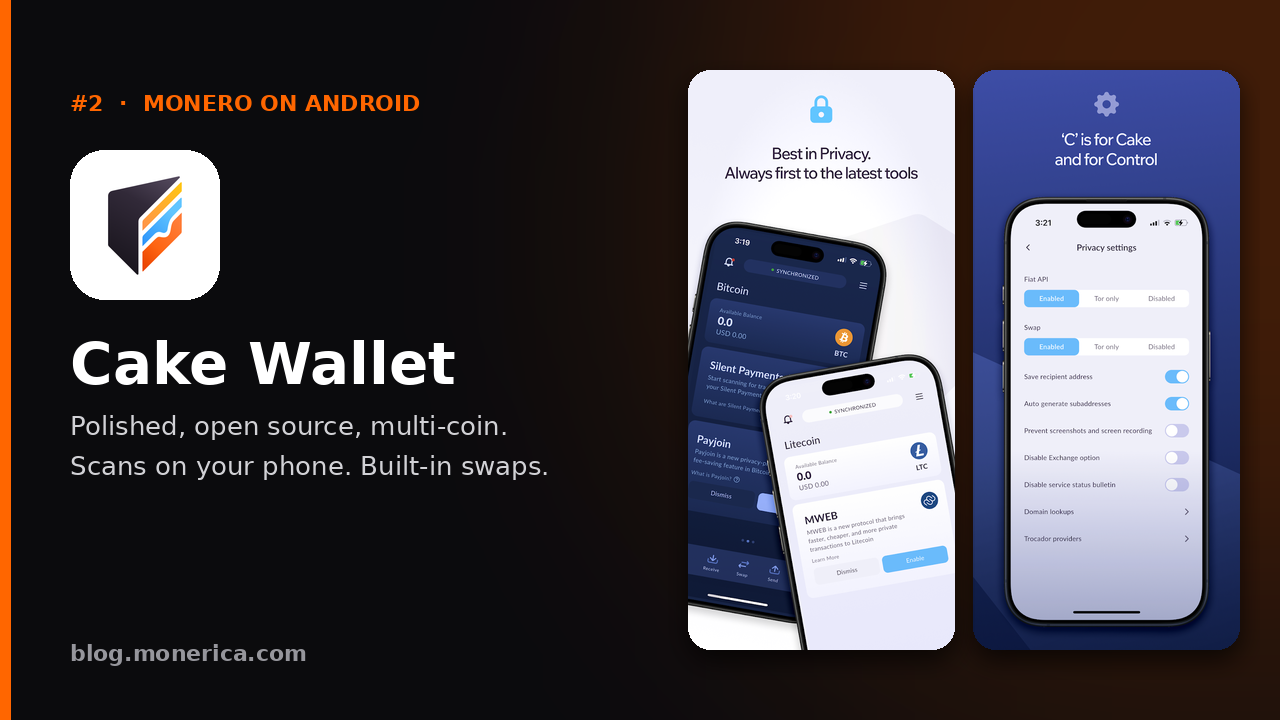
The polished all-rounder, with swaps, other coins and a built-in Tor option; Monero.com is the Monero-only version. On Android it works with Ledger (USB or Bluetooth) and with Trezor Model T, Safe 3, Safe 5 and Safe 7. cakewallet.com · monero.com
3. Stack Wallet
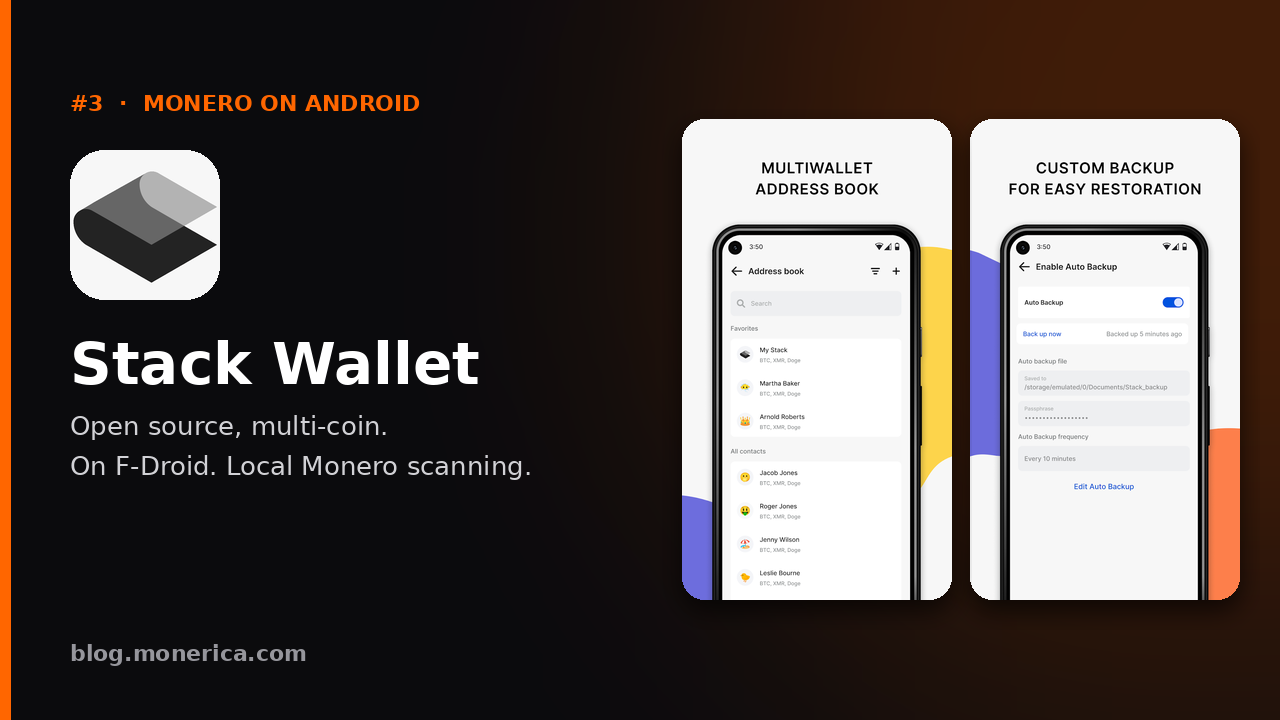
Open source, multi-coin and available on F-Droid, with local Monero scanning. stackwallet.com
→ See the full Android ranking (including Monero One, now on Google Play, plus Monerujo, Edge, Unstoppable and Skylight).
Hands-On Test: Eight Android Wallets on GrapheneOS
This is not a list copied from app-store descriptions. In August 2026 we took a Pixel 10 running GrapheneOS, with no Google Play on it, and installed eight Monero wallets one after another. Each one was downloaded over Tor, verified before it was first opened, and then used for real: create a wallet, receive XMR, send XMR. The whole run is on video, unedited where it matters (watch it on YouTube, also on Monerica Video).
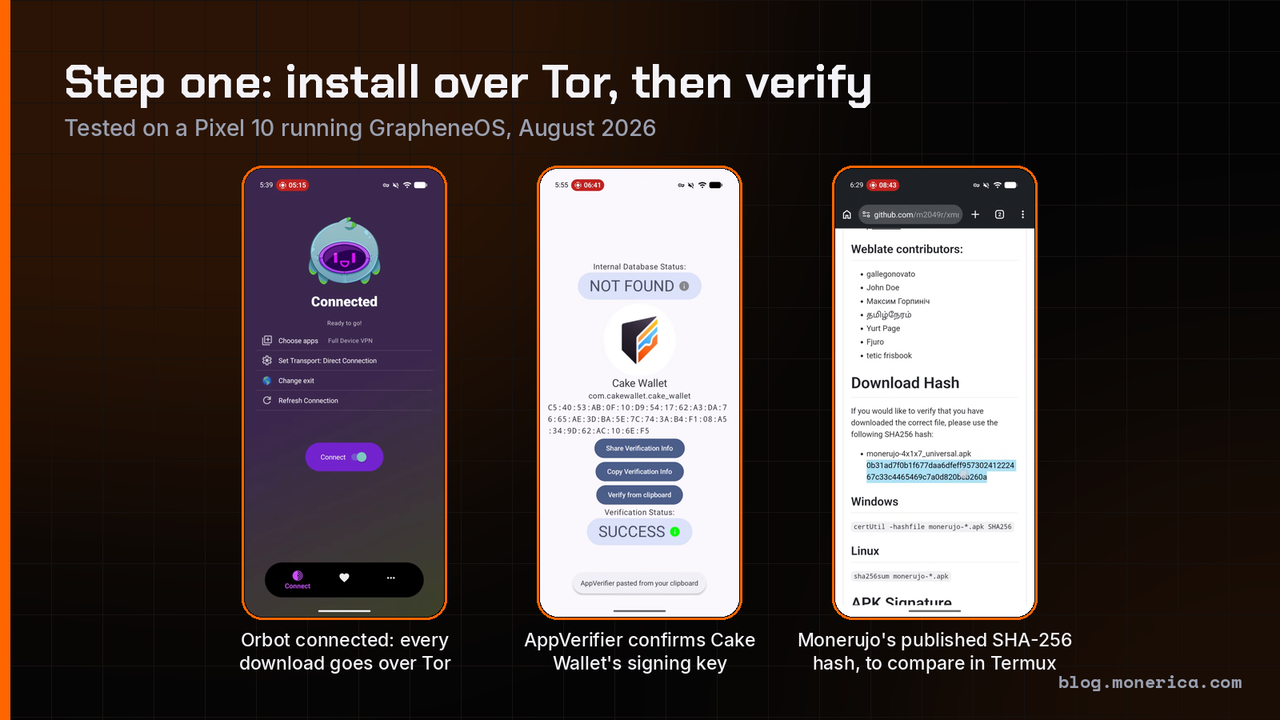
How each wallet was installed and checked:
- Everything went over Tor. Orbot routed every download, so the phone never contacted a wallet site directly.
- No app store was trusted blindly. Wallets came from the developer’s own GitHub releases (through Obtainium), the developer’s own F-Droid repository, or F-Droid.
- Every download was verified before install. Either the app’s signing certificate was confirmed in AppVerifier against the value the developer publishes, or the file’s SHA-256 hash was computed in Termux and compared with the hash on the release page.
- Each wallet moved real Monero. A small amount was received and then sent back out, in real time.
| Wallet | Installed from | Verified with | Receive and send | What we noticed |
|---|---|---|---|---|
| Monfluo | Developer’s own F-Droid repository, added over Tor | F-Droid repository signature | Worked first time | Monero only, no password step at setup, very little to configure. Our pick. |
| Cake Wallet | GitHub release via Obtainium | Signing certificate in AppVerifier | Worked first time | You choose Monero when creating the wallet; swipe to send. |
| Monero.com | GitHub release via Obtainium | Signing certificate in AppVerifier | Worked first time | Same app as Cake Wallet without the other coins. |
| Stack Wallet | APK from GitHub releases | SHA-256 in Termux | Worked first time | Offers an incognito mode at first launch; PIN required. |
| Edge | APK from the project’s site | SHA-256 in Termux | Worked | Requires creating a username and password, and showed several “verify you are human” prompts over Tor. |
| Monerujo | APK from GitHub releases | SHA-256 in Termux | Receiving worked; sending failed several times until we switched node | Blocks screen recording during wallet setup. |
| Unstoppable | F-Droid | F-Droid signature | Took several attempts to receive and to send | F-Droid shows warnings about some of the app’s features. |
| Skylight | F-Droid | F-Droid signature | Not tested | Needs a Monero light-wallet server, which we did not have set up. |
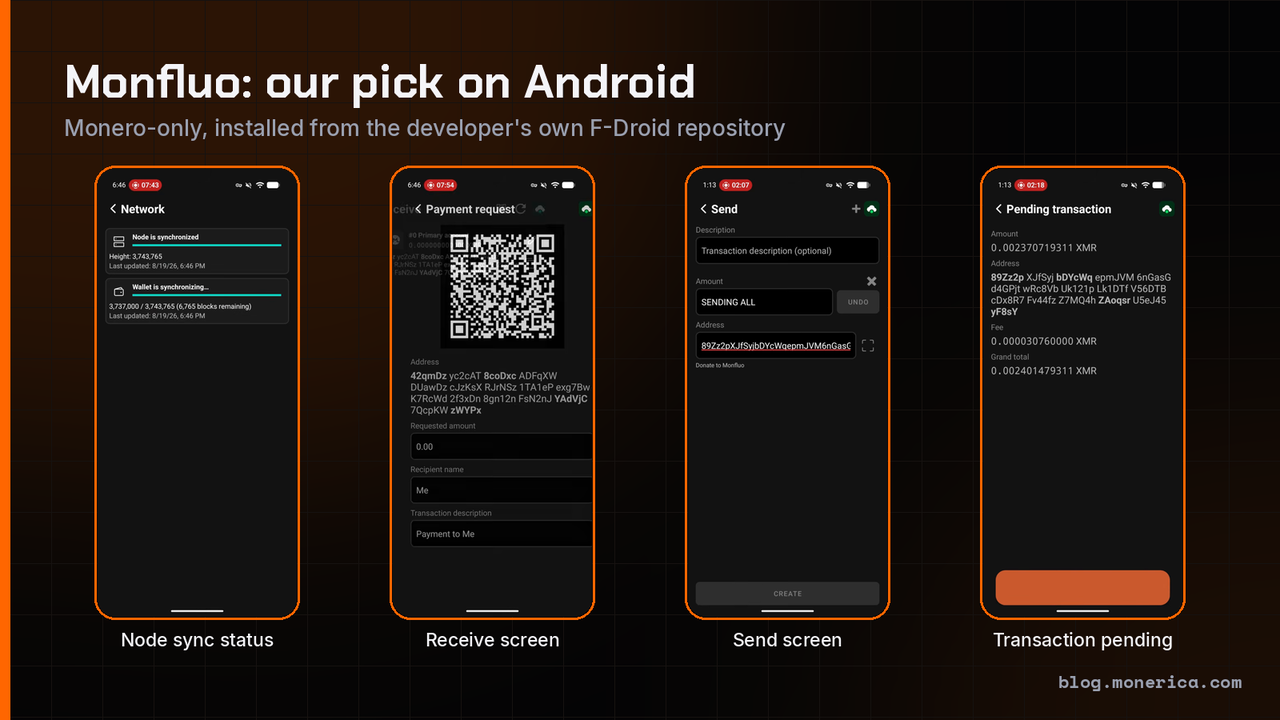
Monfluo was the simplest of the eight. It does one thing, holds Monero, and it comes straight from its developer’s repository, which can be added to F-Droid over Tor. Sending took a few seconds to build the transaction and one swipe to confirm.
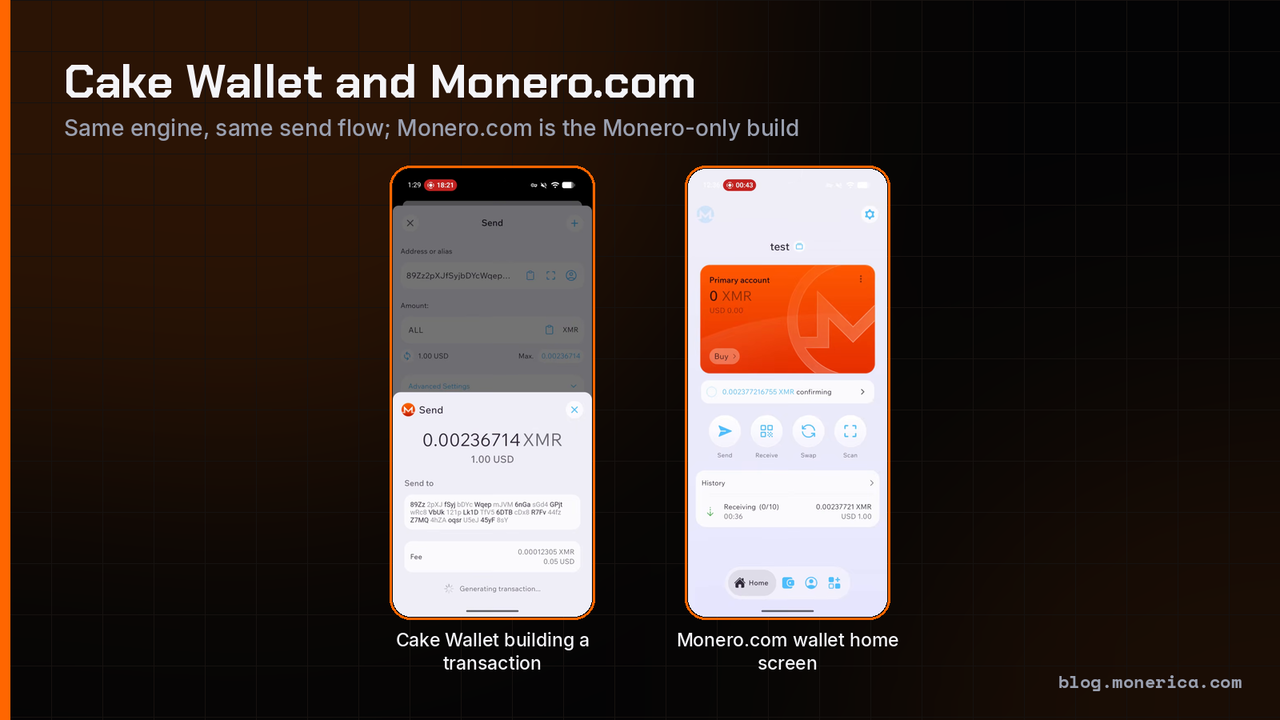
Cake Wallet and Monero.com behaved identically, which is expected: Monero.com is the Monero-only build of the same app. Both built and sent a transaction on the first try.
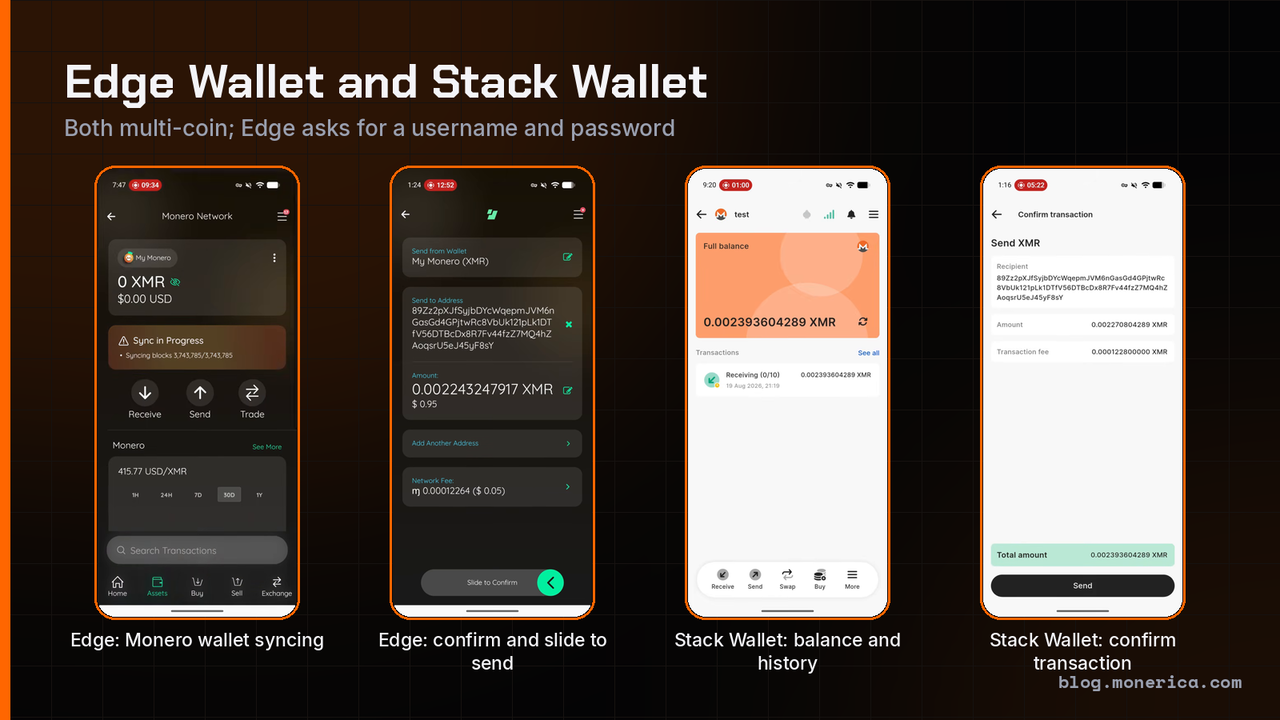
Stack Wallet worked first time and was the smoothest of the multi-coin apps. Edge also sent and received without trouble, but it asks you to create a username and password before you can use it, which is one more account than a Monero wallet needs.
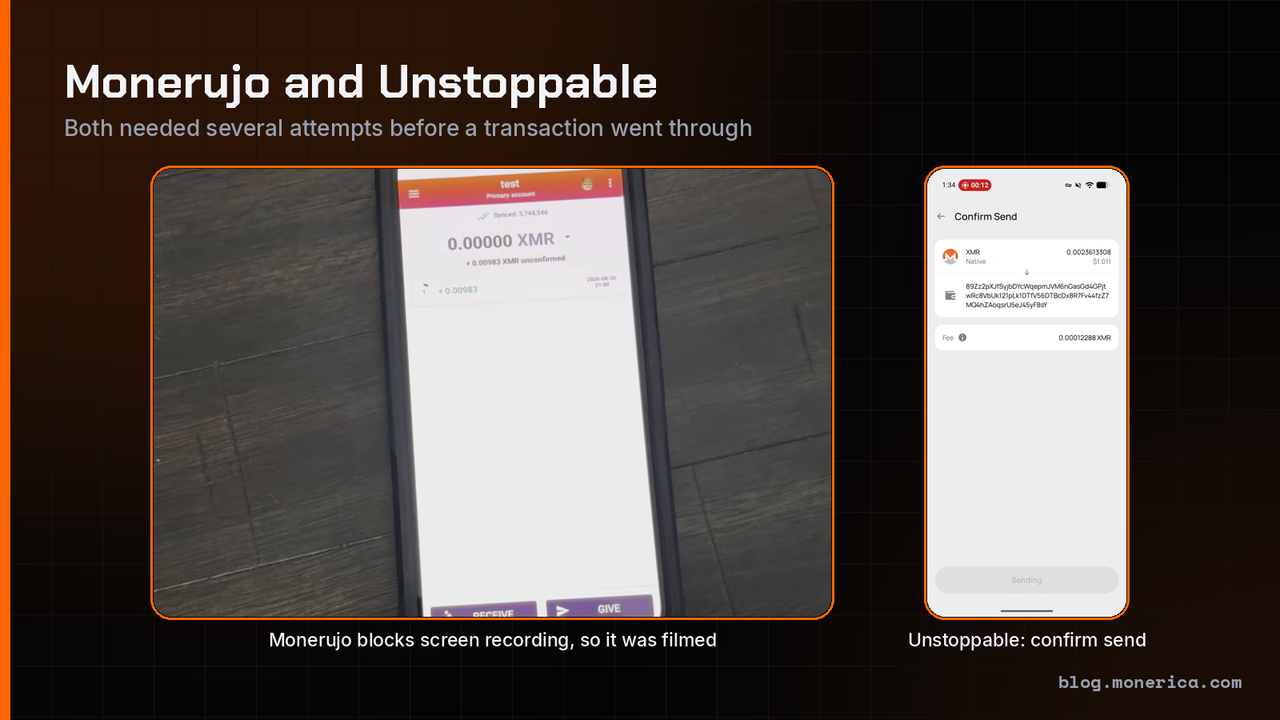
Monerujo and Unstoppable both got there in the end, but not on the first attempt. Monerujo returned errors on send until we changed the node it was connected to. Unstoppable needed several tries both to receive and to send. Neither is a bad wallet, but for a first wallet we would rather recommend the ones that worked without a fight.
Scope of this test: the hands-on run covered the Android wallets. The full ranking of all eight is in best Monero wallet for Android.
Best Monero Hardware Wallet
For larger amounts, keep your keys on a hardware wallet. The Monero Project lists support for the Ledger Nano S, Nano S Plus and Nano X and the Trezor Model T, Safe 3 and Safe 5. The device holds your keys and signs transactions, while the Monero GUI or Feather handles syncing and privacy. The newer Trezor Safe 7 works with Monero through Cake Wallet on iPhone and Android, per Trezor's Monero guide. Trezor Suite and Ledger's own app don't manage XMR themselves; you always pair the device with a Monero wallet app.
For the full device-by-app compatibility chart, DIY air-gapped signers like XmrSigner, and where to buy safely, read our best Monero hardware wallet guide.
Monero Online Wallets: Why to Avoid Web Wallets
Web wallets store or handle your keys on someone else's server, which makes them vulnerable to hacking, phishing and shutdowns. Use one of the wallets above, where you hold the keys. You can also store Monero offline for long-term savings.
Searching for a "Monero wallet online" usually means one of two things:
- A wallet you can open in a browser. Most Monero web and browser-extension wallets share your private view key with a server that scans the blockchain for you. That is faster, but the server can see your incoming payments, and a fake site can steal your seed. If you still want one, compare the options and their warnings in Monerica's web and browser wallet list.
- Access to your XMR from any device. A phone wallet such as Cake Wallet or Monfluo does this without handing your keys to anyone, and the same seed restores on a computer if you lose the phone.
Never type your seed into a website you found through an ad or a search result, and never store it in a cloud note.
Wallets We Left Out, and Why
Our rule: open source, and open to audit
A Monero wallet holds the keys to your money and sees every address you use. With that much at stake, “trust us” is not good enough. Every wallet on this page publishes its full source code, so anyone can read it, audit it and build it themselves. That matters for four practical reasons:
- Nothing can hide. In open code, a backdoor, a tracker or a key that quietly leaves your phone can be found by anyone who looks. In closed code you only learn about it after the money is gone.
- You can check what you downloaded. Open projects publish signing keys and file hashes. That is what made the verification step in our test possible: you can prove the app on your phone is the one the developers released.
- The wallet cannot hold you hostage. Open-source Monero wallets use the standard seed. If the app is abandoned, you restore the same seed in another wallet and carry on.
- Reviews are public. Monero’s core cryptography has been examined by outside firms more than once, for example the Bulletproofs audits by Kudelski Security and Quarkslab, and community-funded audits of wallet libraries. Those reports are published for anyone to read. A closed wallet can say it was audited; an open one lets you check.
To be plain about the limit: open source does not mean every line of every wallet has been through a formal paid audit. It means the code can be audited, by security firms and by the community, and that is the bar we hold wallets to.
Popular wallets that did not make the list
| Wallet | Monero today | Why it is not listed |
|---|---|---|
| Exodus | No longer supported | Exodus ended Monero support on August 18, 2025. Anyone with XMR left there has to restore their keys in another wallet. |
| MyMonero | Shut down | MyMonero closed in January 2026 and pointed its users to Cake Wallet. It was also a light wallet, which meant sharing your view key with its server. |
| Atomic Wallet | Supported | The app’s code is not fully open, so it cannot be independently checked. In June 2023 its users lost an estimated $100 million or more in a hack whose cause outsiders could not inspect. |
| Guarda | Supported | Guarda supports XMR, but independent reviews such as NerdWallet’s note that it is not fully open source. |
| Trust Wallet | Not supported | We could not find Monero among Trust Wallet’s supported networks when we checked in November 2026. Apps that only show a “wrapped” or exchange-held XMR balance are not Monero wallets. |
Three more wallets are open source and did go through our hands-on test, but are not among the top picks: Monerujo and Unstoppable needed several attempts to send, and Edge requires a username and password. They are covered in the test notes above and ranked in the Android guide.
Leaving a wallet that dropped Monero? You do not need the old app’s permission. Restore your 25-word seed in any wallet on this page and your XMR is there. See how to set up an XMR wallet.
How to Choose the Best Monero Wallet
- Stay non-custodial. Choose wallets where you hold the seed (25 words, or 16 for Polyseed), never a third party.
- Insist on open source. Auditable code is what separates a trustworthy wallet from a potential scam.
- Download only from the official site or store. Fake Monero wallets are a common scam; verify the download hash or signature where you can.
- Know where scanning happens. Wallets that scan on your own device keep your view key private; "light" wallets send it to a server so they can sync faster.
- Run your own node when you can. Otherwise connect to a trusted remote node, ideally over Tor. See how to run a Monero node or pick from our best Monero remote nodes.
- Use fresh subaddresses. A new subaddress per sender keeps your activity harder to link.
- Match the tool to the job. Keep savings in cold storage (hardware), and use a phone wallet for day-to-day spending.
- Always test small first. Send a small amount and check the restore works before moving serious funds.
New to Monero? Our step-by-step XMR wallet setup guide walks you through your first wallet, and how to buy Monero covers getting your first XMR into it. For the most private overall setup, see the most private Monero setup.
What's Coming: FCMP++
Monero's next major privacy upgrade, FCMP++ (full-chain membership proofs, together with the new Carrot address scheme), went onto a public test network in October 2026. There is no confirmed mainnet date yet. When it does activate, expect to update your wallet apps, and the firmware on any hardware wallet, before you transact. Stick with actively maintained wallets like the ones above.
Frequently Asked Questions
What is the best Monero wallet overall?
On a computer, the official Monero GUI Wallet, especially with your own node. On a phone, Cake Wallet (or Monero.com) on iPhone and Monfluo on Android. For savings, a Trezor or Ledger paired with the Monero GUI or Feather.
What is the safest Monero wallet?
A hardware wallet (Trezor or Ledger) used with the Monero GUI or Feather, because your keys never touch the internet-connected computer. For software-only, the Monero GUI with your own node is the safest choice. Whatever you pick, back up your seed offline and download only from the official site.
Which Monero wallet is best for privacy?
Monero GUI with your own node, or Feather over its built-in Tor. On mobile, pick a wallet that scans on your phone and lets you choose your node, such as Cake Wallet, Stack Wallet or Monfluo.
What is the best Monero wallet for beginners?
Cake Wallet (or Monero.com) on a phone, or Feather on a computer: both are quick to set up and don't need a blockchain download. Follow our wallet setup guide for your first one.
What is the best Monero wallet for iPhone?
Cake Wallet (or Monero.com), then Stack Wallet and Monero One — see the iPhone guide.
What is the best Monero wallet for Android?
Monfluo, then Cake Wallet and Stack Wallet — see the Android guide.
What is the best Monero wallet for Windows?
The Monero GUI or Feather; both have Windows builds. See our Monero wallet for Windows guide, and this explainer if Windows Defender flags the download.
What is the best Monero hardware wallet?
A Trezor (Model T, Safe 3 or Safe 5) or Ledger (Nano S Plus or Nano X) used with Monero GUI or Feather is the most straightforward route — see the hardware guide.
Can I move my Monero wallet to a different app?
Yes. A standard 25-word Monero seed restores in any of the wallets above, so you are never locked in. Feather's 16-word Polyseed seeds also restore in wallets that support Polyseed. Always write down the restore height too, so the new wallet syncs faster.
Is it safe to keep Monero on an exchange?
Not for the long term. An exchange holds the keys, so it can freeze, lose or be hacked out of your coins. Withdraw to a wallet you control.
Is there a safe online Monero wallet?
Not in the sense of a website that holds your keys. The safest way to reach your Monero from anywhere is a non-custodial phone wallet, backed by a seed you wrote down on paper. Browser-based wallets trade some privacy for convenience because a server scans for your payments.
Does Exodus still support Monero?
No. Exodus ended Monero support on August 18, 2025. If you still have XMR there, restore your keys in an open-source Monero wallet such as Cake Wallet, Feather or the Monero GUI.
What happened to MyMonero?
MyMonero shut down in January 2026. Its users can restore their 25-word seed in another Monero wallet; only the seed carries over.
Does Trust Wallet support Monero?
We could not find Monero among Trust Wallet’s supported networks as of November 2026. Use a dedicated open-source Monero wallet instead.
Why do you only recommend open-source wallets?
Because a wallet holds your keys. Open code can be read and audited by anyone, its downloads can be verified, and its standard seed can be restored elsewhere if the app disappears. Closed wallets ask you to take all of that on trust. See wallets we left out.
Want to see more options? Browse Monerica's wallet directory.
Related Articles
- Best Monero Wallets for iOS
- Best Monero Wallet for Android
- Feather Wallet vs Monero GUI
- Best Monero Hardware Wallet
- How to Set Up an XMR Wallet
- Monero Wallet for Windows
- How to Store Monero Offline
- Best Monero Remote Nodes
- How To Accept Monero Payments