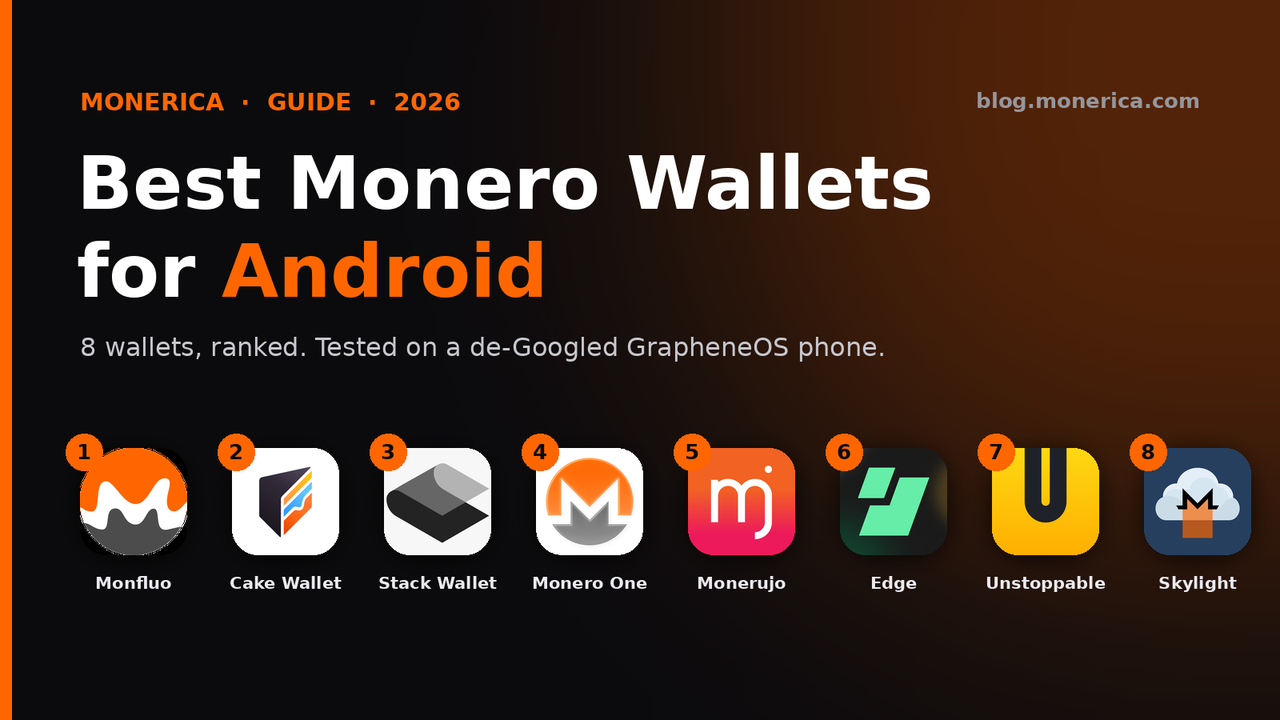
Want the best Monero wallet for Android? We ranked eight no-KYC XMR wallets (tested on a de-Googled GrapheneOS phone) on how well they actually fit Monero — privacy, self-custody, ease of setup, and how cleanly they run without Google services. Every wallet below links to its official source, and the whole process is captured in a step-by-step video so you can watch exactly how to download, verify, and install each one.
▶ Watch: install all 8 Android Monero wallets (the right way)
Full walkthrough on GrapheneOS — download over Tor, verify each app's signature or SHA-256 hash, and set it up. Jump straight to any wallet:
- ▪ 12:12 — Monfluo
- ▪ 4:42 — Cake Wallet
- ▪ 7:21 — Monero.com
- ▪ 18:26 — Stack Wallet
- ▪ 9:20 — Monerujo
- ▪ 15:44 — Edge Wallet
- ▪ 20:58 — Unstoppable
- ▪ 23:12 — Skylight
Watch the full video on YouTube →
Monero One is newer than the video, so it is not shown in it.
The ranking at a glance
Here is how the eight wallets stack up for Android. Monfluo takes the top spot as the cleanest, most Monero-focused option. The first five all scan the blockchain on your phone, so your keys stay with you. The last three trade some privacy or convenience: Edge sends your view key to its servers, and Skylight needs a light-wallet server.
- Monfluo — best overall for Monero
- Cake Wallet — best all-rounder (Monero.com is the same wallet, Monero only)
- Stack Wallet — flexible, F-Droid friendly
- Monero One — new, Monero-only, now on Google Play
- Monerujo — the veteran Android-native XMR wallet
- Edge Wallet — simple multi-coin, but a light wallet (view key sent to Edge)
- Unstoppable — privacy-focused multi-coin
- Skylight — light wallet that needs your own LWS server
How we ranked: a wallet scores highest when it is open-source, self-custody, installs and runs without Google services, connects to your own node or over Tor, and keeps the focus on Monero rather than burying it in a hundred other coins.
The 8 best Android Monero wallets
1. Monfluo — best for Monero
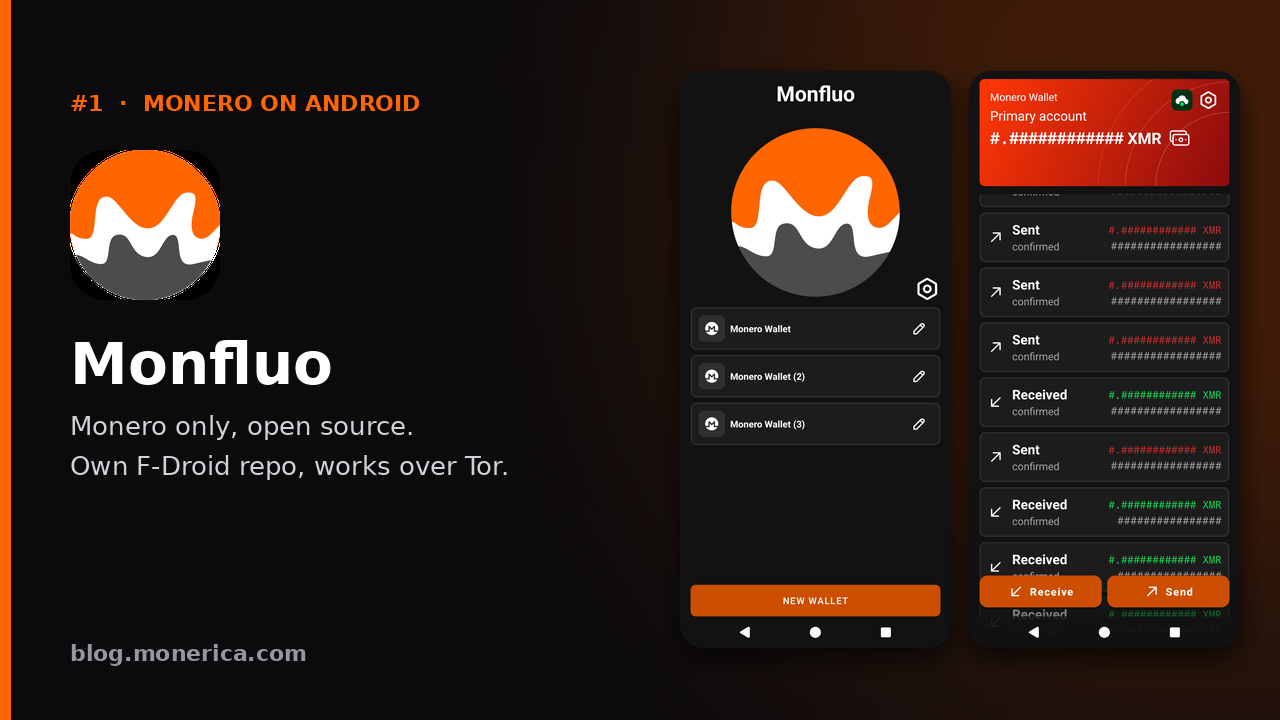
Monfluo is a no-nonsense, Monero-only wallet — a fork of Mysu (formerly MyNero) — and it is our top pick for Android. It is fast, minimal, open-source, and installs cleanly from its own F-Droid repository (clearnet or onion), so you never touch Google Play. There is no multi-coin clutter: it does Monero, and it does it well. That focus, plus easy verification and a tiny attack surface, is exactly what you want on a private phone.
- Why it wins: pure XMR, open-source, F-Droid/onion install, minimal and quick.
- Get it: fdroid.monfluo.org · source on Codeberg
- Install it: watch at 12:12 →
2. Cake Wallet — best all-rounder
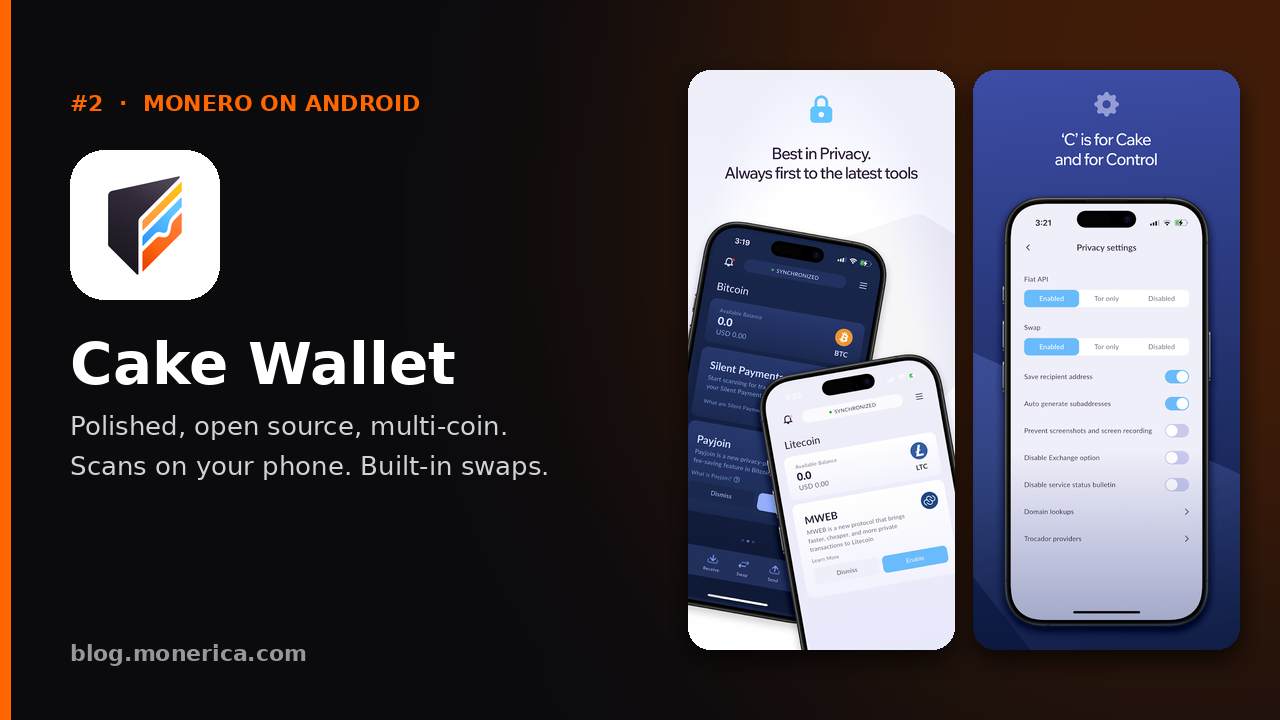
Cake Wallet is the polished, popular daily driver of the Monero world. It is non-custodial and open-source, with a smooth setup, built-in swaps, and support for a few other coins (BTC, LTC, ETH) if you carry more than XMR. Pick Cake if you want the most refined experience and do not mind that it is not Monero-only. It is the best choice if you want more than just Monero in one app.
- Why we like it: excellent UX, non-custodial, multi-coin, in-app swaps.
- Get it: cakewallet.com · source on GitHub
- Install it: watch at 4:42 →
Monero.com — the same wallet, Monero only
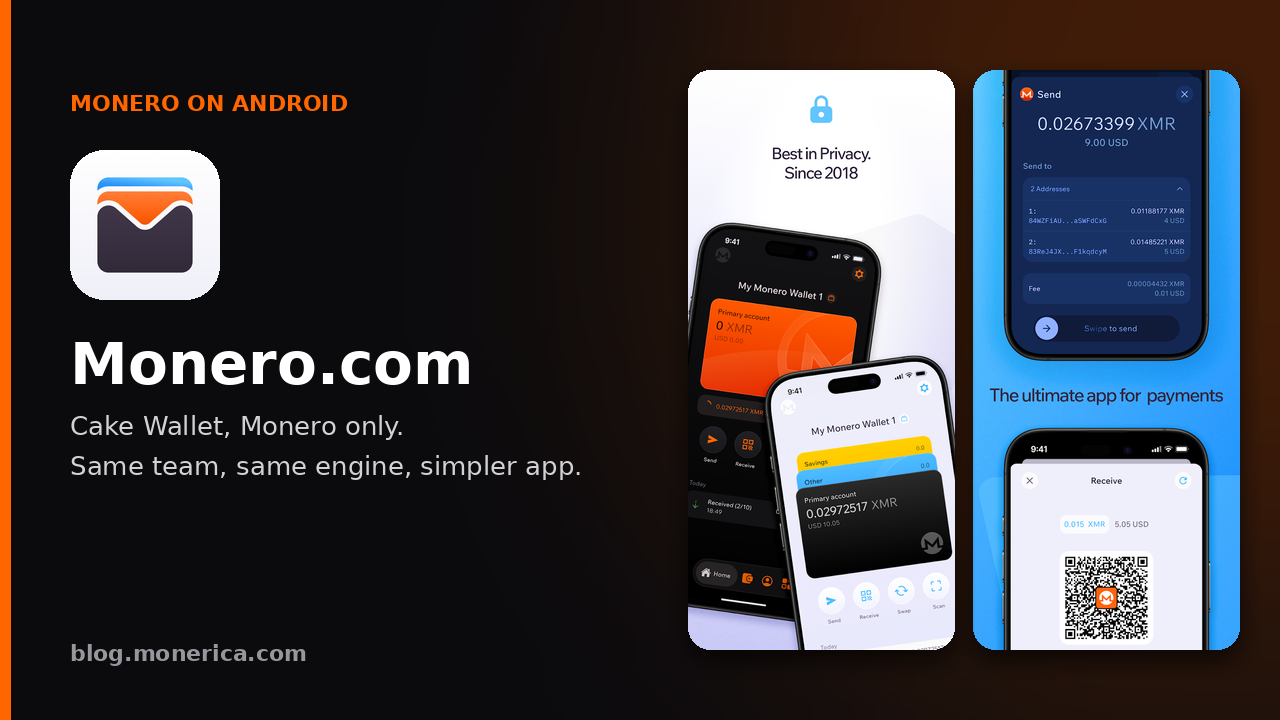
Monero.com is Cake Labs' Monero-only build of Cake Wallet. It is the same trusted, non-custodial engine and interface, minus the multi-coin selection — you do not choose a coin type at the start, because it is XMR all the way. Great for anyone who wants Cake's polish focused purely on Monero. If you only hold XMR, pick Monero.com; otherwise pick Cake Wallet. Your seed works in either.
- Get it: monero.com · Google Play
- Install it: watch at 7:21 →
3. Stack Wallet — flexible & F-Droid friendly
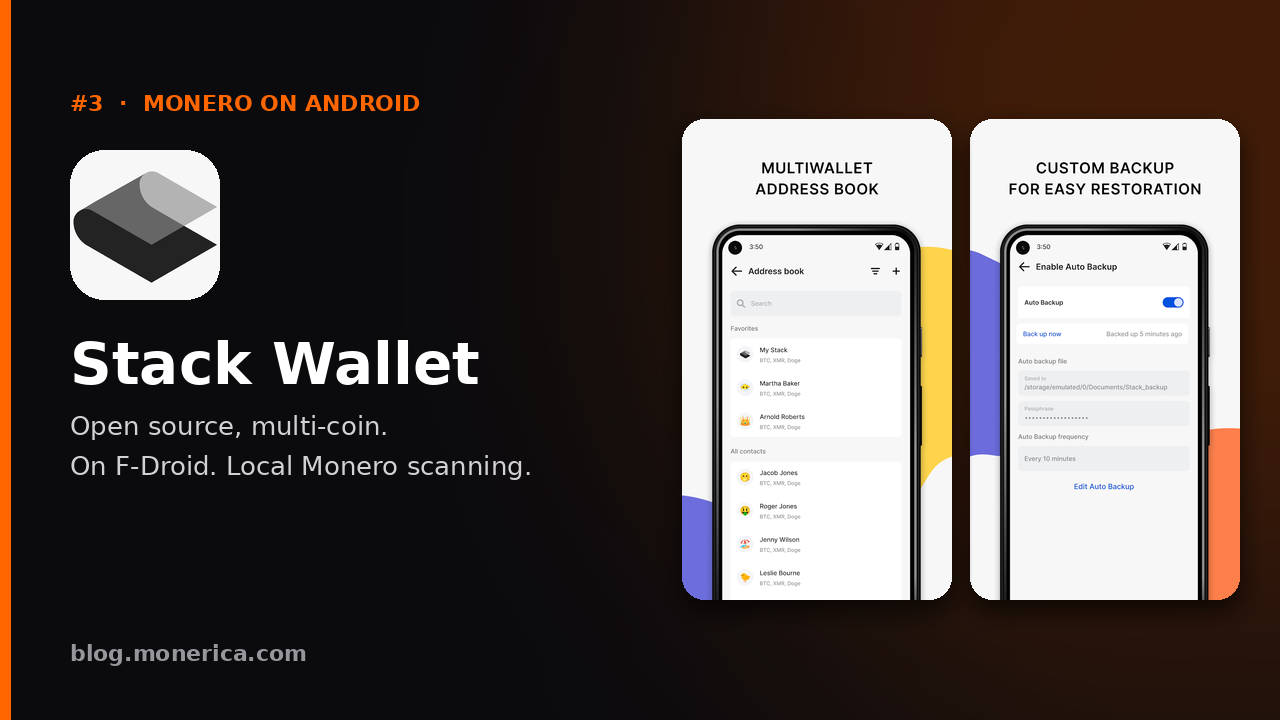
Stack Wallet is a non-custodial multi-coin wallet with solid Monero support and a clean, modern interface. It is open-source, available on F-Droid, and includes an Incognito mode for private setup. A good middle ground if you want Monero plus a handful of other assets without giving up self-custody.
- Why we like it: non-custodial, F-Droid, multi-coin, Incognito mode.
- Get it: stackwallet.com · source on GitHub
- Install it: watch at 18:26 →
4. Monero One — new, Monero-only, now on Google Play
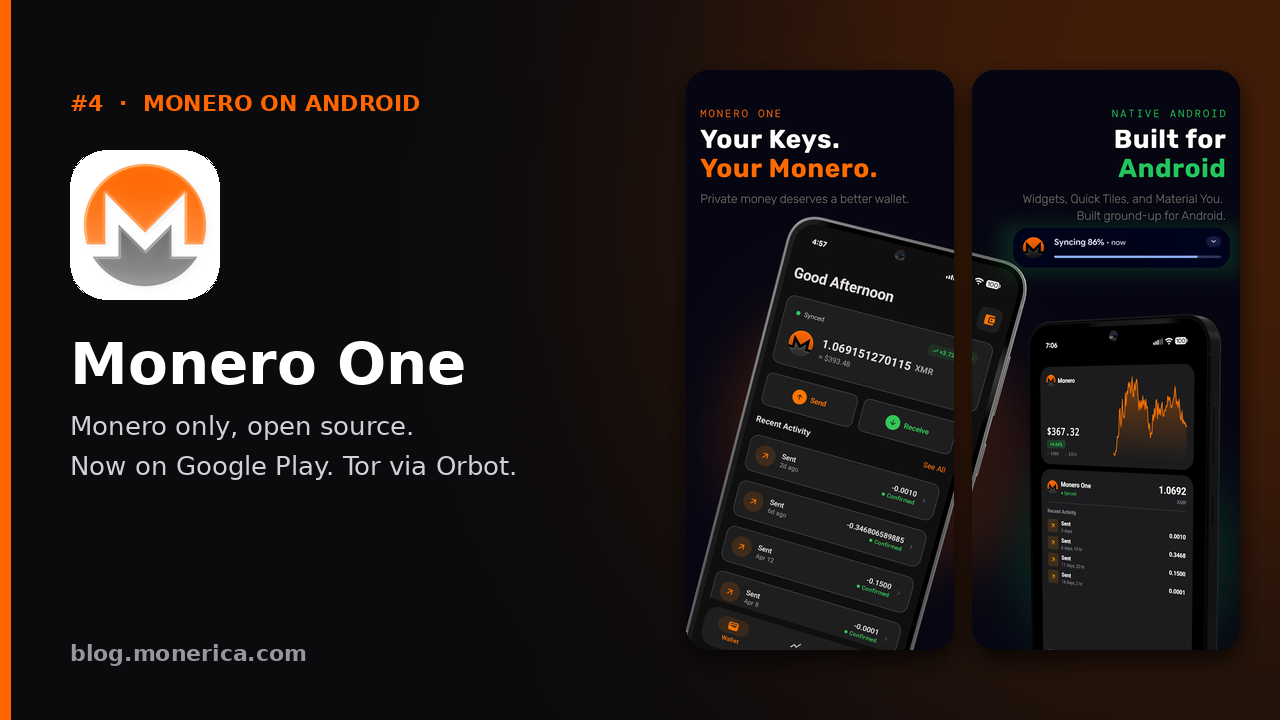
Monero One started on iPhone and is now on Android through Google Play. It is a free, open-source (MIT), Monero-only wallet: keys are created and kept on your device, it scans the blockchain on your phone, and the app sends no analytics. You can use their node, a public one or your own, and route through Tor with Orbot, including to their .onion nodes. It also has home screen widgets and live charts.
- Why we like it: pure XMR, open source, local scanning, Tor via Orbot, clean modern design.
- Keep in mind: it is new on Android and only on Google Play for now (no F-Droid or direct APK), so on GrapheneOS you need sandboxed Google Play or a Play client such as Aurora Store.
- Get it: Google Play · monero.one · source on GitHub
5. Monerujo — the Android veteran
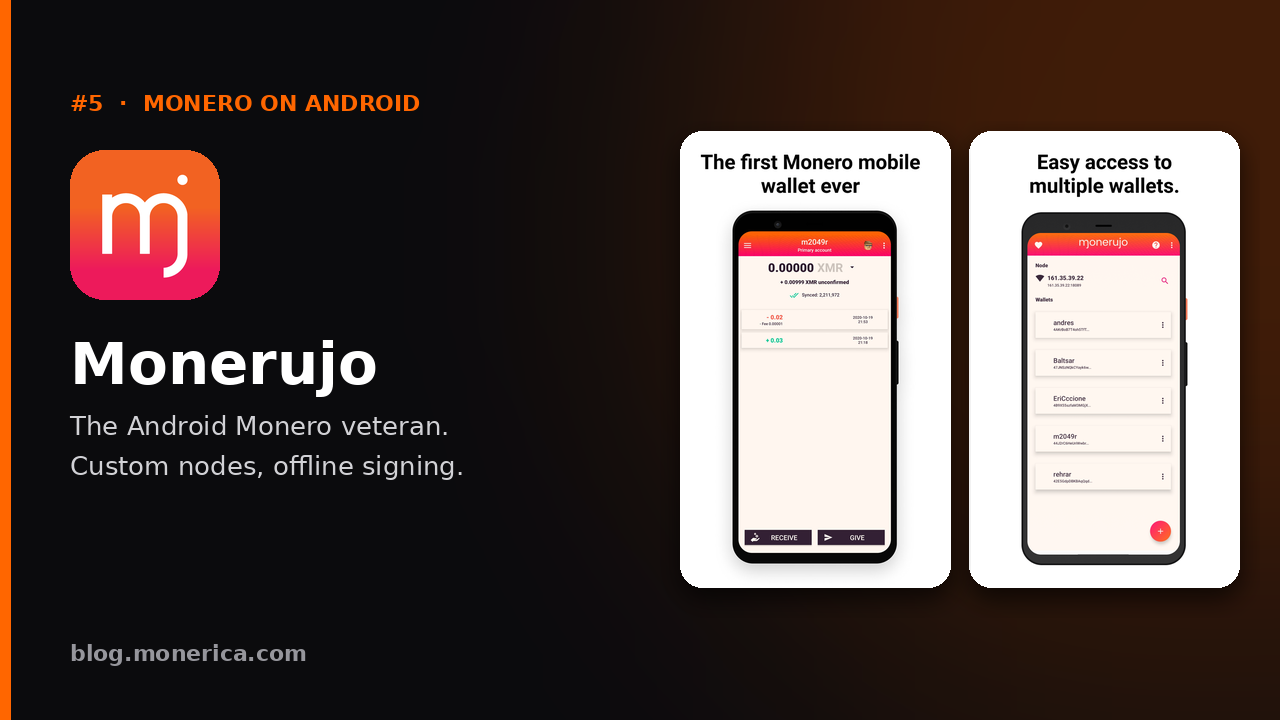
Monerujo is the original Android-native Monero wallet and still one of the most capable. It offers granular control that power users love — custom nodes, subaddresses, PocketChange, and SideKick for turning a second phone into an offline signer. It is open-source and available on F-Droid. A little more involved than the wallets above, but hard to beat once you know your way around.
- Why we like it: mature, feature-rich, custom nodes, optional offline signing.
- Get it: monerujo.io · source on GitHub
- Install it: watch at 9:20 →
6. Edge Wallet — simple multi-coin, light wallet
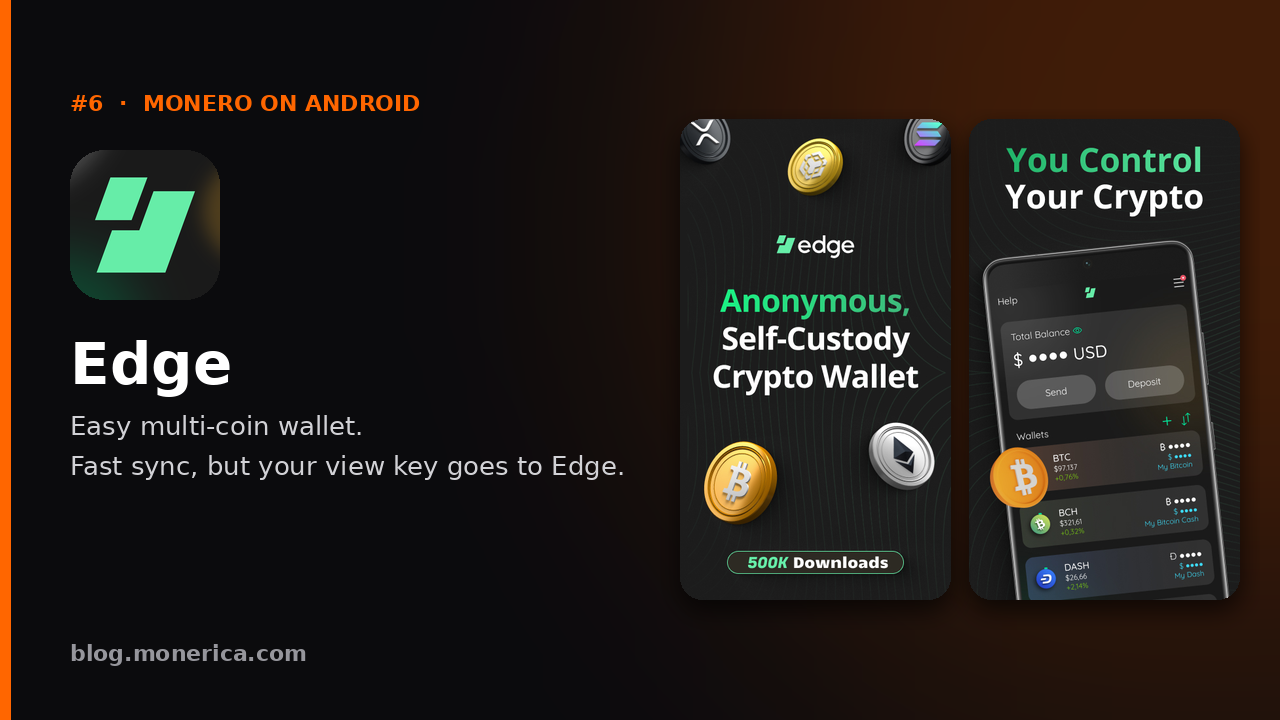
Edge is a long-running, open-source multi-coin wallet with an easy interface and broad coin support including XMR. It uses a username-and-password account model (with your keys encrypted on-device) rather than the classic seed-first flow, which some newcomers find friendlier. Solid and cross-platform, though less Monero-centric than the wallets above.
The privacy catch: for Monero, Edge is a light wallet. Instead of scanning the blockchain on your phone, it sends your private view key to Edge's own servers, which scan for you (it used MyMonero's servers until MyMonero shut down in January 2026). Syncing is almost instant, but whoever runs the server can see the payments you receive. They cannot spend your funds. Edge lets you point Monero at your own light-wallet server in its settings if you want to avoid this.
- Why we like it: beginner-friendly, cross-platform, non-custodial.
- Get it: edge.app · source on GitHub
- Install it: watch at 15:44 →
7. Unstoppable — privacy-focused multi-coin
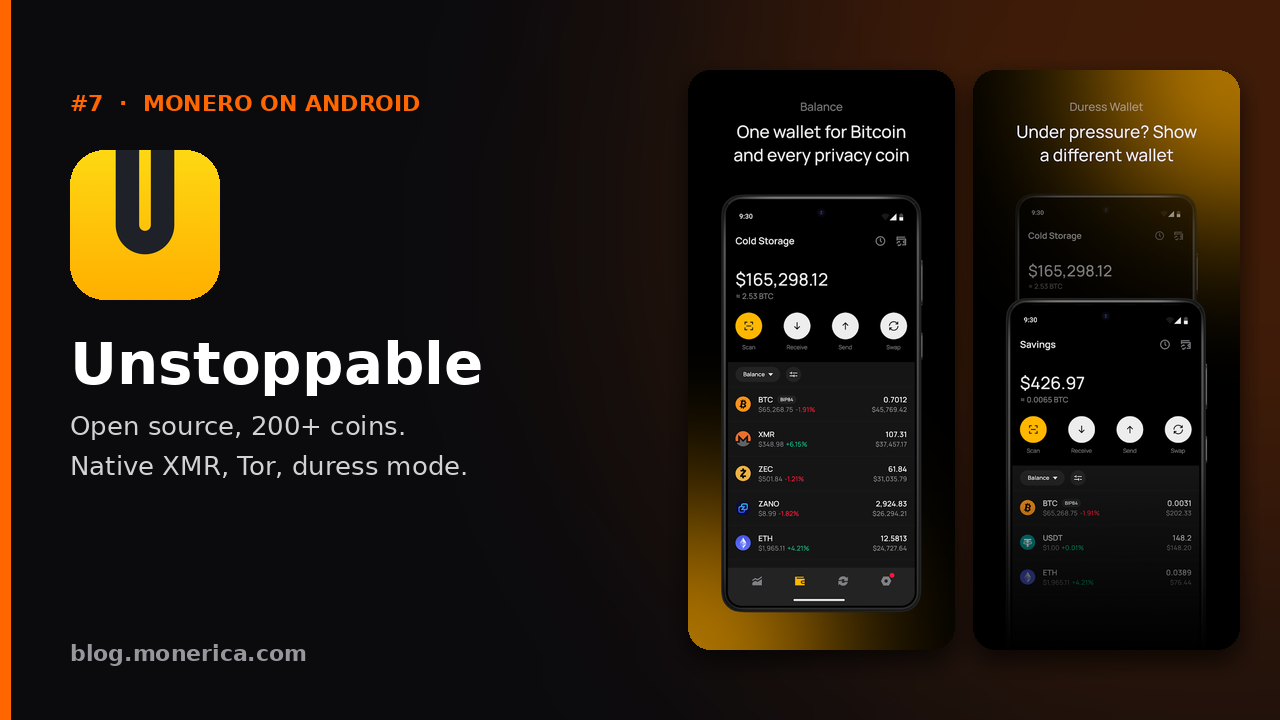
Unstoppable is an open-source, no-KYC wallet supporting 200+ assets with native Monero support, Tor routing, and a duress mode. It is on F-Droid, which is a plus for de-Googled phones. Monero is one coin among many here, so it ranks below the XMR-first options — but it is a capable pick if you want everything in one app. In our testing it took a couple of tries to send and receive XMR.
- Why we like it: open-source, F-Droid, native XMR, Tor, huge coin list.
- Get it: unstoppable.money · on F-Droid
- Install it: watch at 20:58 →
8. Skylight — light wallet (needs your own server)
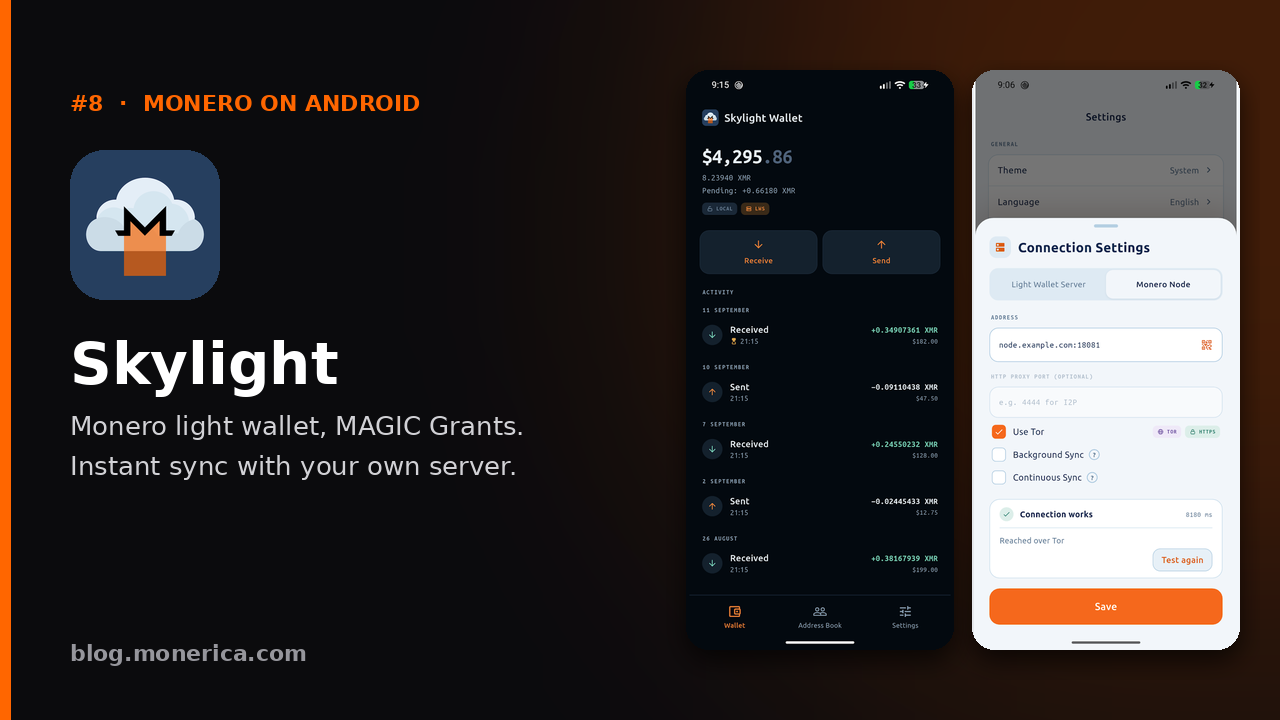
Skylight, by MAGIC Grants, is a modern, open-source, self-custody Monero light-wallet. Instead of syncing the whole blockchain on your phone, it talks to a Monero Light-Wallet Server (LWS) that scans for your transactions — so it opens instantly. The catch, and the reason it is last: MAGIC Grants does not run a public server, so you must provide your own LWS. That extra requirement puts it out of reach for most casual users, but it is an excellent option if you already run light-wallet infrastructure. It has built-in Tor and is on F-Droid.
- Why it is last: requires you to run/point to your own light-wallet server (LWS).
- Get it: skylight.magicgrants.org · on F-Droid · Google Play
- See it: watch at 23:12 →
At-a-glance comparison
| # | Wallet | Focus | Open source | On F-Droid | Best for |
|---|---|---|---|---|---|
| 1 | Monfluo | Monero-only | Yes | Yes (own repo) | Purists & de-Googled phones |
| 2 | Cake Wallet / Monero.com | Multi-coin / Monero-only | Yes | No | Best all-round daily driver |
| 3 | Stack Wallet | Multi-coin | Yes | Yes | Flexible self-custody |
| 4 | Monero One | Monero-only | Yes | No (Google Play only) | Modern Monero-only app |
| 5 | Monerujo | Monero-only | Yes | Yes | Power users |
| 6 | Edge | Multi-coin (light wallet) | Yes | No | Beginners who value speed |
| 7 | Unstoppable | Multi-coin | Yes | Yes | Many coins, one app |
| 8 | Skylight | Monero light wallet | Yes | Yes | Users running their own LWS |
How to install & verify a Monero wallet on Android
On a de-Googled phone like GrapheneOS there is no Google Play, so you install these wallets from open sources and verify them yourself. The video shows the whole flow; the short version:
- Get the tools: install F-Droid and Obtainium (installs apps straight from a developer's GitHub/Codeberg), plus AppVerifier to check signatures and Orbot to route downloads over Tor.
- Download over Tor: use Orbot so your wallet downloads are not tied to your IP.
- Verify before installing: use AppVerifier to confirm an app's signing certificate, or compare the SHA-256 hash of the APK against the developer's official page (the video does this in Termux). This is how you avoid fake, malware-laced wallets.
- Then set up self-custody: write your 25-word seed on paper or steel (never a screenshot or cloud), and never share it with anyone.
Safe setup checklist
- Install from official sources above — avoid look-alike apps in random stores.
- Verify the signature or SHA-256 hash before you open the app.
- Back up your 25-word seed offline; test the restore before funding.
- Use a fresh subaddress per sender for better privacy.
- Connect to your own node or over Tor where the wallet allows it.
- Test with a small amount first, then move larger sums.
FAQ: Android Monero wallets
- What is the best Monero wallet for Android? For a pure, private, no-Google experience we rank Monfluo first, followed by Cake Wallet and Stack Wallet.
- Which is best for beginners? Cake Wallet or Monero.com for a clean, guided start; Edge if you prefer a username/password model.
- Which wallets work without Google Play? Monfluo, Monerujo, Stack Wallet, Unstoppable, and Skylight all install from F-Droid or their own repos — ideal for GrapheneOS.
- Why are Edge and Skylight near the bottom? Both are light wallets: a server scans the blockchain using your private view key. Edge uses its own servers by default (so Edge can see your incoming payments), and Skylight needs you to supply your own Light-Wallet Server (LWS).
- Is Monero One on Android? Yes — it is on Google Play. It is not on F-Droid yet.
- Are these wallets no-KYC? Yes — they are self-custody wallets. You hold the keys and there is no identity check to create one.
Source & discovery
These wallets are drawn from the community directory at Monerica.com (Wallets section), where you will also find links to each project's source code. For places to spend and swap your XMR once your wallet is set up, browse the rest of the Monerica directory.
Related Articles
- Best Monero (XMR) Wallet For Desktop & Mobile
- Best Monero Hardware Wallet
- Feather Wallet vs Monero GUI: Which Desktop Wallet Is Best for You?
- Monero Wallet Windows