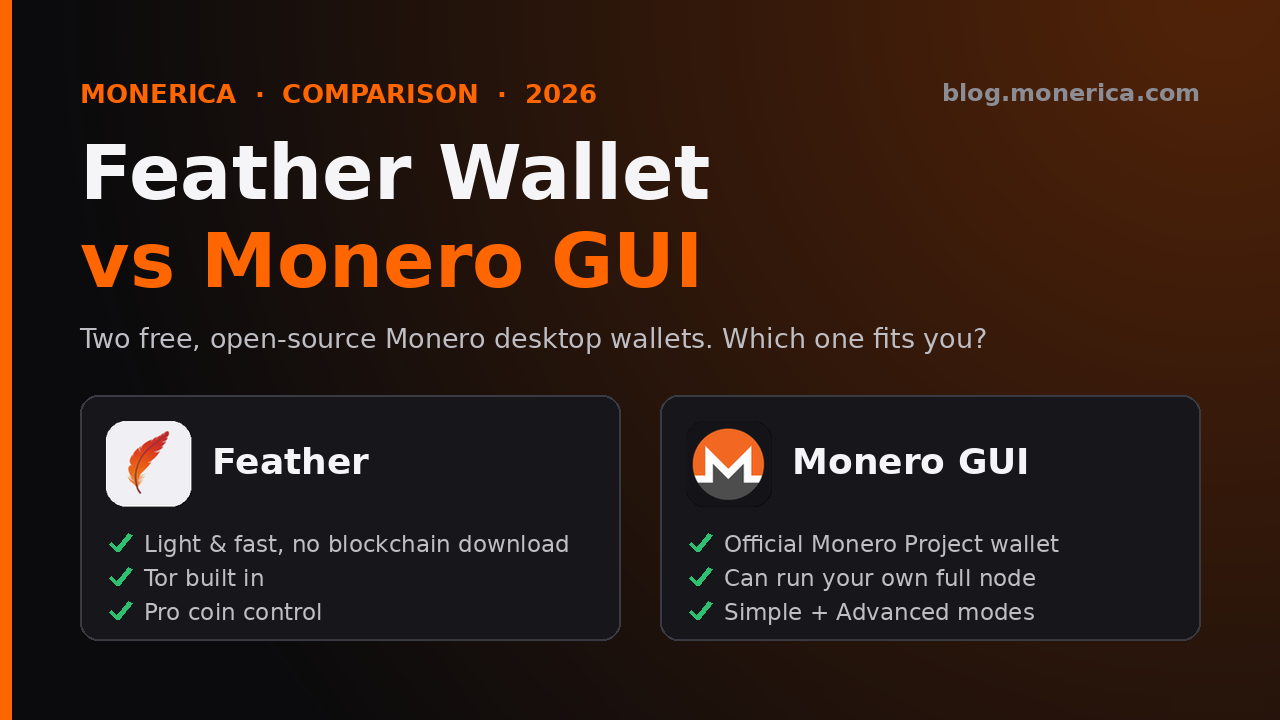
Choosing between Feather Wallet and the official Monero GUI? Both are free, open-source, non-custodial desktop wallets for Windows, macOS and Linux, and both work with Ledger and Trezor. The real differences are in how they connect to the network, Tor, coin control and node tools. This guide compares the current versions, Feather 2.9.1 and Monero GUI 0.18.5.4, checked against the official sites in November 2026.
Quick verdict:
- Choose Feather if you want a light, fast wallet that is ready in minutes, routes traffic over built-in Tor, and gives you power-user coin control.
- Choose the Monero GUI if you want the official wallet and plan to run your own full node, or need merchant mode.
- Not sure? Many people use both: the GUI to run a node, and Feather connected to that node.
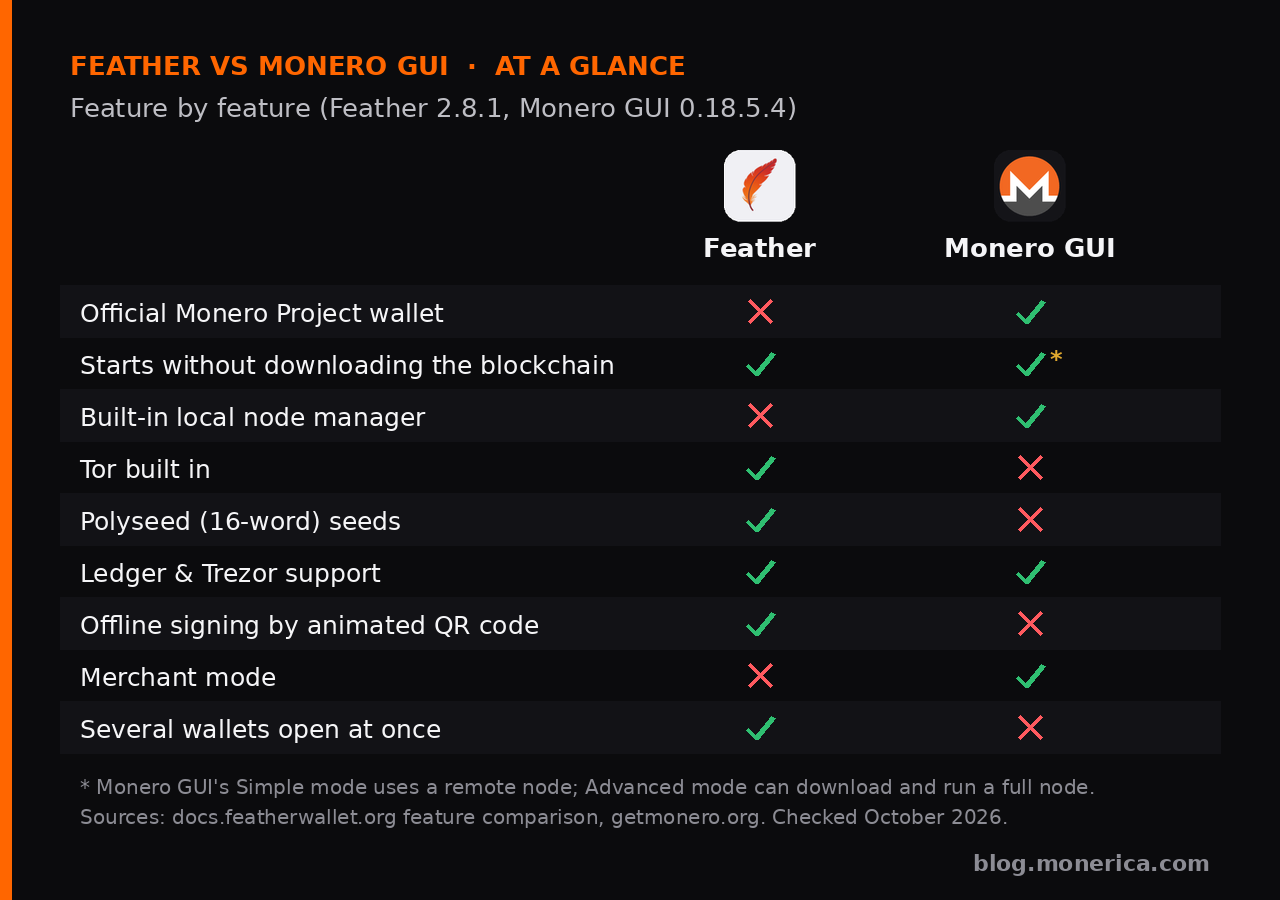
Feather vs Monero GUI: Comparison Table
| Feature | Feather Wallet | Monero GUI |
|---|---|---|
| Made by | Independent open-source project | The Monero Project (official) |
| Current version | 2.9.1 | 0.18.5.4 “Fluorine Fermi” |
| Platforms | Windows, macOS, Linux, Tails | Windows, macOS, Linux |
| Blockchain download | None; connects to a remote node or your own node | Simple mode uses a remote node; Advanced mode can run a full node |
| Built-in node manager | No (can connect to your own node) | Yes, with pruning |
| Tor | Built in | Not built in; SOCKS5 proxy setting |
| Seed | 16-word Polyseed (restores 25-word seeds too) | 25-word seed |
| Coin control | Advanced: freeze/thaw outputs, manual input selection, labels | More limited |
| Hardware wallets | Ledger Nano S/S Plus/X, Trezor Model T/Safe 3 | Ledger Nano S/S Plus/X, Trezor Model T/Safe 3/Safe 5 |
| Offline signing | Yes, including animated QR codes | Yes, via files |
| Several wallets open at once | Yes | No |
| Merchant mode / solo mining | No | Yes |
| Multisig | Not yet | No (CLI only) |
Sources: the official feature comparison in Feather's documentation and getmonero.org downloads page.
What They Are
Feather Wallet
Feather is a lightweight, Monero-only desktop wallet. Its stated goal is to be beginner-friendly while offering a feature set on par with the official command-line wallet. It doesn't store the blockchain; it connects to a remote node (or your own), so it is ready to use within minutes and runs well on older laptops, virtual machines and live systems like Tails.
- Strengths: built-in Tor, granular coin control, Polyseed seeds, easy node switching, offline signing by QR code, proofs and message signing.
- Limits: no built-in node manager, no merchant mode, no multisig yet.
Monero GUI (Official)
The Monero GUI is the Monero Project's own desktop wallet. It can download and verify the whole blockchain with its built-in node manager, which gives you the strongest privacy because you never query anyone else's node. Simple mode connects to a remote node for a quick start; Advanced mode unlocks the full node, pruning, mining, merchant mode and cold-signing tools.
- Strengths: official reference software, built-in full node with pruning, merchant mode, view-only and cold-signing workflows.
- Limits: heavier, no built-in Tor, more limited coin control, one wallet at a time. A full node needs about 250 GB of disk (about 100 GB pruned, per Monero's January 2026 figures).
Side-by-Side Highlights
Setup and first sync
- Feather: ready in minutes using a remote node; no full blockchain download.
- Monero GUI: Simple mode is just as quick on a remote node. Running your own full node takes hours to days for the first sync. See Monero node requirements.
Privacy defaults
- Feather: Tor is built in, so your IP address is hidden from remote nodes without extra software.
- Monero GUI: strongest when it runs its own node, because no outside node sees your wallet's requests. To use Tor, you run Tor separately and set the SOCKS5 proxy.
Coin control and power tools
- Feather: freeze and thaw outputs, sweep single or selected outputs, split outputs, pick inputs by hand and label coins. Also spend, in and out proofs, and message signing.
- Monero GUI: payment proofs, view-only wallets, cold signing, key management and a merchant view for point of sale.
Hardware wallets and cold storage
- Both support Ledger Nano S, S Plus and X, and Trezor Model T and Safe 3; the GUI also lists the Trezor Safe 5.
- Feather adds offline signing with animated QR codes, which pairs well with an air-gapped computer or the DIY XmrSigner. See our best Monero hardware wallet guide.
Is Feather Wallet Safe?
Yes, when downloaded from featherwallet.org. It is open source, its releases are signed, and it runs a public bug-bounty program. Antivirus warnings on Windows are usually false positives, and the same happens with the Monero GUI on Windows Defender. Always check the hash and signature of whatever you download.
Which Wallet Should You Choose?
- New to Monero, want the official software? Monero GUI in Simple mode. Start on a remote node, then move to your own node for maximum privacy.
- On a laptop or older machine, want speed and Tor? Feather.
- Want to run your own node or need merchant mode? Monero GUI in Advanced mode. See how to run a Monero node.
- Frequent sender who wants fine control over which coins you spend? Feather.
- Want both? Run a node with the GUI (or monerod), and point Feather at it.
Security and Privacy Best Practices (Applies to Both)
- Verify downloads: check hashes and signatures before installing any wallet.
- Prefer your own node: for maximum privacy, connect your wallet to a self-hosted node. If you use a remote node, pick a reputable one (see our best Monero remote nodes) and connect over Tor.
- Back up your seed: store your seed offline in more than one safe place, along with the restore height.
- Keep systems clean: update the OS and wallet; avoid browser plugins on the machine that holds your funds.
Download Links (Official)
- Feather Wallet: featherwallet.org
- Monero GUI: getmonero.org/downloads
FAQ
Is Feather better than the Monero GUI?
For most laptop users who connect to a remote node, Feather is faster and has Tor built in, so many people prefer it. The Monero GUI is better if you want the official wallet or plan to run your own full node.
Can I use the same seed in Feather and the Monero GUI?
A 25-word Monero seed restores in both. Feather creates 16-word Polyseed seeds by default, and the GUI uses 25-word seeds, so if you may switch to the GUI later, create a 25-word wallet or check Polyseed support first.
Does Feather run a full node?
No. Feather has no built-in node manager, but it can connect to a node you run yourself, for example one run by the Monero GUI or monerod.
Does the Monero GUI support Tor?
Not built in. You can run Tor separately and set the GUI's SOCKS5 proxy. Feather includes Tor out of the box.
Which is better for a hardware wallet?
Both support Ledger and Trezor. The GUI lists more Trezor models (including the Safe 5); Feather adds QR-code offline signing.
Is the Monero GUI a virus?
No. Antivirus tools sometimes flag it because it includes mining code. Download only from getmonero.org and verify the hash; see why Windows Defender flags it.
Related Articles
- Best Monero Wallet (2026)
- Feather Wallet Virus? It's a False Positive
- Monero Wallet and Windows Defender
- Best Monero Hardware Wallet
- How to Run a Monero Node
- Best Monero Remote Nodes
- Best Monero Exchanges
- Best Monero Directory