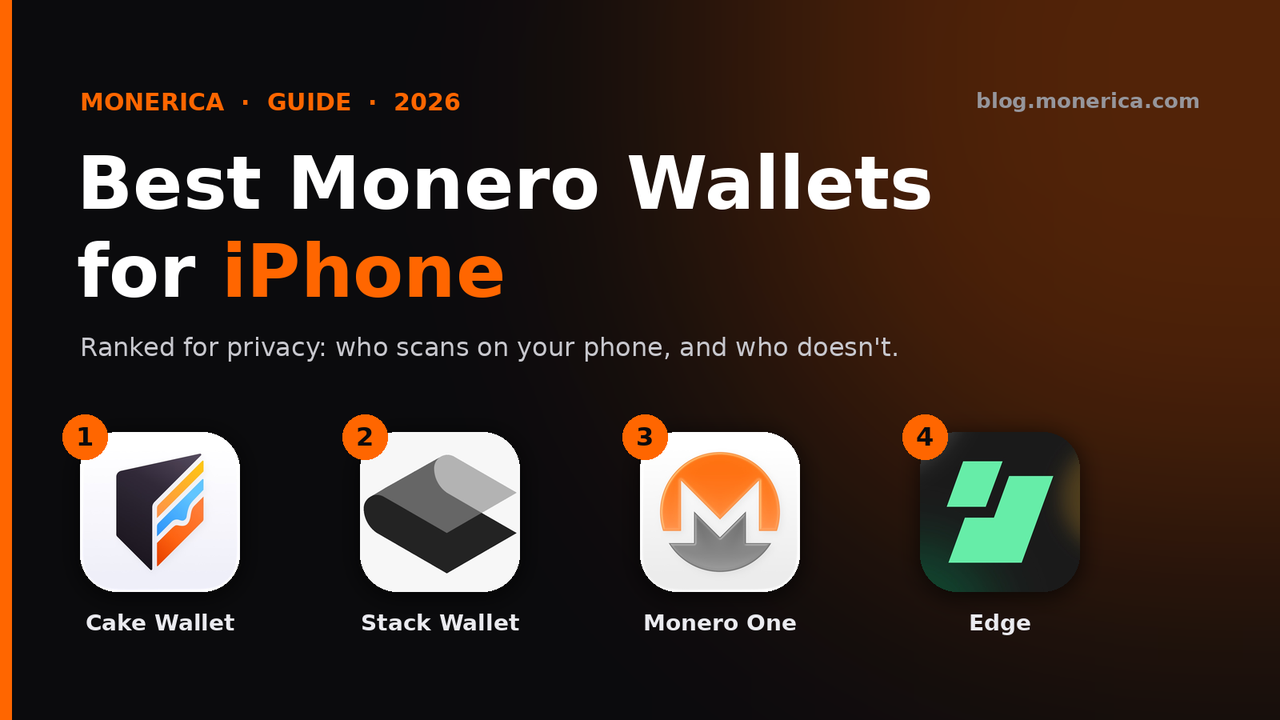
- Short answer: The best Monero (XMR) wallet for iPhone is Cake Wallet (or its Monero-only twin, Monero.com). Next come Stack Wallet, Monero One and Edge.
- Why this order: The first three scan the blockchain on your phone, so your keys never leave it. Edge syncs faster by sending your private view key to Edge's servers, which can then see your incoming payments.
1. Cake Wallet (Best Overall)
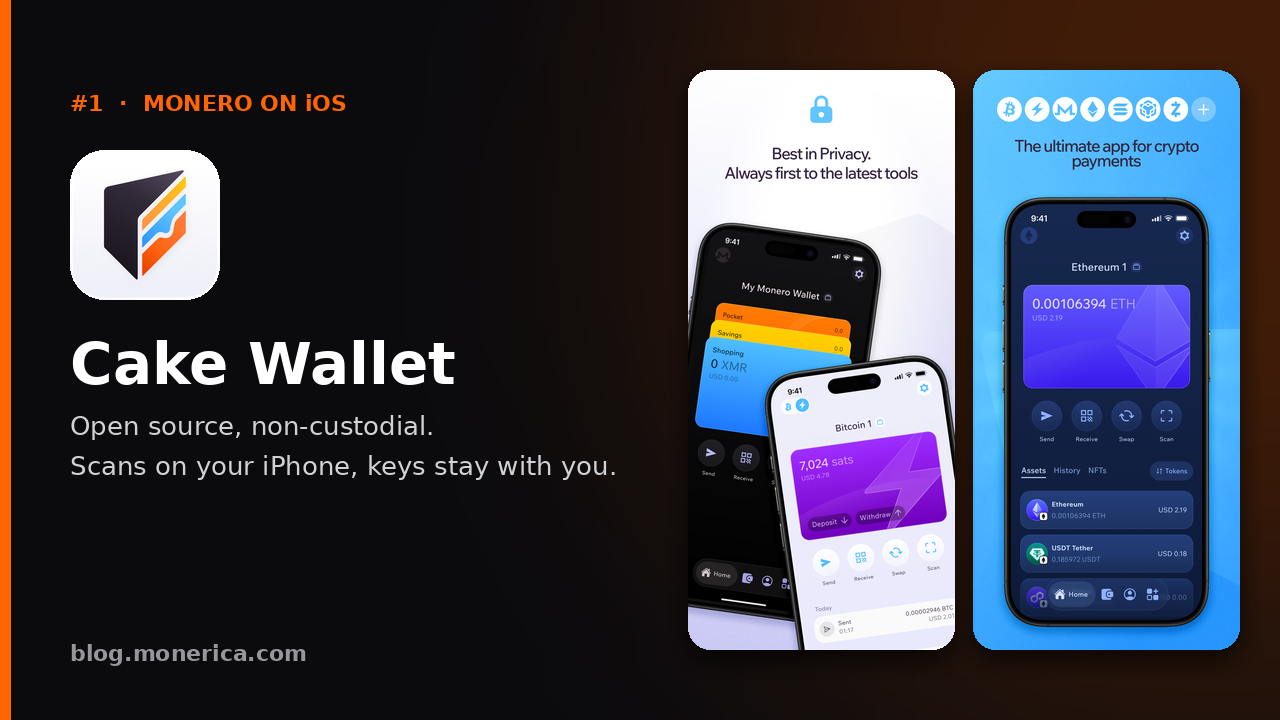
- What it is: One of the longest-running Monero wallets on iPhone, from Cake Technologies. It also holds Bitcoin, Litecoin and other coins, with optional built-in swaps.
- Why it's #1: Open source and non-custodial. It scans the blockchain on your iPhone, so your keys stay with you, and you can connect to any Monero node, including your own.
- Track record: Rated 4.7 from more than 4,000 App Store reviews, and still updated regularly.
- Good for: Most people: beginners and experienced users who want solid Monero support plus other coins.
- Links: App Store · Cake Wallet on Monerica
Monero.com by Cake Wallet (same wallet, Monero only)
Monero.com is Cake Wallet with everything except Monero taken out. It is made by the same team, on the same code, and is updated at the same time. If you only hold XMR and want a simpler screen, pick Monero.com; otherwise pick Cake Wallet. You can restore the same seed in either one.
- Links: App Store · Monero.com on Monerica
2. Stack Wallet (Best Open-Source Multi-Coin)
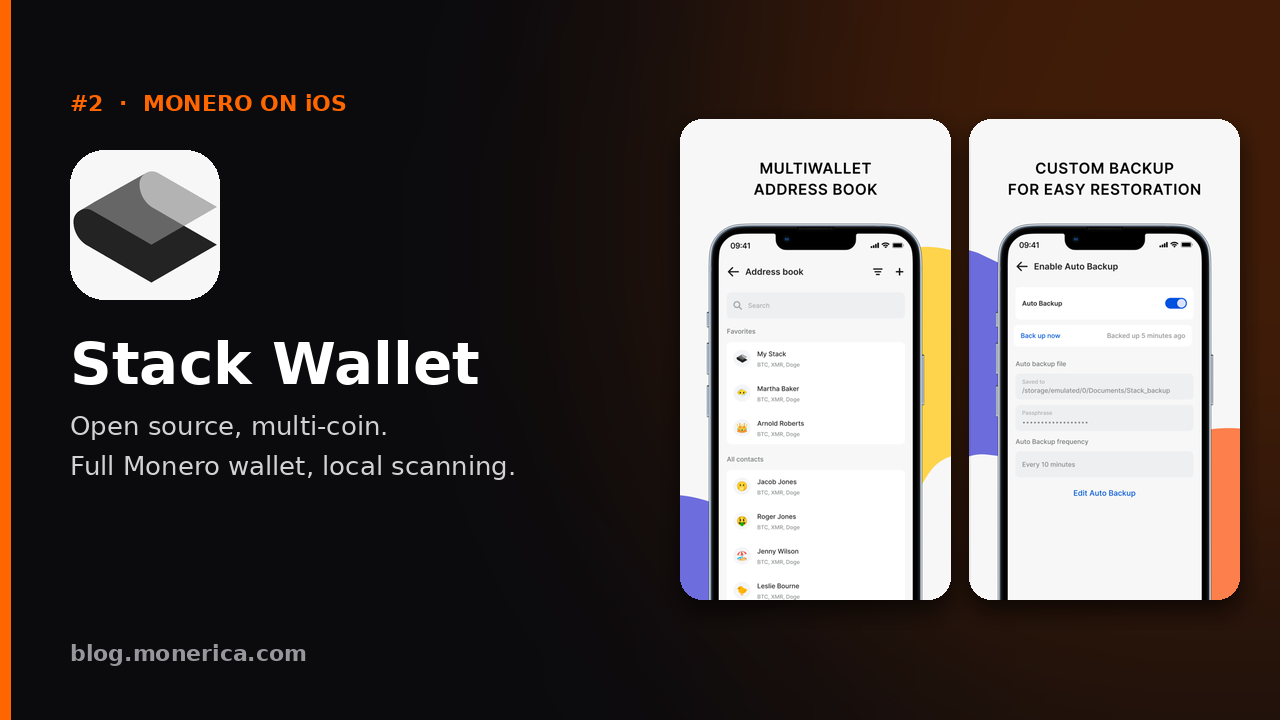
- What it is: A fully open-source, non-custodial wallet from Cypher Stack that holds Monero alongside many other coins, on iPhone, Android and desktop.
- Why we like it: Like Cake Wallet, it runs a full Monero wallet on your device, so your view key is not handed to a server. It also has handy extras such as an address book, multiple wallets and automatic encrypted backups.
- Keep in mind: It is more of a power-user tool, and its App Store rating is lower than the wallets above.
- Links: App Store · stackwallet.com · Stack Wallet on Monerica
3. Monero One (Best Native iPhone Experience)
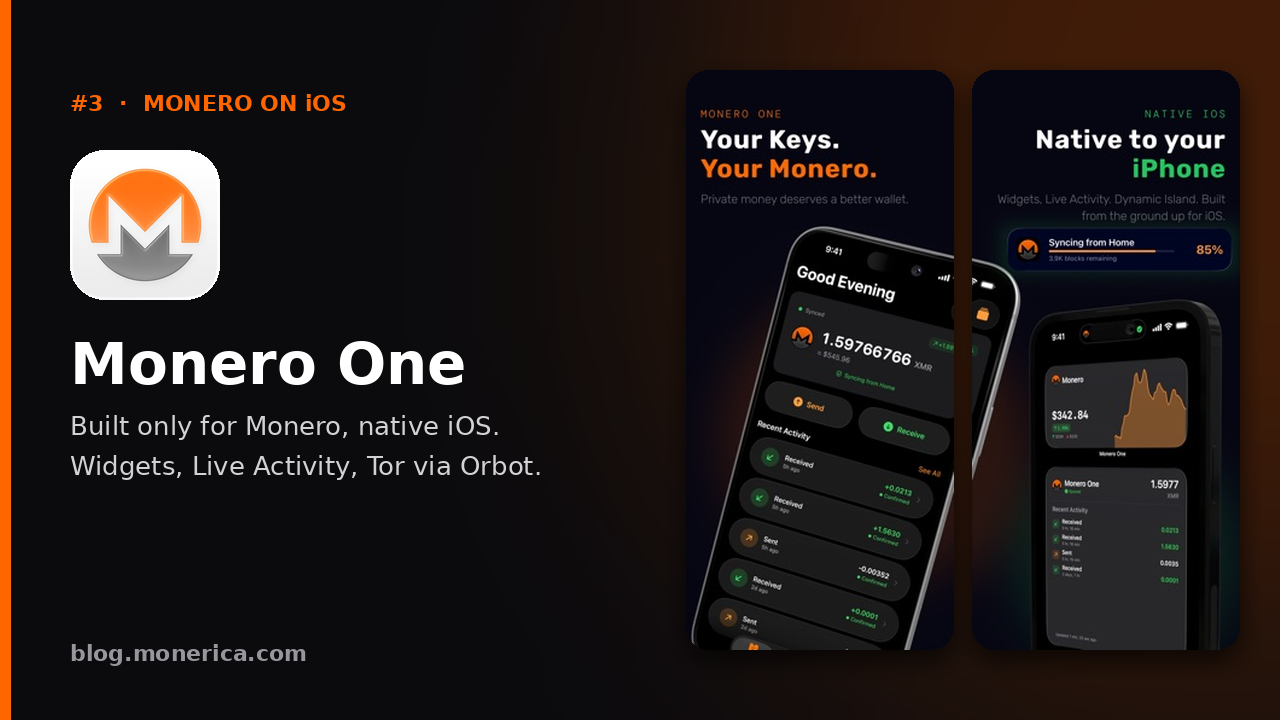
- What it is: A newer, Monero-only wallet built from the ground up for iPhone and iPad (also on Android). It is free and open source under the MIT license.
- Why we like it: It feels like a real iPhone app: home screen widgets, a Lock Screen Live Activity and Dynamic Island showing sync progress, Face ID, and VoiceOver support. Keys are created and kept on your device, and the app sends no analytics.
- Privacy extras: You choose your node (theirs, a public one, or your own), and you can route through Tor with Orbot, including to their .onion nodes. "Trusted Locations" lets you limit syncing to places like home or work; location data never leaves your phone.
- Keep in mind: It is newer, with far fewer App Store reviews than Cake Wallet so far.
- Links: monero.one · App Store · Source code · Monero One on Monerica
4. Edge (Fastest Sync, Less Private)
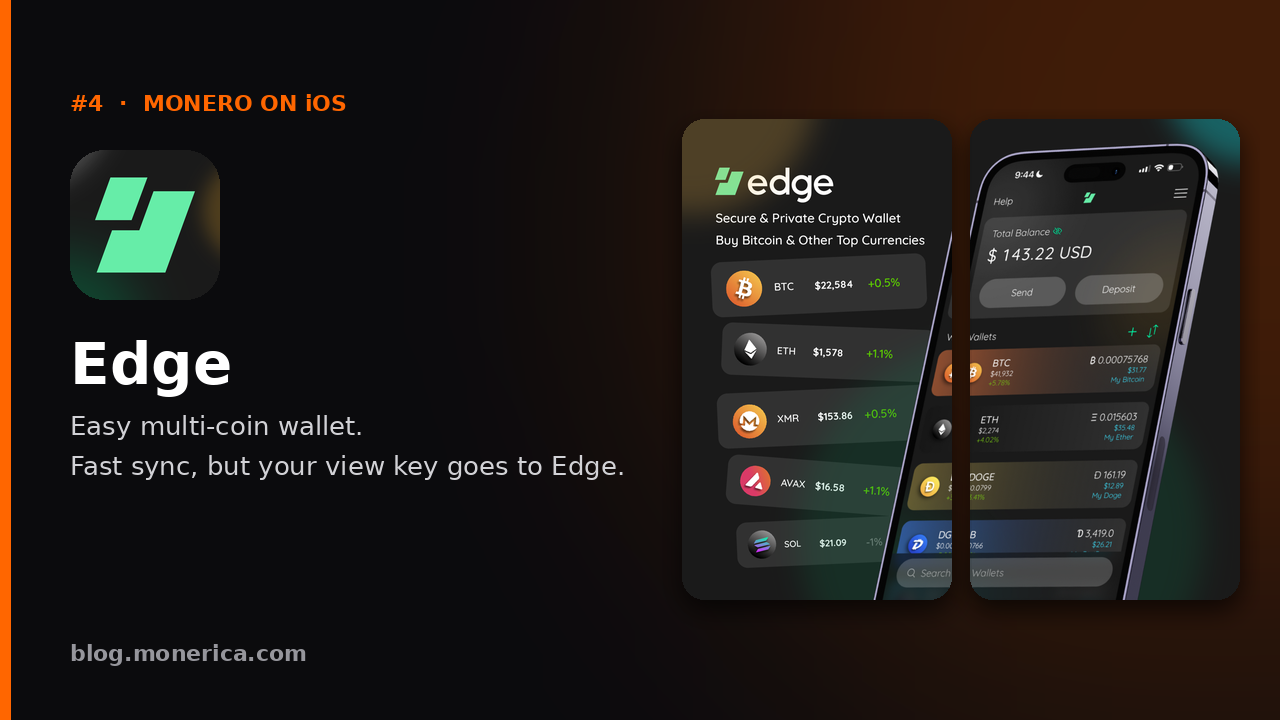
- What it is: A popular, easy multi-coin wallet with Monero support and built-in exchanges. It has a username and password login, with keys encrypted on your device.
- Why it's last: Edge is a light wallet for Monero. Instead of scanning the blockchain on your phone, it sends your private view key to a server that scans for you. Since late 2025 that is Edge's own server (it used MyMonero's until MyMonero shut down in January 2026). That makes syncing almost instant, but whoever runs the server can see the payments you receive. They cannot spend your funds, because the spend key stays on your phone.
- How to reduce that: Edge lets you point Monero at your own light-wallet server (such as monero-lws) in its settings, so no outside server sees your view key.
- Good for: People who already use Edge for other coins and value convenience over maximum privacy.
- Links: App Store · Edge on Monerica
Quick Comparison
- Cake Wallet / Monero.com: Scans on your phone · open source · multi-coin (Cake) or Monero only (Monero.com) · most proven on iPhone.
- Stack Wallet: Scans on your phone · open source · multi-coin · more advanced.
- Monero One: Scans on your phone · open source · Monero only · best iPhone features (widgets, Live Activity, Tor via Orbot).
- Edge: View key sent to Edge's server (unless you run your own) · multi-coin · fastest and easiest.
What to Look For in an iPhone Monero Wallet
- Where scanning happens: Wallets that scan on your phone keep your view key private. Light wallets are faster but share it with a server.
- Non-custodial keys: You hold the seed; nobody else can move your funds.
- Open source: Public code can be checked by anyone.
- Node choice: The option to use your own node, or connect over Tor, protects your network privacy.
- The real App Store listing: Check the developer name before installing, because fake lookalike wallets do appear.
How to Set Up a Monero Wallet on iPhone
1) Install
- Use the links above to reach the official App Store page, and check the developer name (Cake Technologies, Cypher Stack, Zenith Foundation or Airbitz).
2) Create & Back Up
- Create a new wallet and write the seed phrase down on paper. Never store it in screenshots or notes apps.
- Turn on Face ID or a PIN for local protection.
3) Receive XMR
- Use a subaddress from the Receive screen; a new one for each payer is best.
- Send a small test amount first, then larger amounts once it arrives.
4) Send & Restore
- Send by pasting or scanning the address; the default fee is fine.
- Restore on a new phone at any time with your seed phrase.
Official Listings
- Cake Wallet (App Store)
- Monero.com by Cake Wallet (App Store)
- Stack Wallet (App Store)
- Monero One (App Store)
- Edge (App Store)
Related Articles
- Best Monero Exchanges
- Best Monero (XMR) Wallet For Desktop & Mobile [Updated: 2025]
- Best Monero Hardware Wallet
- Best Monero Debit Card