▶ Watch the full video on YouTube (also on Monerica Video)
Tor is a free network, run by volunteers, that hides who you are from the websites you visit and hides what you visit from your internet provider. You've probably heard the name. This guide explains what Tor actually is, how it works under the hood, the right way to use it, and whether it can really make you anonymous online. Spoiler: it can, but most people who get caught on Tor are caught by their own mistakes, not by anyone breaking the network.
Disclosure: the video this article is based on is sponsored by Xeovo, a VPN that accepts Monero. The sponsor section is clearly marked below.
What problem does Tor solve?
Every time you open a website, your connection carries a return address: your IP address. It points back to your internet provider, your approximate location, and eventually to you. That creates three problems at once:
- The website sees it. Every site you visit learns your IP address.
- Your internet provider sees every site you visit. It knows where your connection goes, all day long.
- Anyone watching your connection sees both ends: who you are and where you're going.
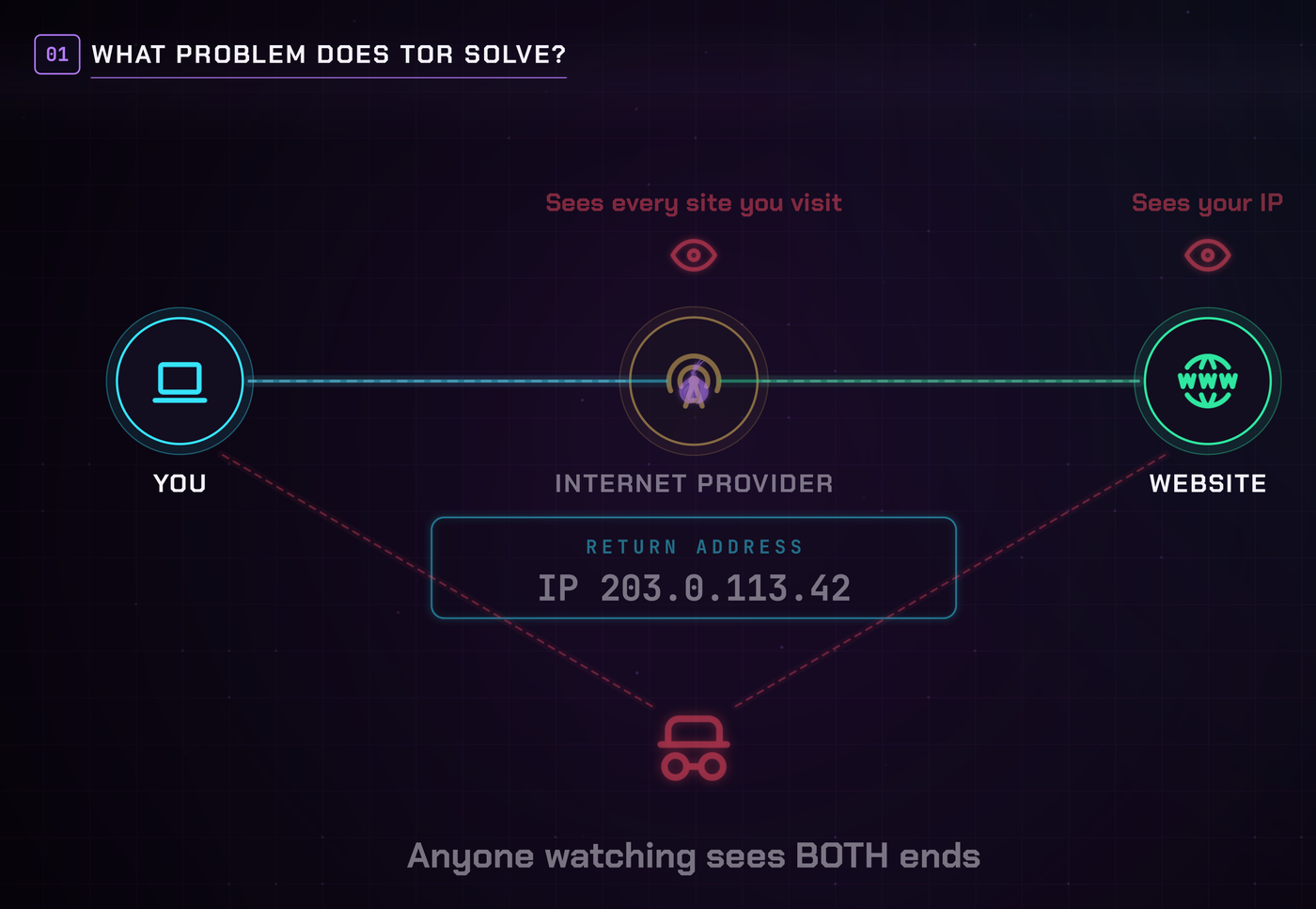
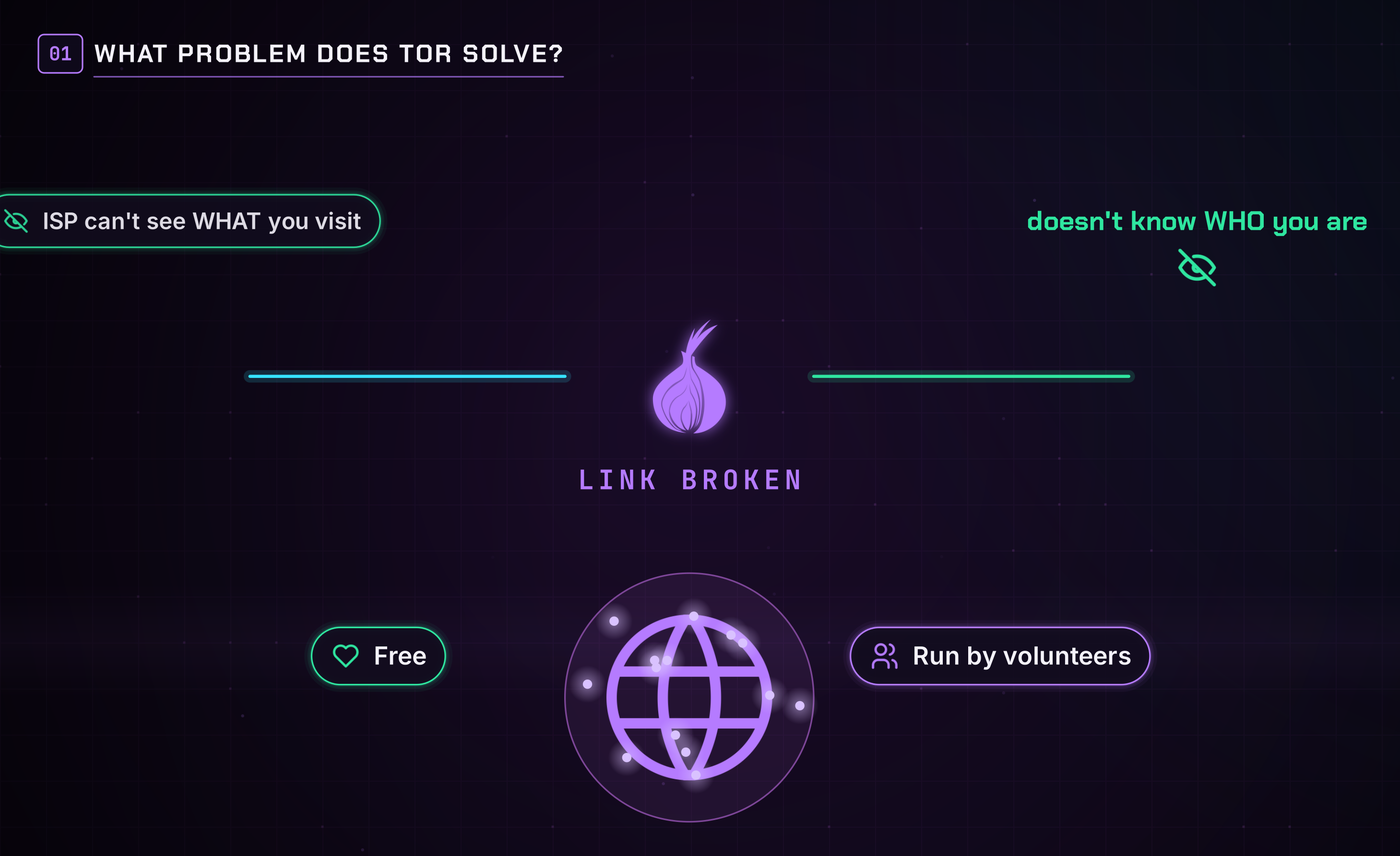
Tor exists to break that link. Its job is to make sure the site doesn't know who you are, and your internet provider doesn't know what you're visiting. The name stands for The Onion Router, and the onion part will make sense in a minute.
A brief history of Tor
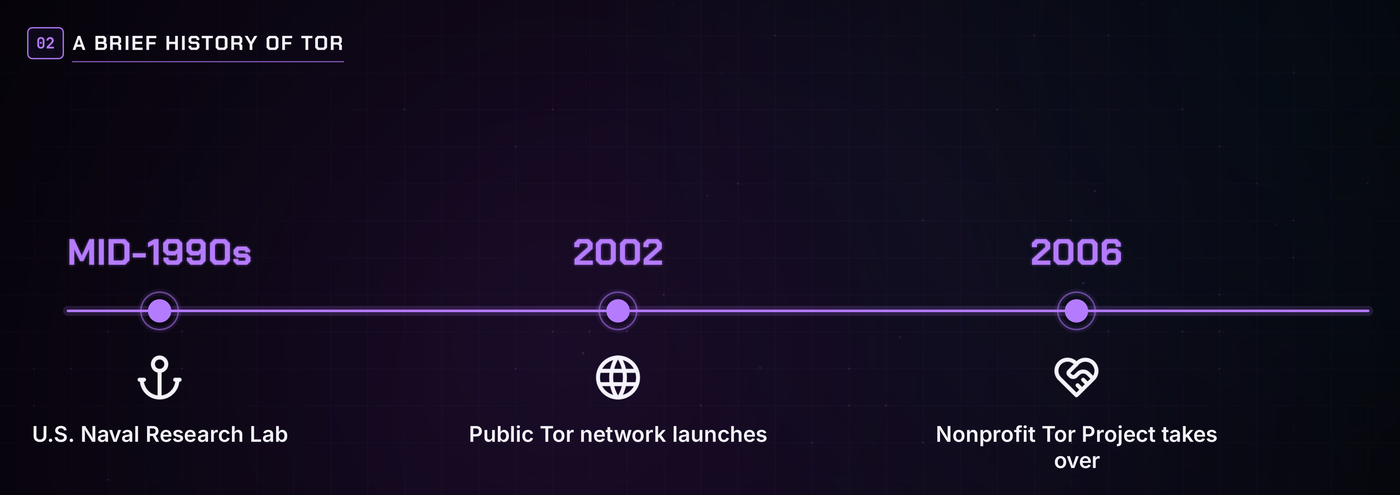
Onion routing was invented in the mid-1990s at the U.S. Naval Research Laboratory, so government agents could communicate online without revealing who was talking to whom. The public Tor network launched in 2002, and the nonprofit Tor Project took it over in 2006.
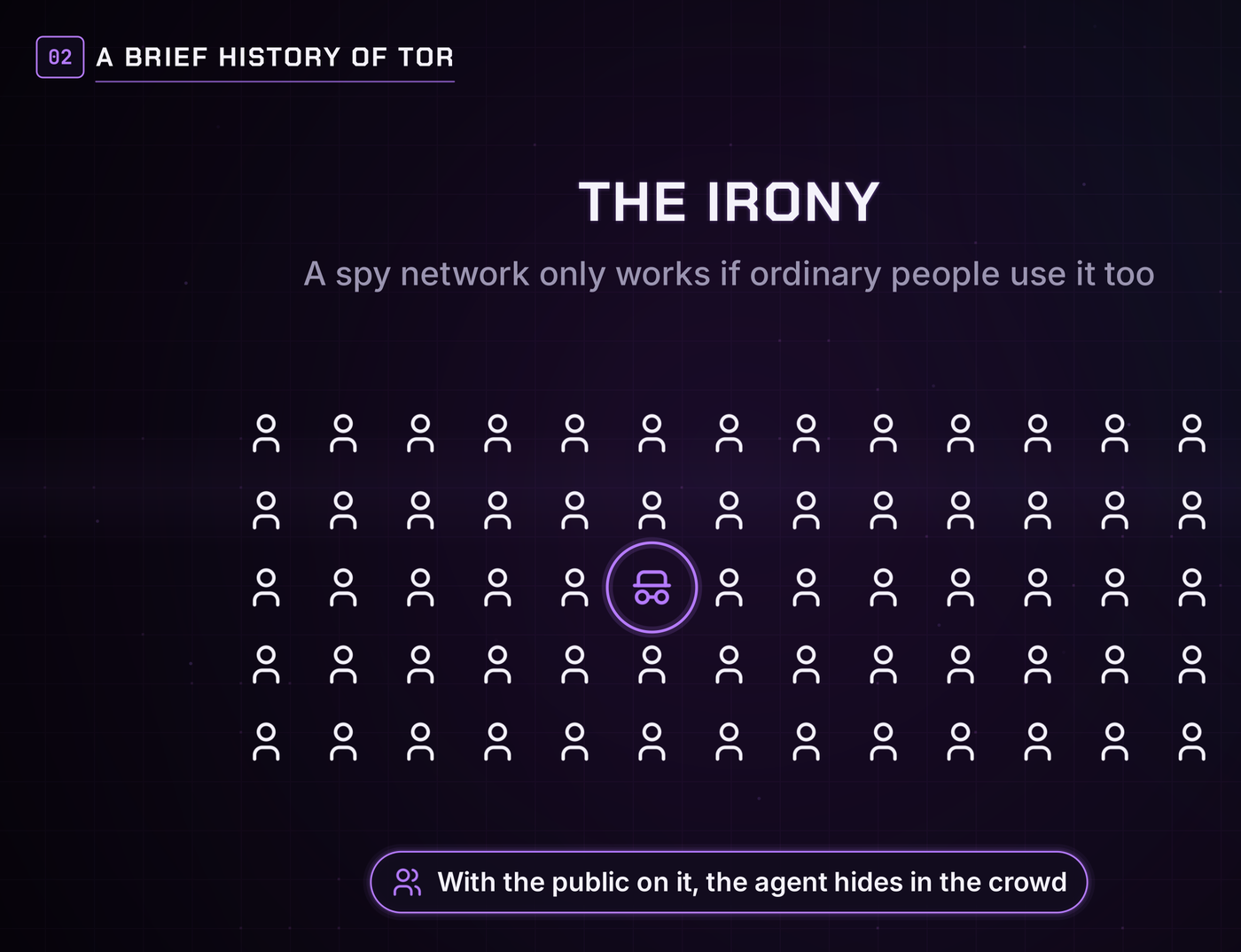
Here's the irony: a spy network only works if ordinary people use it too. If every Tor user were a government agent, every Tor connection would scream "government agent." So the public had to be on it. That's why Tor was opened up, made free and open source, and why journalists, dissidents and regular privacy-minded people have used it for over twenty years. Every everyday user makes everyone else harder to pick out.
How Tor works: the onion explained
Imagine mailing a letter inside three envelopes. The outer one goes to a volunteer in Germany. They open it and find another envelope addressed to someone in Brazil. That person opens it and finds a third, addressed to the final destination. Each person only knows who handed it to them and who it goes to next. Nobody sees the whole path.
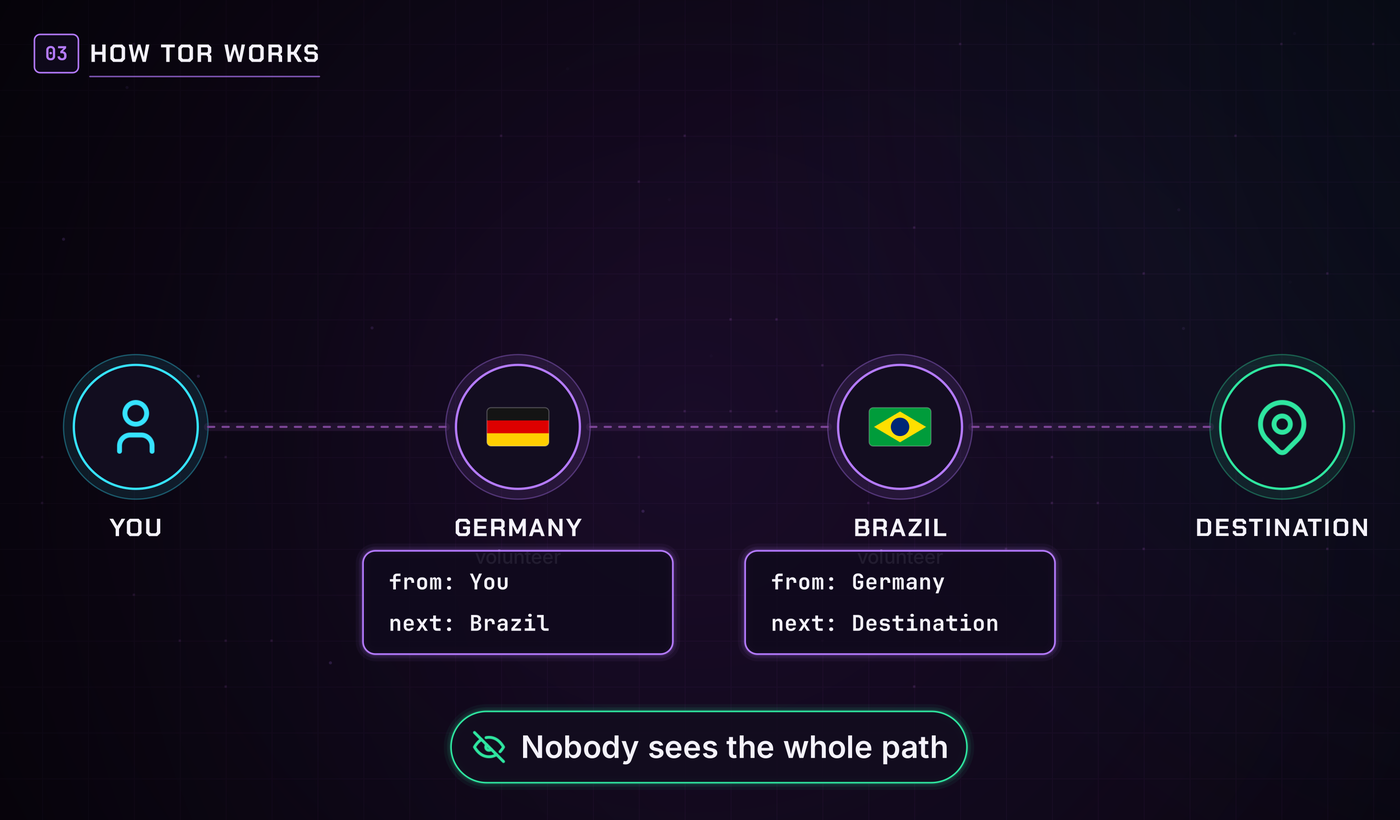
That's exactly how Tor works. Your traffic gets wrapped in three layers of encryption, like an onion, and bounced through three volunteer computers called relays. Each relay peels off one layer:
- The guard (first relay) knows your real IP address, but not where you're going.
- The middle relay knows neither.
- The exit (last relay) knows where you're going, but not who you are.
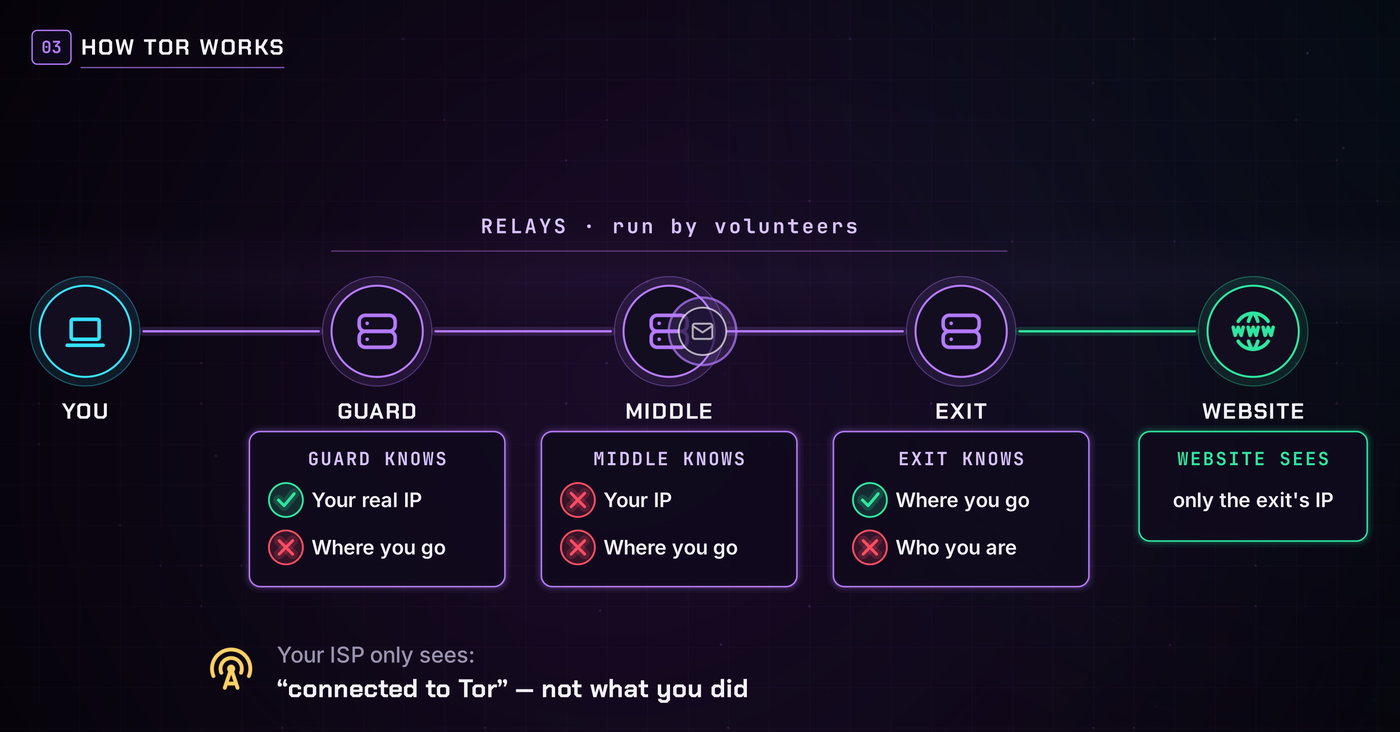
The website only sees the exit's address. Your internet provider only sees that you connected to Tor, not what you did on it.
The Tor Browser (and the alternatives)
The easiest way to use Tor is the Tor Browser, free from torproject.org. It's a modified version of Firefox with Tor built in. Open it, it connects, and you're browsing over Tor. No setup, no account. It runs on Windows, Mac, Linux and Android. Only ever download it from the official site.
There are other options, each with a catch:
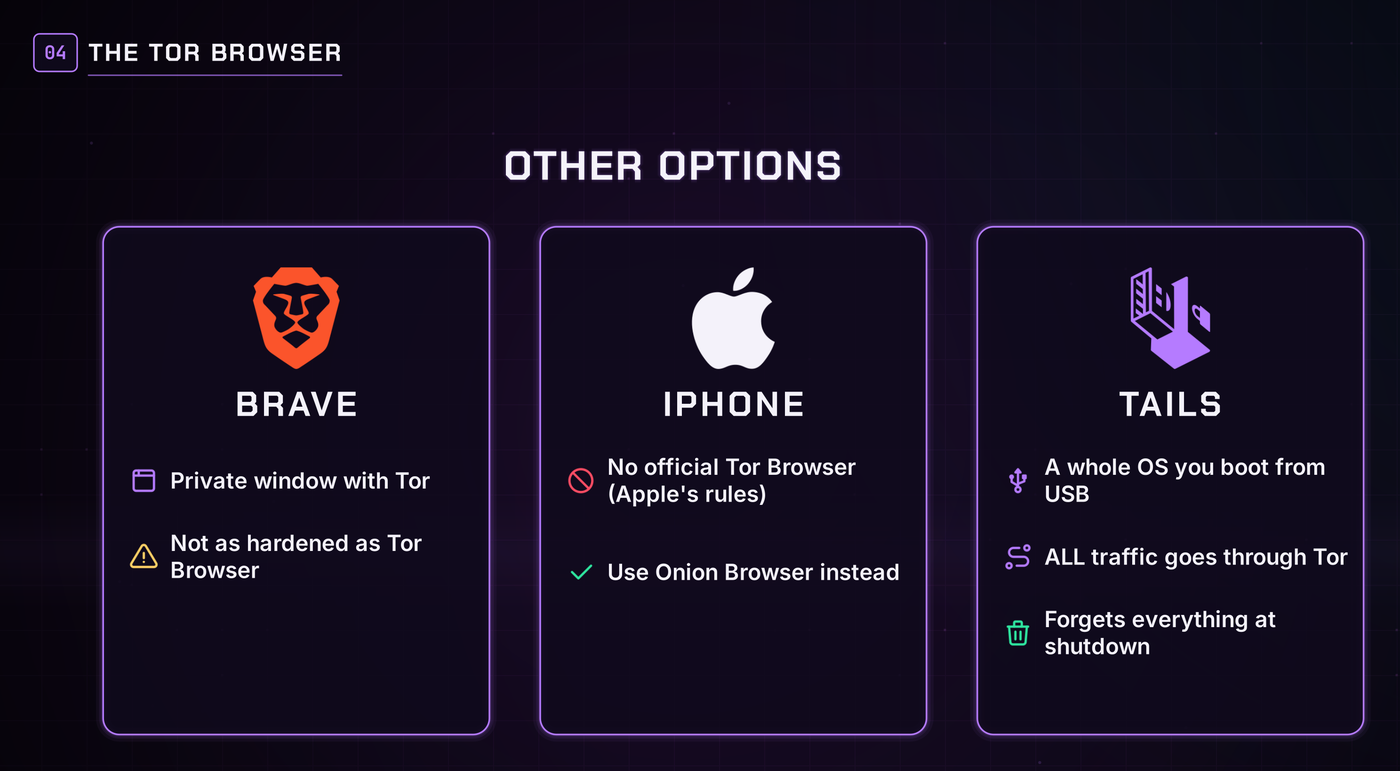
- Brave has a private window with Tor, but it isn't as hardened as the official Tor Browser.
- iPhone has no official Tor Browser because of Apple's rules. Onion Browser is the closest thing.
- Tails is a whole operating system you boot from a USB stick. It routes all traffic through Tor and forgets everything when you shut down.
Sponsored: Xeovo
This section is sponsored. The links below are plain links, not affiliate links.
Xeovo is a VPN provider based in Finland, outside the Fourteen Eyes surveillance alliance. It has a strict no-logs policy, anonymous registration, WireGuard and OpenVPN, and stealth proxies for getting around censorship.
Pay with Monero, over Tor: Xeovo runs its own Tor mirror, so you can open their site in Tor Browser, pick a plan, and pay with Monero. Xeovo never learns who you are, what your IP is, or where your money came from: anonymous money over an anonymous network for an anonymous service. They also take Bitcoin, Litecoin and even cash in the mail, with a 30-day money-back guarantee. See xeovo.com. Why you'd want a VPN alongside Tor is covered in the last section.
JavaScript and browser fingerprinting
Hiding your IP address is only half the battle. Websites can also fingerprint your browser: your screen size, fonts, time zone, even how your graphics card draws a shape. Combined, those details form a signature that's often unique to you, and most of it is collected through JavaScript, the code websites run inside your browser.
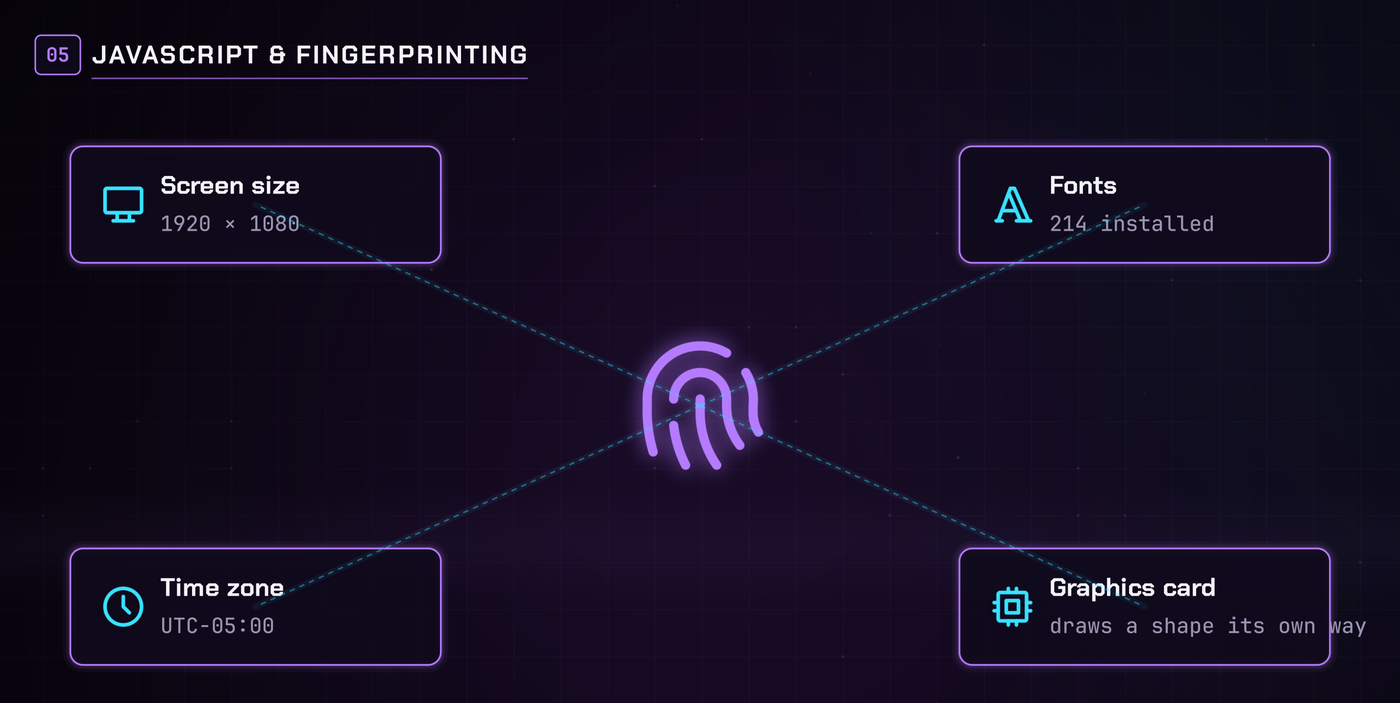
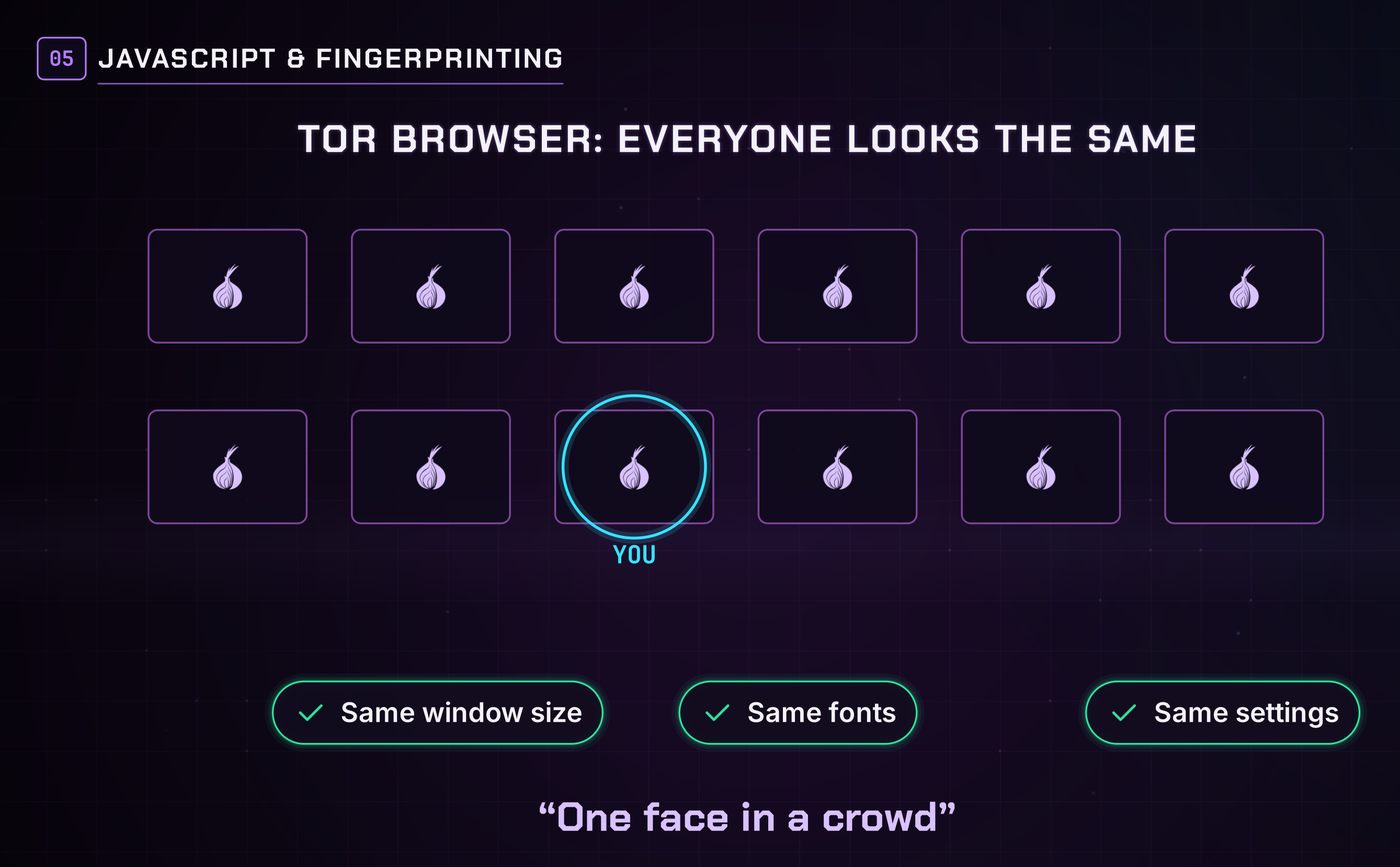
Tor Browser fights this by making every user look identical: the same window size, the same fonts, the same settings. You become one face in a crowd.
That's why so many privacy sites tell you to turn JavaScript off on Tor. It's the biggest way to fingerprint you, and it's where most browser exploits come from. The trade-off is that many sites break without it, so Tor Browser has a security level setting:
- Standard leaves JavaScript on.
- Safer limits it.
- Safest turns it off everywhere.
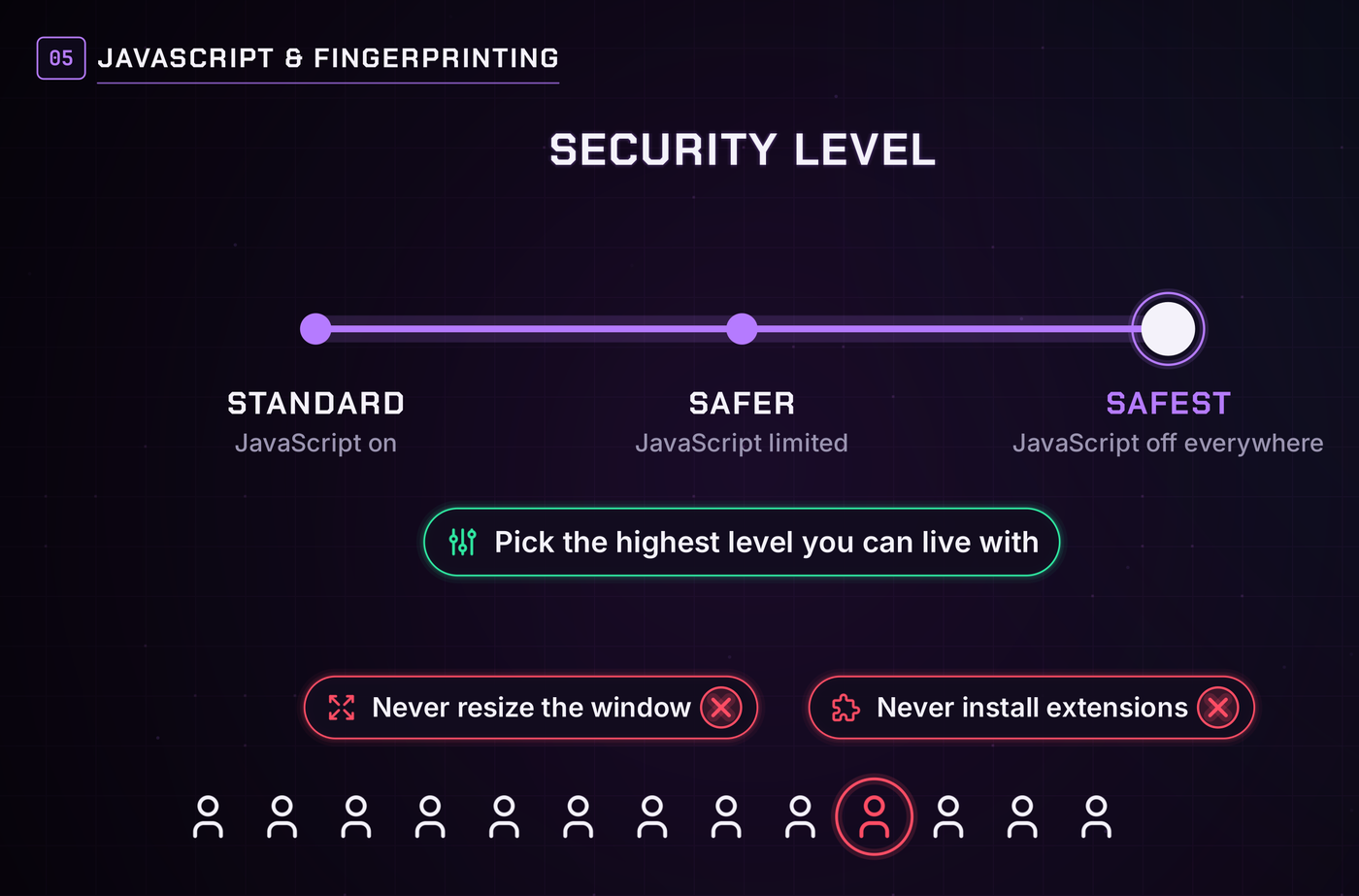
Pick the highest level you can live with. And never resize the window or install extensions: both make you stand out from the crowd.
Can you really be anonymous on Tor?
Do the feds run Tor?
The U.S. government funded much of Tor's early development and still gives it grants. But the code is open source, anyone can read it, and the relays are run by thousands of independent volunteers. Nobody controls the network.
What governments do is watch it. Agencies have run their own relays. The real danger is one party controlling both your guard and your exit, because then they can match the timing of traffic going in and coming out (a correlation attack). Tor's design makes that hard, not impossible.
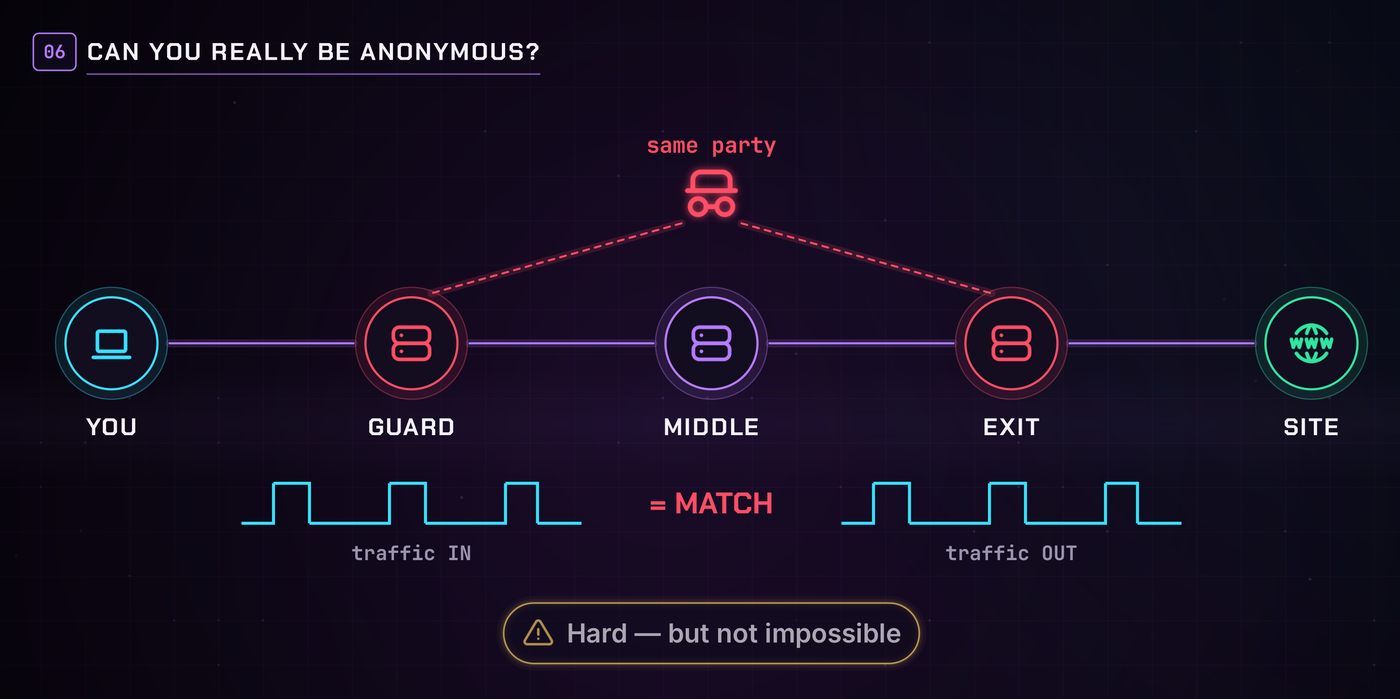
Tor protects the connection, not you from yourself
So can you be anonymous? Yes, but Tor only protects the connection. Log into Gmail over Tor and you just told Google who you are. Most people caught on Tor were caught by their own mistakes or outdated software, not by anyone breaking the network.
Phones are the weakest device
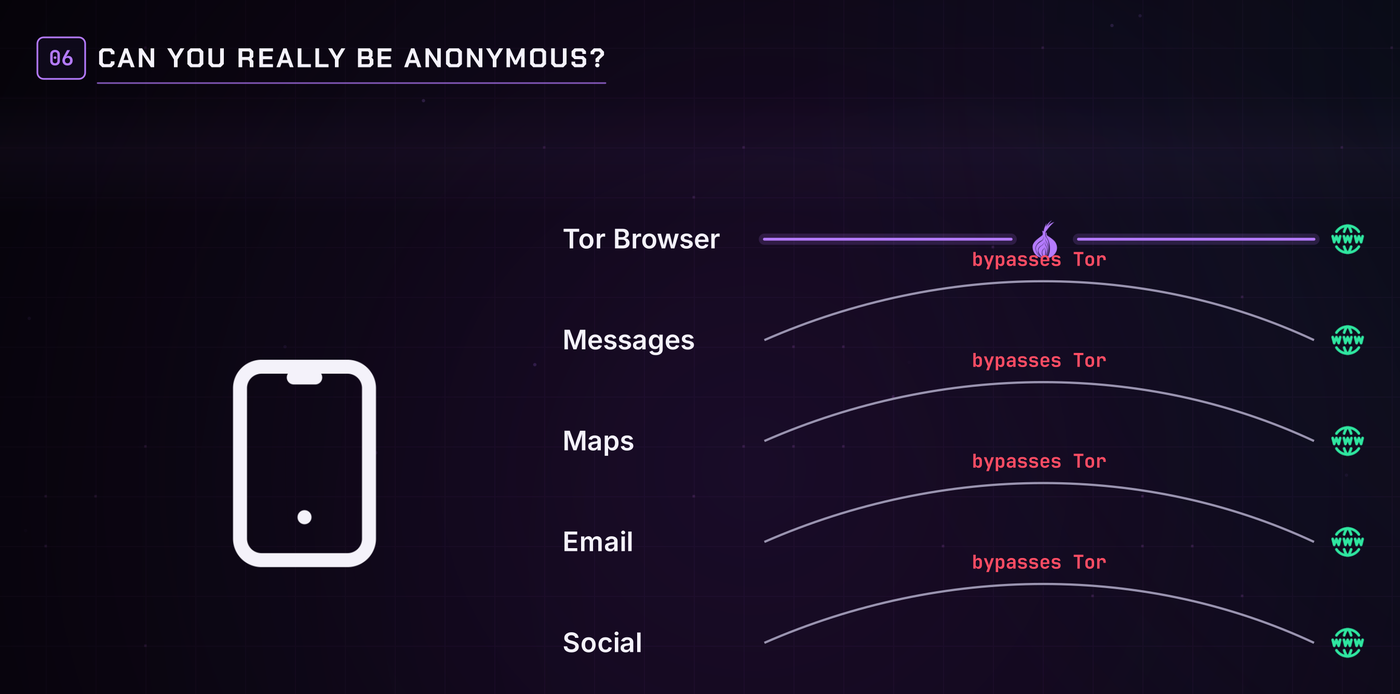
Phones are tied to a SIM card and an account, and the cellular radio reports your location to the carrier all day. On a stock phone, only the Tor Browser app uses Tor; every other app goes around it. You can fix the traffic part with Orbot, which routes the whole phone through Tor, and that's especially useful on GrapheneOS. But that fixes the connection, not the identity. When your anonymity really matters, use a desktop computer.
Running your own Tor site (.onion services)
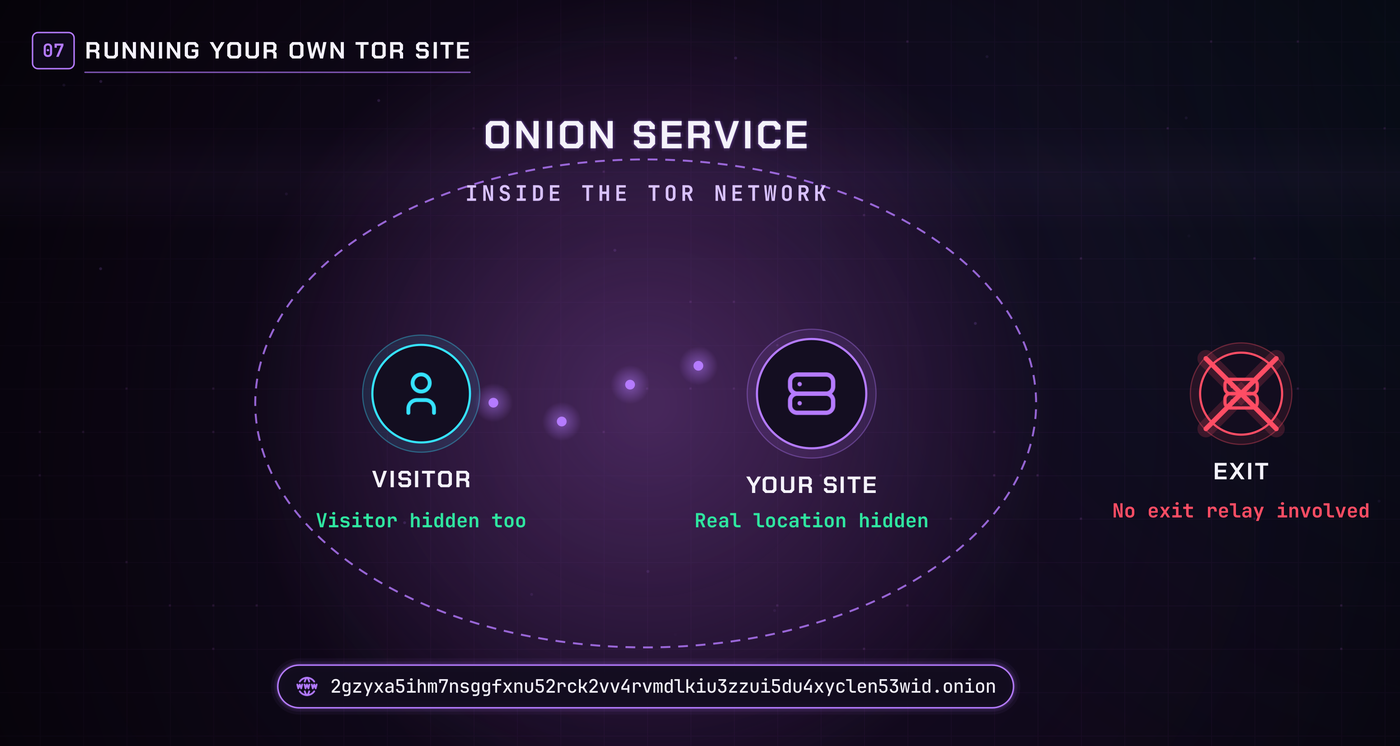
Tor isn't only for visiting the normal internet anonymously. You can host a site that only exists inside Tor. These are called onion services, and their addresses end in .onion. The site never reveals its real location, visitors never reveal theirs, and the traffic never leaves the Tor network, so no exit relay is involved.
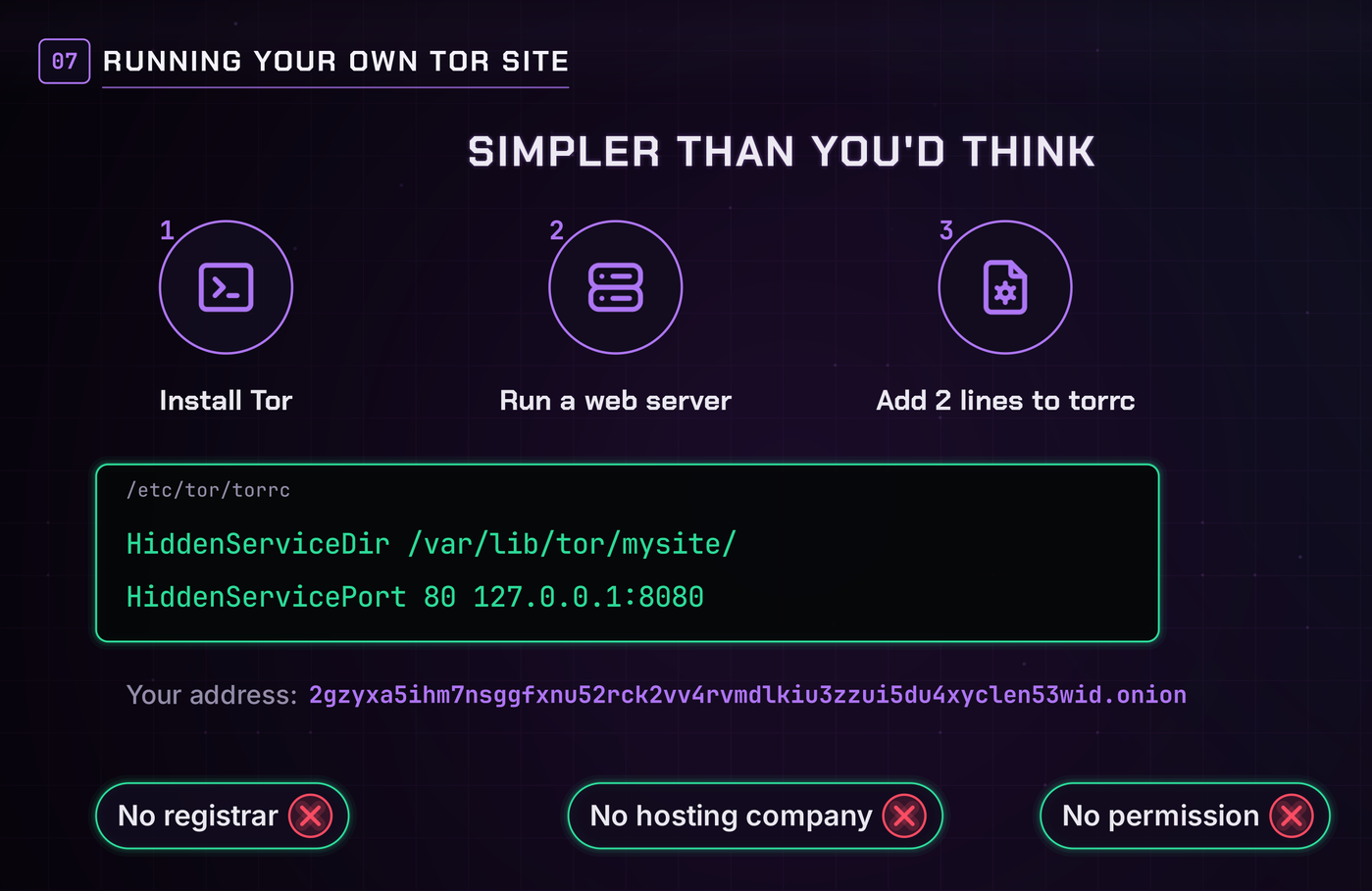
Setting one up is simpler than you'd think: install Tor on a computer or a cheap server, run a normal web server, and add two lines to Tor's config file (torrc) pointing at it:
HiddenServiceDir /var/lib/tor/mysite/
HiddenServicePort 80 127.0.0.1:8080
Tor generates your .onion address. No registrar, no hosting company, no permission needed. Plenty of legitimate sites run onion versions, including major news outlets and Monero services. Need a server? See how to pay for a VPS with Monero.
Helping the network
Tor runs on volunteers, and you can be one. The safe way is a middle or guard relay: your computer just passes encrypted traffic between other relays. You can't see what's in it, and your IP never shows up in a website's logs. A modest server and some bandwidth is all it takes.
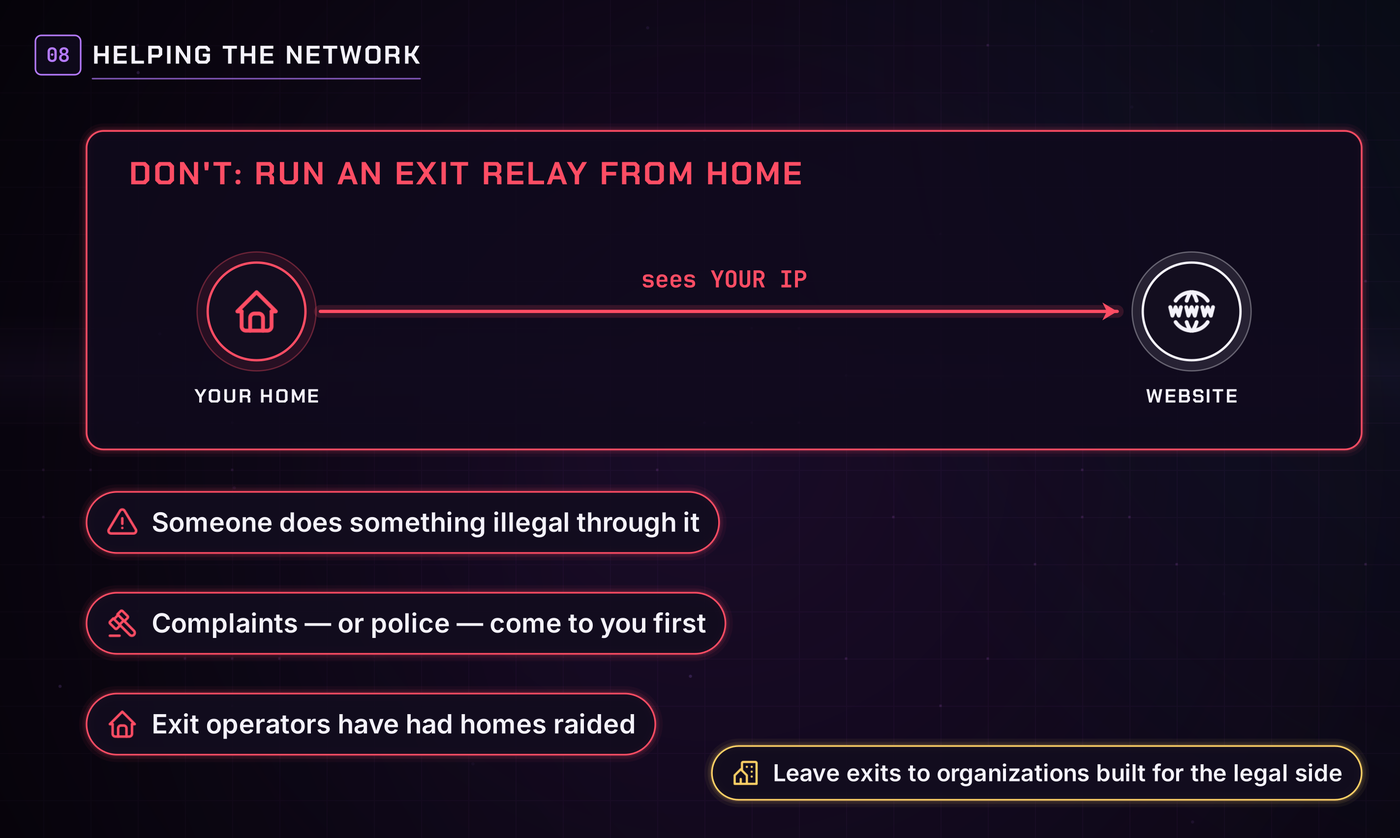
What you should not do is run an exit relay from home. The exit is where traffic leaves Tor and hits the real internet, so websites see your IP. If someone does something illegal through your exit, the complaint (or the police) comes to you first, and exit operators have had their homes raided. Leave exits to organizations set up to handle the legal side.
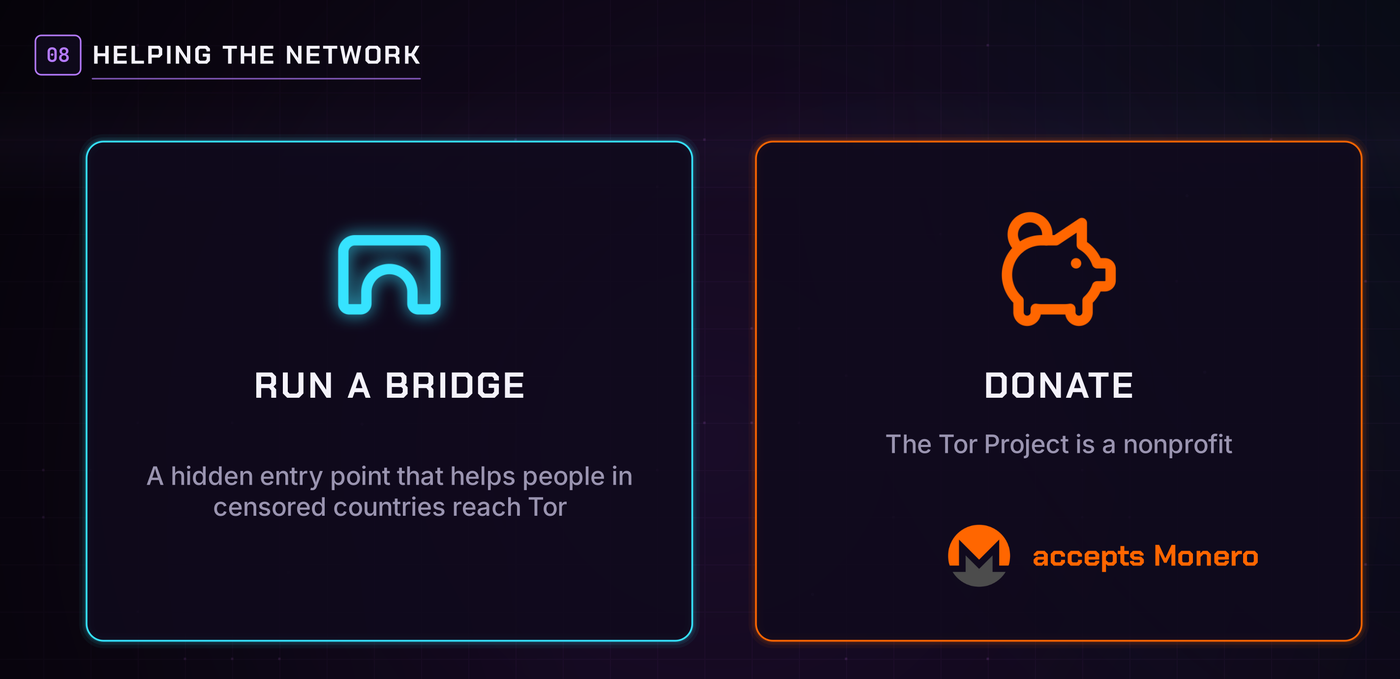
Want something lighter? Run a bridge, a hidden entry point that helps people in censored countries reach Tor at all. And if you can't run anything, the Tor Project is a nonprofit that takes donations, including Monero.
Check your local laws
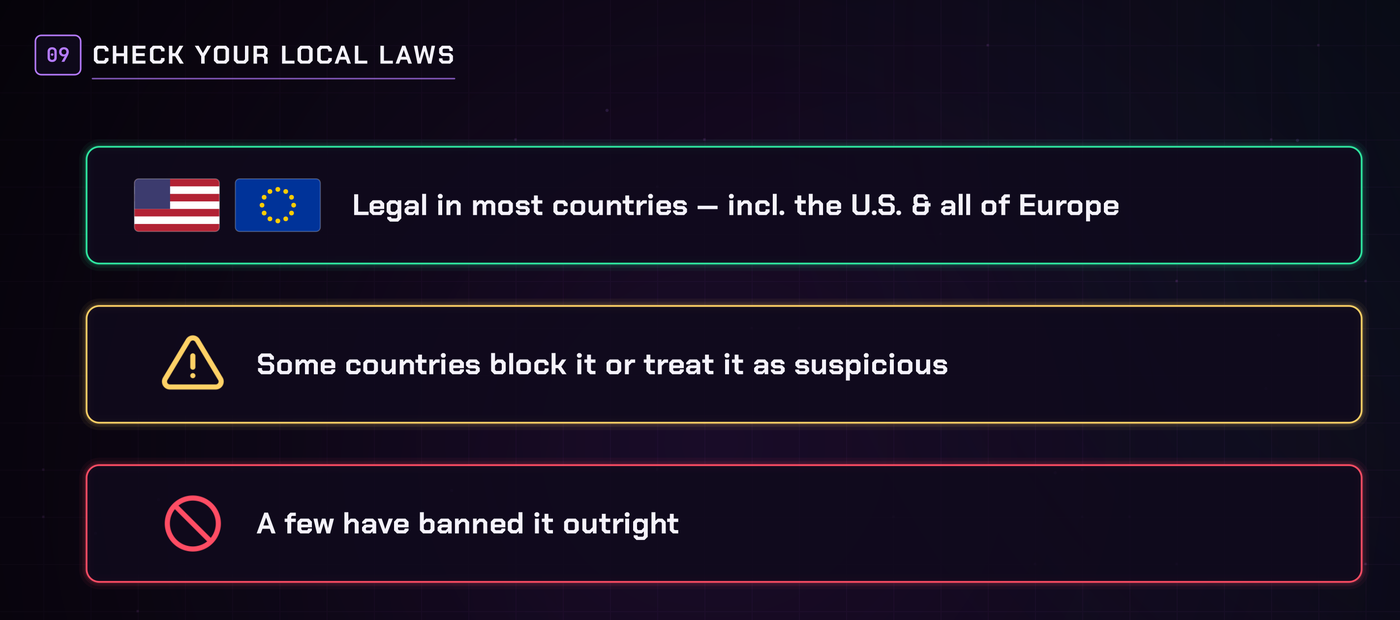
In most countries, including the U.S. and all of Europe, using Tor is completely legal. But some countries block it or treat it as suspicious, and a few have banned it outright. Before you use it, and especially before you run a relay, check the laws where you live. Also read your internet provider's terms of service: some don't care, and some will send you a warning for running a relay. Know before you go.
The best way to use Tor
For most people, the best setup is simple:
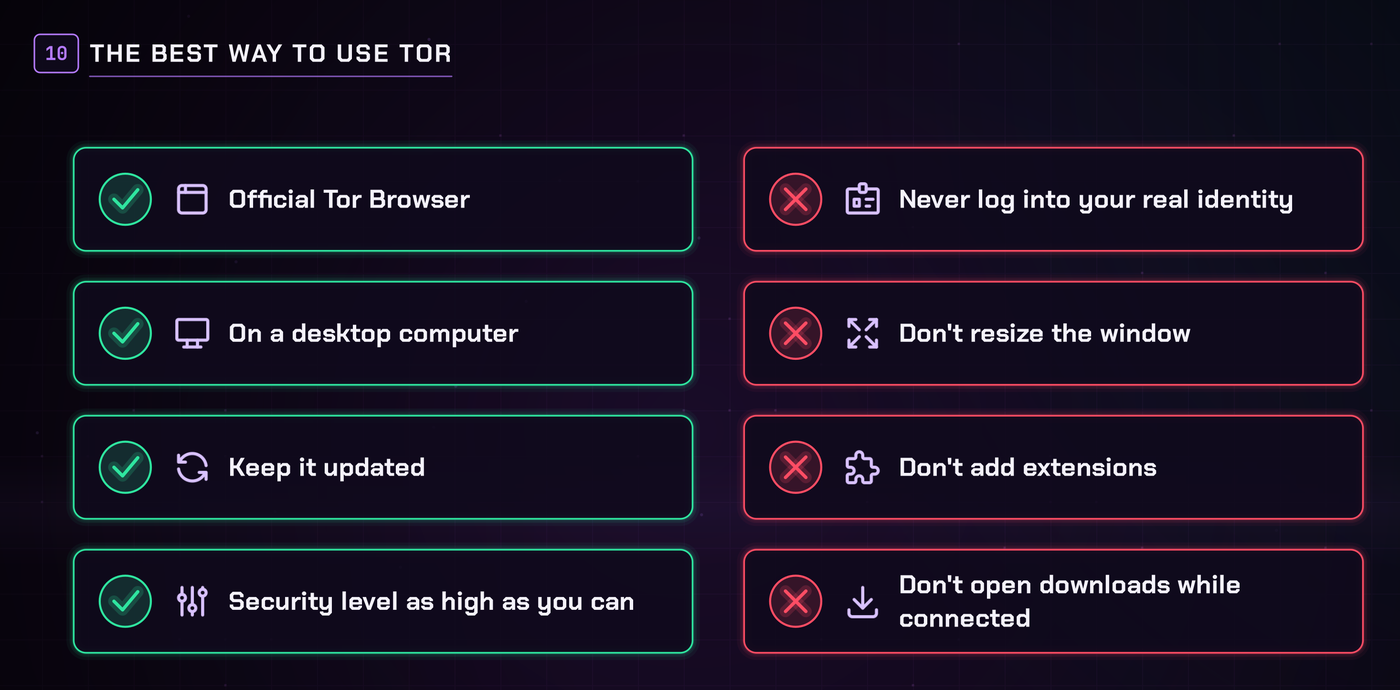
- Use the official Tor Browser on a desktop computer.
- Keep it updated.
- Set the security level as high as you can tolerate.
- Never log into anything tied to your real identity while you're on it.
- Don't resize the window, don't add extensions, and don't open downloaded files while you're connected.
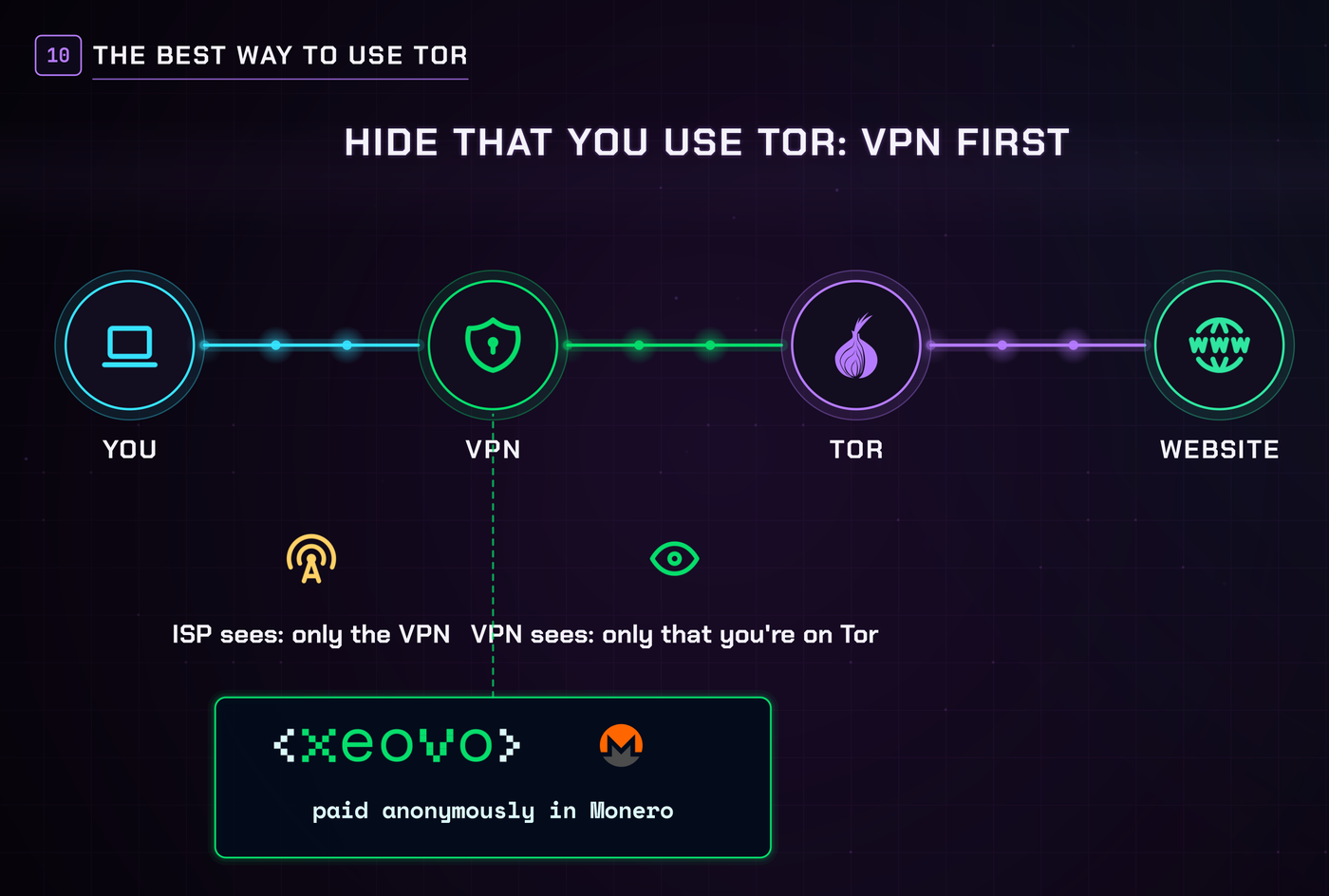
If you don't want your internet provider to even know you're using Tor, connect to a VPN first, then open Tor Browser. Your provider sees only the VPN, and the VPN sees only that you're on Tor. That's where a provider like Xeovo, paid anonymously in Monero, fits in. For the full comparison, see VPN vs. Tor for Monero. And if your situation is serious, boot Tails from a USB stick instead.
That's Tor
Tor is free, volunteer-run, and built to break the link between who you are and what you do online. Use it the right way and it does that job well. And if you want to actually spend Monero privately, Monerica is a directory of businesses and services that accept Monero, including instant exchanges, VPNs, web hosting, eSIMs and much more.
▶ Watch "What Is Tor?" on YouTube (also on Monerica Video)
Related Articles
- VPN vs. Tor for Monero: Which One Do You Actually Need?
- Should You Use a VPN? What It Does, What It Doesn't & Why Monero Users Care
- Best No-KYC Monero VPNs (2026): Ranked, Anonymous, Paid With XMR
- What Is GrapheneOS? The Honest Guide (Including the Dealbreakers)
- How to Pay for a VPS With Monero Anonymously (2026)