▶ Watch the full video on YouTube (also on Monerica Video)
GrapheneOS is a privacy and security hardened version of Android that runs on Google Pixel phones, with Google stripped out of it. It's open source, it's run by a nonprofit, and it's the closest thing that exists to a phone that you control instead of one that's designed to control you.
You've probably seen it recommended in privacy circles. It has real strengths, real tradeoffs, and a couple of issues that could make it the wrong choice for you. Most coverage either oversells it or skips the tradeoffs entirely. This guide does neither: why it only runs on a handful of phones, what it does that stock Android can't, how it handles Google apps, what it costs you in convenience, and who should skip it. The dealbreakers are near the end, so don't buy a Pixel until you've read them.
Disclosure: the video this article is based on is sponsored by Xeovo, a VPN that accepts Monero. The sponsor section is clearly marked below.
GrapheneOS is not just "Android without Google"
Here's the part many people get wrong. GrapheneOS is Android with the security turned all the way up.
Under the hood, Android is open source. Google publishes the core of it as the Android Open Source Project, and every phone maker takes that base and puts its own software on top. Samsung adds Samsung's apps. Google adds Google Play Services, which is the part that phones home. GrapheneOS takes the same open source base and goes the other direction: it strips the surveillance layer out, then spends years of engineering hardening what's left.
Where it came from
The project started in 2014 under a different name. The lead developer, Daniel Micay, split with a company called Copperhead, kept the code, and relaunched it as GrapheneOS in 2019. Today it's run by a nonprofit foundation in Toronto, funded by donations, and as of 2026 it reported roughly 400,000 active users. That's tiny next to Android's billions, but enormous for a project with no marketing budget and no venture capital.
Nobody is selling you anything
There's no premium tier, no data plan, no exit strategy. GrapheneOS runs on donations, and it accepts some of those in Monero, which tells you something about who they are. (Even Signal still doesn't take Monero, despite years of people asking.) GrapheneOS is a security project that happens to be a phone operating system. Keep that in mind when we get to the downsides, because that's where most of them come from.
Why does GrapheneOS only run on Pixels?
This is the most-asked question, and for good reason: the most anti-Google operating system only runs on Google's own phones.
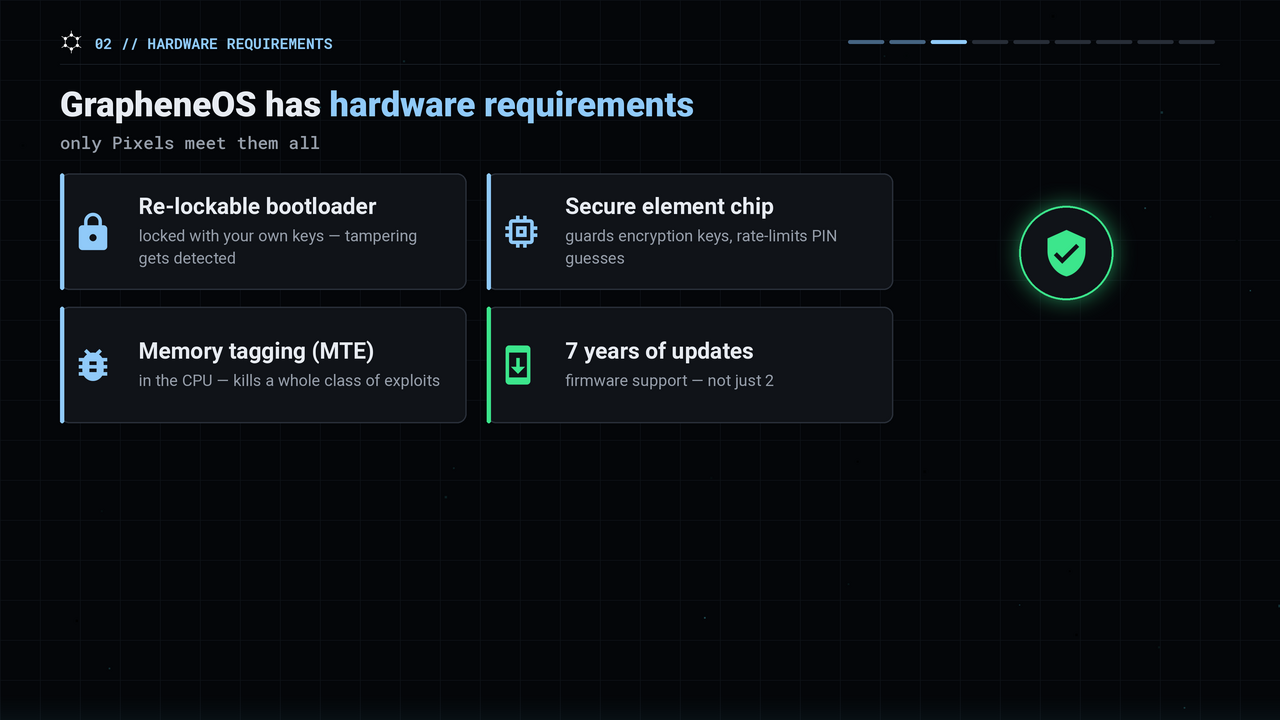
The answer is hardware. GrapheneOS has requirements, and right now only Pixels meet all of them:
- A re-lockable bootloader. You unlock it to install, then lock it again with GrapheneOS's keys, so the phone still verifies that nobody tampered with the OS.
- A proper secure element. A separate chip that guards your encryption keys and rate-limits PIN guesses.
- Memory tagging (MTE) in the CPU. It kills a whole class of memory-corruption exploits.
- Seven years of firmware updates from the manufacturer, not two.
Samsung doesn't do all of that. OnePlus doesn't. Fairphone doesn't, and the GrapheneOS team has said so. Google does, because Pixels are the reference hardware for Android. So the project uses Google's hardware precisely so it can throw Google's software away.
Which Pixel? The recommendation is a Pixel 8 or newer. The 6 and 7 series still work but are at or near end of life. That's starting to change: Motorola announced a partnership with the GrapheneOS Foundation in 2026, with the first officially supported Motorola flagships expected in 2027. Nothing Motorola sells today qualifies, so don't buy one for GrapheneOS yet.
What GrapheneOS does that stock Android doesn't
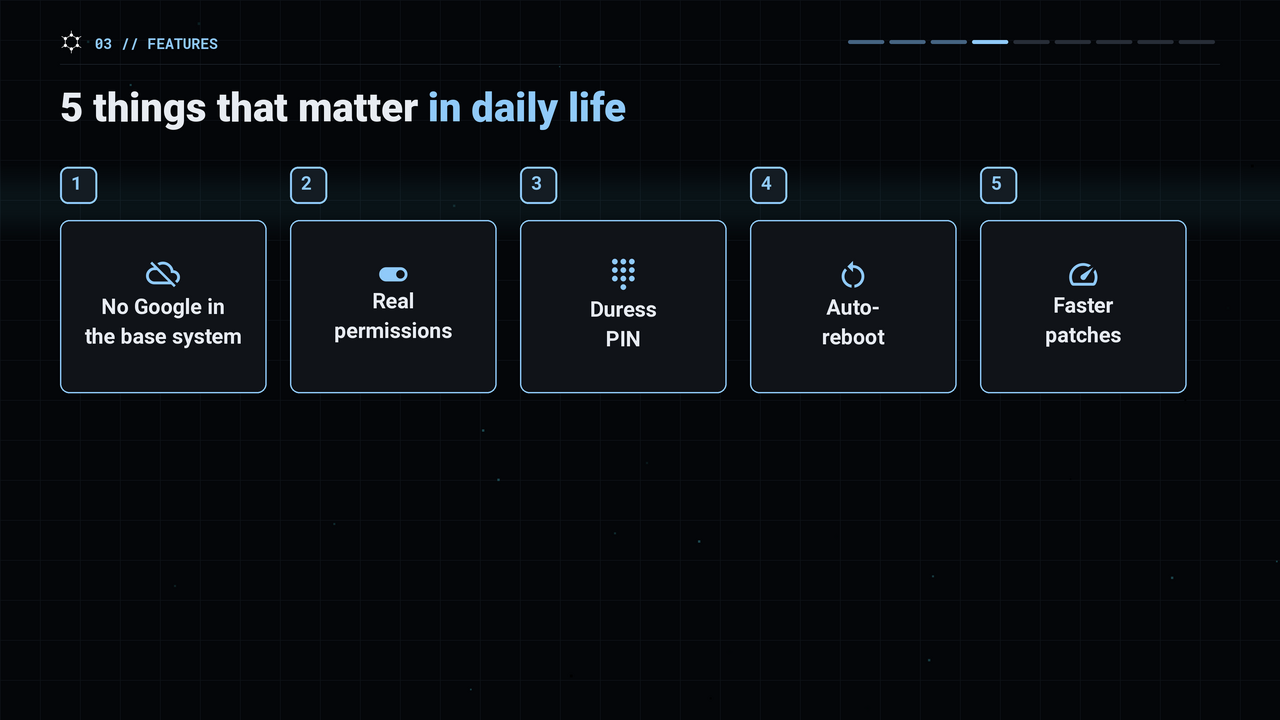
Here are five things that matter in daily life.
1. No Google in the base system
No Google Play Services, no Google account or email required, no background process reporting your location to Google. Your app usage and contacts aren't sent to Google. The phone boots up and simply doesn't talk to Google. For many people, that alone is the reason to install it.
2. Permissions that actually work
On stock Android, when an app wants your location you can say no, and "no" often means the app nags you or refuses to run. On GrapheneOS:
- Every app gets a network permission. Turn it off and that app can't reach the internet at all.
- Every app gets a sensors permission, so a flashlight app can't read your accelerometer.
- Storage scopes and contact scopes let you give an app only the photos or contacts it needs, and the app thinks that's all you have.
3. The duress PIN
You can set a second PIN. If anyone ever makes you type it in, the phone silently wipes itself. It doesn't just lock you out; it destroys all the data on the device.
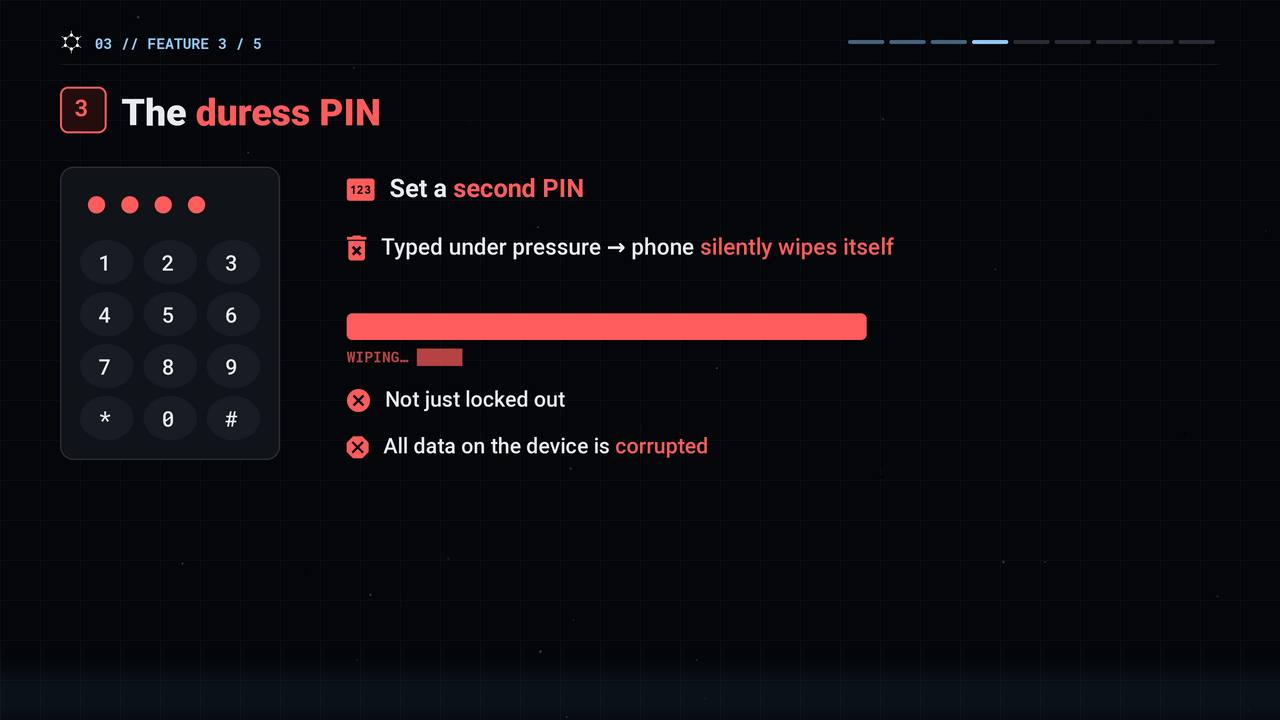
A caution, and this isn't legal advice: having a duress PIN isn't illegal anywhere we know of, but using it can be. If a court has ordered you to unlock the phone, a search warrant is being executed, or you're at a border where officers have a legal right to inspect the device, wiping it on the spot can be charged as destroying evidence or obstruction. In some countries, like the UK, refusing to hand over your passcode is a crime on its own. Think of it as protection against a thief or a mugger, not a trick to pull on police. The feature can't get you in trouble; what you do with it can.
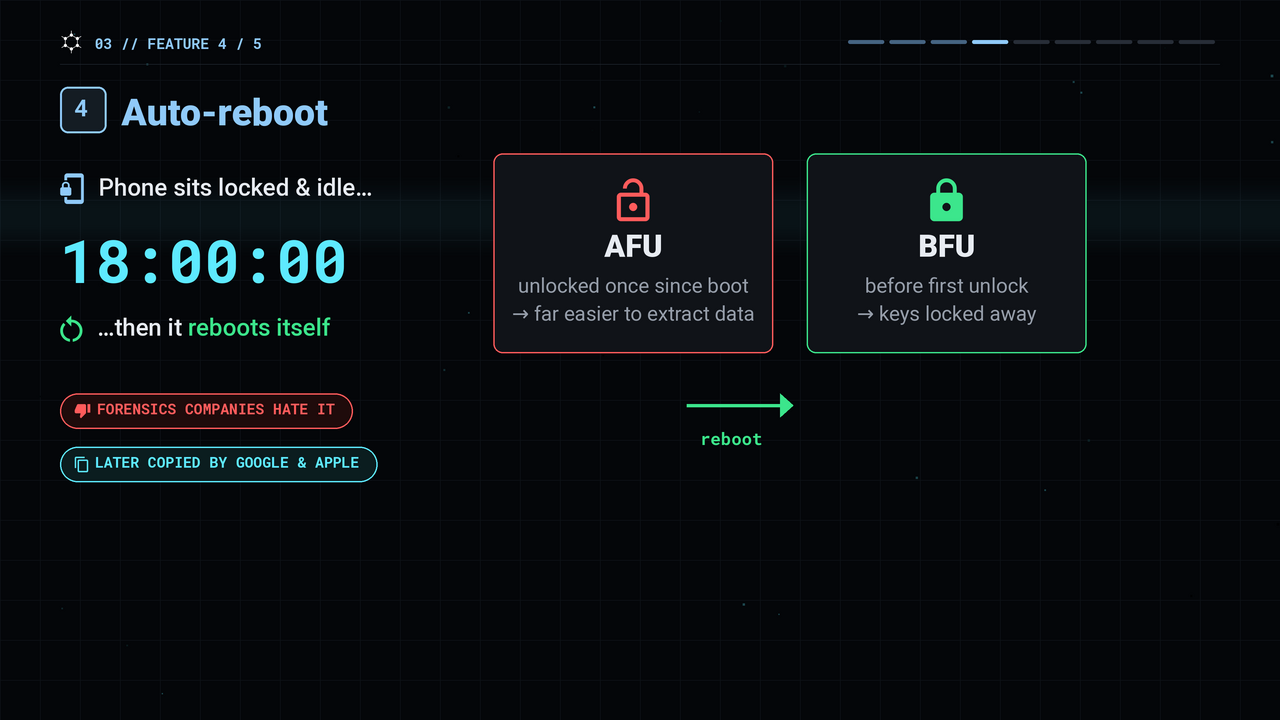
4. Auto-reboot
If the phone sits locked for a set time, say 18 hours, it reboots itself. That sounds trivial until you learn that a phone that has been unlocked once since boot is far easier to extract data from than one that hasn't. A reboot puts it back in the fully locked state. Forensics companies hate this feature, and after GrapheneOS shipped it, Google and Apple both copied it.
5. Faster security patches
GrapheneOS often ships Android's monthly security fixes ahead of Google's own release to Pixels. And an exploit chain that works on a stock Pixel often fails on GrapheneOS, because its memory allocator is different and bugs get patched sooner.
None of these require any skill to use. They're simple settings that make the phone safer than a default Android device.
Sponsored: Xeovo
This section is sponsored. The links below are plain links, not affiliate links.
Everything above protects what's on the phone. It does nothing for what leaves it. Your carrier and your internet provider still see every server you connect to, GrapheneOS or not. That's what a VPN is for, and Xeovo works on Android and GrapheneOS.
Small and independent: based in Finland, no venture capital, no investors. A strict no-logs policy, a yearly transparency report, and no trackers or analytics on their own site. You can even sign up over Tor through their own onion mirror.
No custom app needed: Xeovo uses open-source WireGuard and OpenVPN, so on GrapheneOS you load their config into the official WireGuard app and you're done. Stealth proxies disguise VPN traffic as ordinary HTTPS where VPNs are blocked, and there are 28+ server locations.
Pay with Monero: they also take Bitcoin, Litecoin and cash by mail. No name or email is required. Up to five devices on one plan, from around $3 a month on a yearly plan, with a 30-day money-back guarantee. See xeovo.com for current pricing, and Xeovo's Monerica profile for reviews.
What if you use Google apps?
GrapheneOS still works if you want Google services, and it makes that work for normal people.
Most de-Googled phones try to fake Google with something called microG, which pretends to be Play Services so apps don't crash. It half works, it's a constant cat-and-mouse game, and it still talks to Google anyway.
GrapheneOS does the opposite. It lets you install the real Google Play and runs it as an ordinary, sandboxed app with no special privileges. On a normal phone, Play Services is part of the operating system and sees everything. On GrapheneOS you can deny it network access, deny it your contacts, or put it in a separate user profile that's walled off from the rest of the phone, and only switch to it when you need Maps or your banking app.
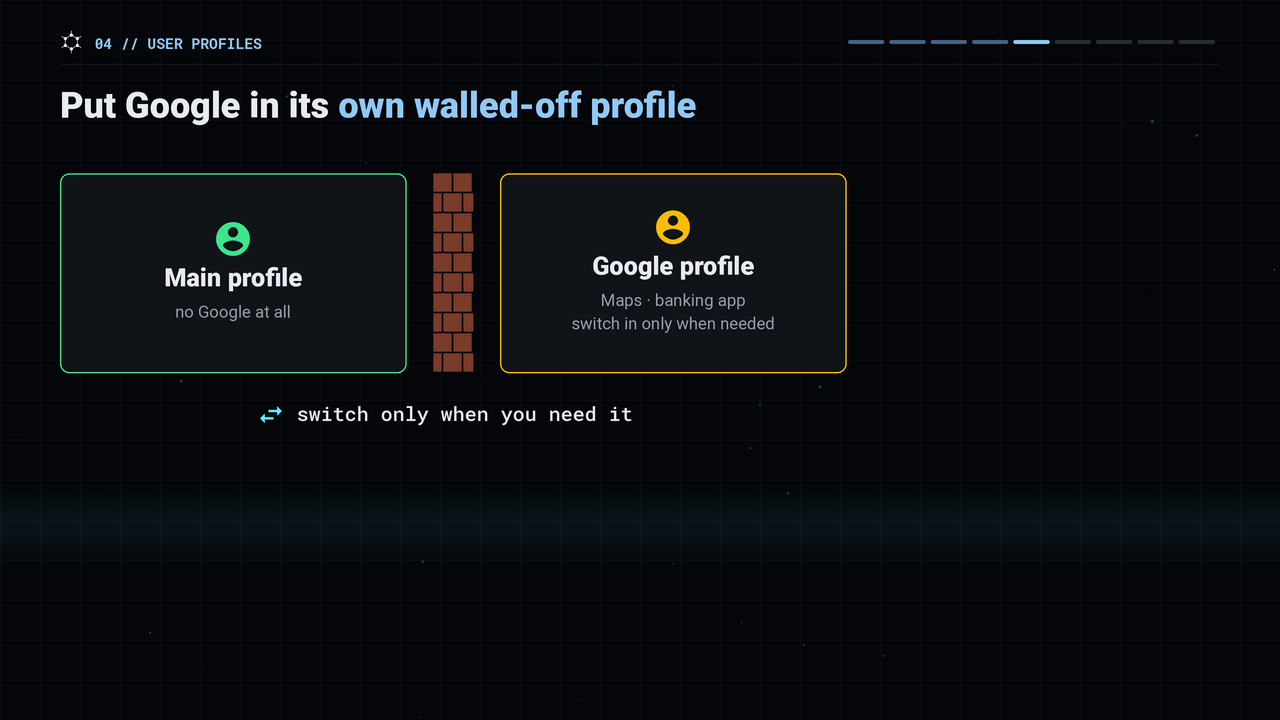
So yes, Gmail, Google Maps, Uber, Signal, and most banking apps run fine. The difference is that Google becomes something you let in the door instead of something that was always there. If you can live with Google in a box you control, you lose almost nothing. If you want Google gone entirely, the phone is still perfectly functional.
The downsides of GrapheneOS
This is the part a lot of coverage skips. These are real costs, and you should know them before spending hundreds of dollars on a Pixel.
- Some banking apps won't run. Not all, but some. Banks check whether your phone passes Google's "integrity" test, and GrapheneOS deliberately doesn't. There's a community-maintained list of banks that work; check yours before you commit. If your bank isn't supported, GrapheneOS probably can't be your only phone.
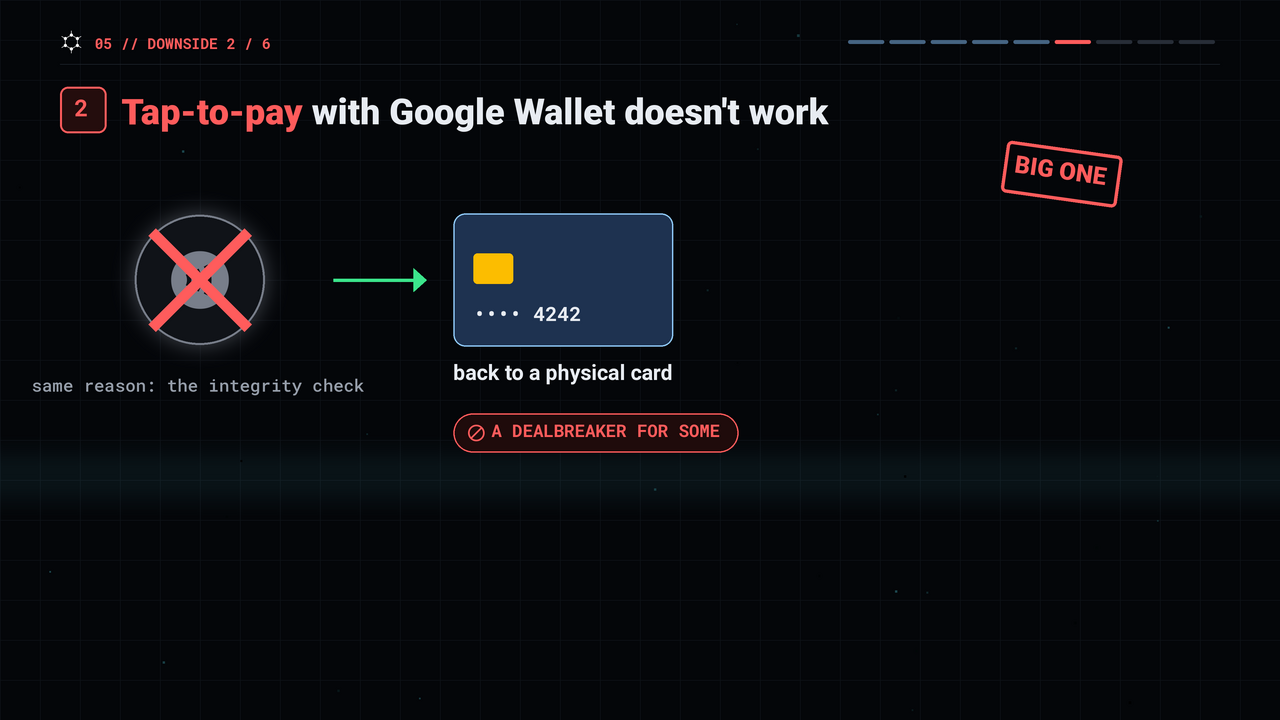
- Tap-to-pay with Google Wallet doesn't work. Same reason. If you tap your phone at the register every day, you'll be back to a physical card. For some people, this is the dealbreaker.
- You have to buy a Pixel. If you're on an iPhone or a Samsung, this is a new phone, not a software install. Buy it unlocked, directly or from a reputable seller: a carrier-locked Pixel (Verizon, for example) can have its bootloader permanently sealed.
- You're your own IT department. No Google backup silently saving your files. You set up your own backups, sync and password manager. None of it is hard, but it's your job.
- The project culture is different. The developers have strong opinions. Ask in their forums why they don't support your Samsung, and you'll get the answer they've given countless times. It's not a technical problem, just know what they do and don't support.
- Installing apps takes more care. You'll use things like F-Droid or Obtainium and may need to verify you're getting official releases. It's more work than the Apple App Store, which vets everything for you, but with that responsibility comes the freedom to install anything you want.
What's not a downside: it isn't slower, it isn't ugly, and it isn't buggy. It looks and runs like clean Android. The hardening is invisible until you go looking for it.
Who should (and shouldn't) use GrapheneOS
Use it if you already care enough to be reading this. If you use a VPN on purpose, if you've ever read a privacy policy, if you hold Monero, or if you'd be upset to learn exactly how much your current phone reports about you to Google or Apple, then yes. Your phone is the device that's on or next to you 24 hours a day, so it's the single biggest privacy upgrade available to a normal person.
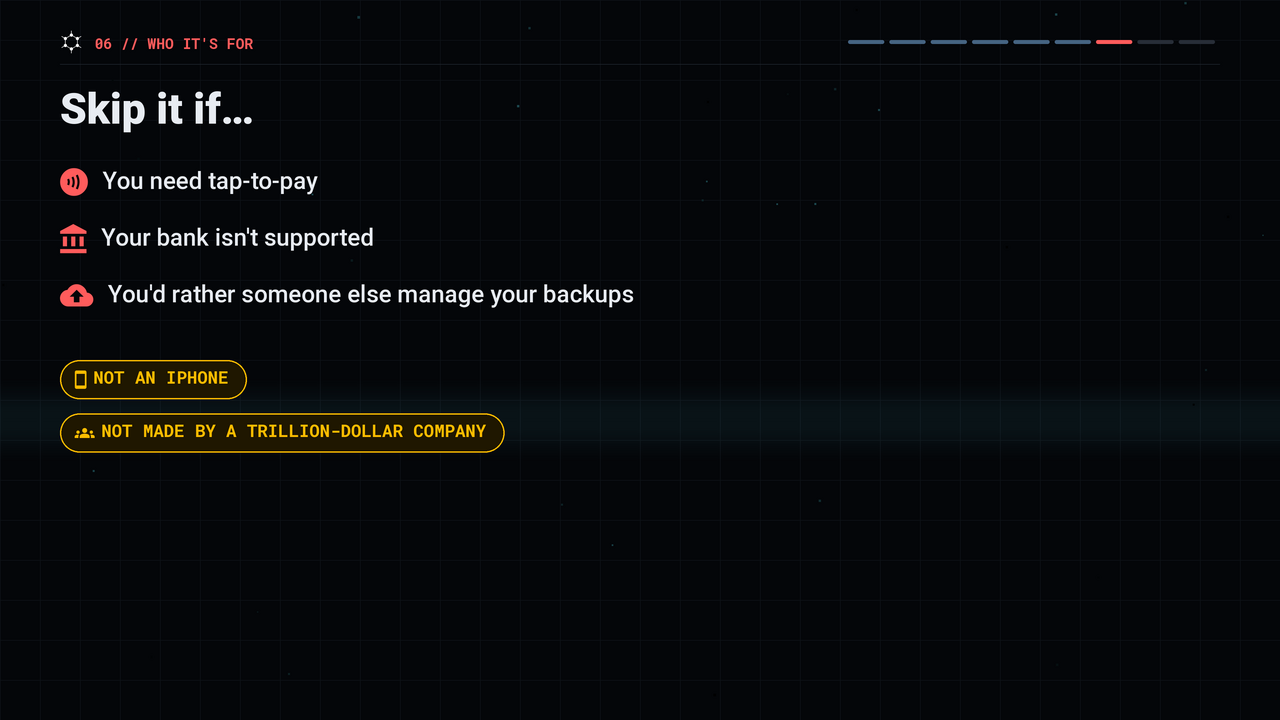
Skip it if you need tap-to-pay, your bank isn't supported, or you'd honestly rather have someone else manage your backups. It's not an iPhone, and it's not built by a trillion-dollar company. Even a stock Pixel with Google is better than most phones; just don't pretend it's as private as GrapheneOS.
It's not an invisibility cloak. GrapheneOS protects the device. It doesn't protect you from logging into Facebook, using your real name, or carrying a phone that pings cell towers wherever you walk. Think of it as a well-locked door.
How installing GrapheneOS works
GrapheneOS has an official web installer. Open the official site in a Chromium-based browser on your computer (Brave works), plug the Pixel in with a USB cable, enable one developer toggle on the phone, and click through a handful of steps: unlock the bootloader, flash, lock the bootloader again. The download takes the longest; the install itself is about ten minutes.
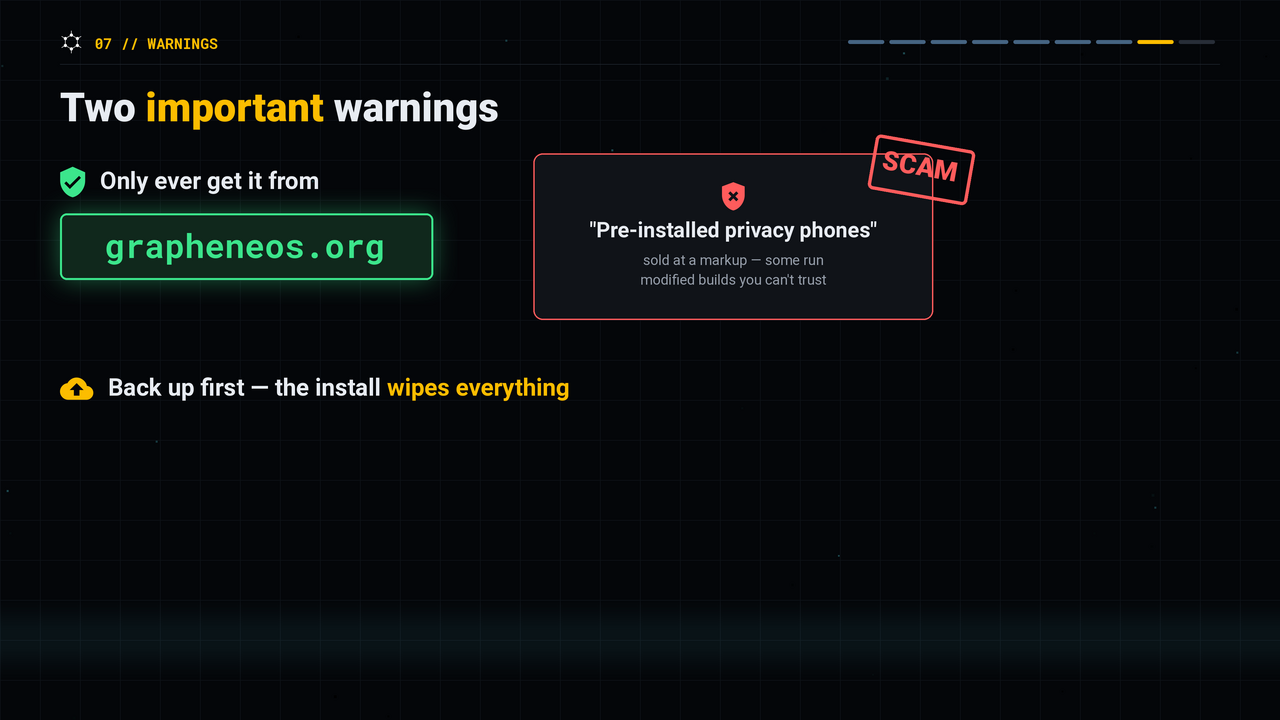
Two important warnings:
- Only ever get it from grapheneos.org. Scammers sell "pre-installed privacy phones" at a markup, and some flash modified builds you can't trust.
- Back up first. The install wipes the phone completely.
Want to see it done? The full step-by-step guide, from unboxing a Pixel 10 to using Monero on it, is in The Most Private Monero Phone: GrapheneOS on Pixel 10 (Live Set Up) (also on Monerica Video). GrapheneOS also has a Monerica profile.
So, is GrapheneOS worth it?
GrapheneOS isn't a for-profit company, it isn't a product you buy, and nobody is getting rich off it. It's a group of privacy-focused engineers who decided the phone you use should feel like something you own and control, instead of the other way around.
It isn't perfect. It costs you Google Wallet, maybe your bank app, and it means buying a Pixel. In exchange, you get a phone that actually respects the permissions you set on it.
Once you have a phone that respects your privacy, put a Monero wallet on it (see the best Monero wallets for Android) and find places to spend it on Monerica, the Monero economy directory.
▶ Watch "What Is GrapheneOS? The Honest Guide" on YouTube (also on Monerica Video)