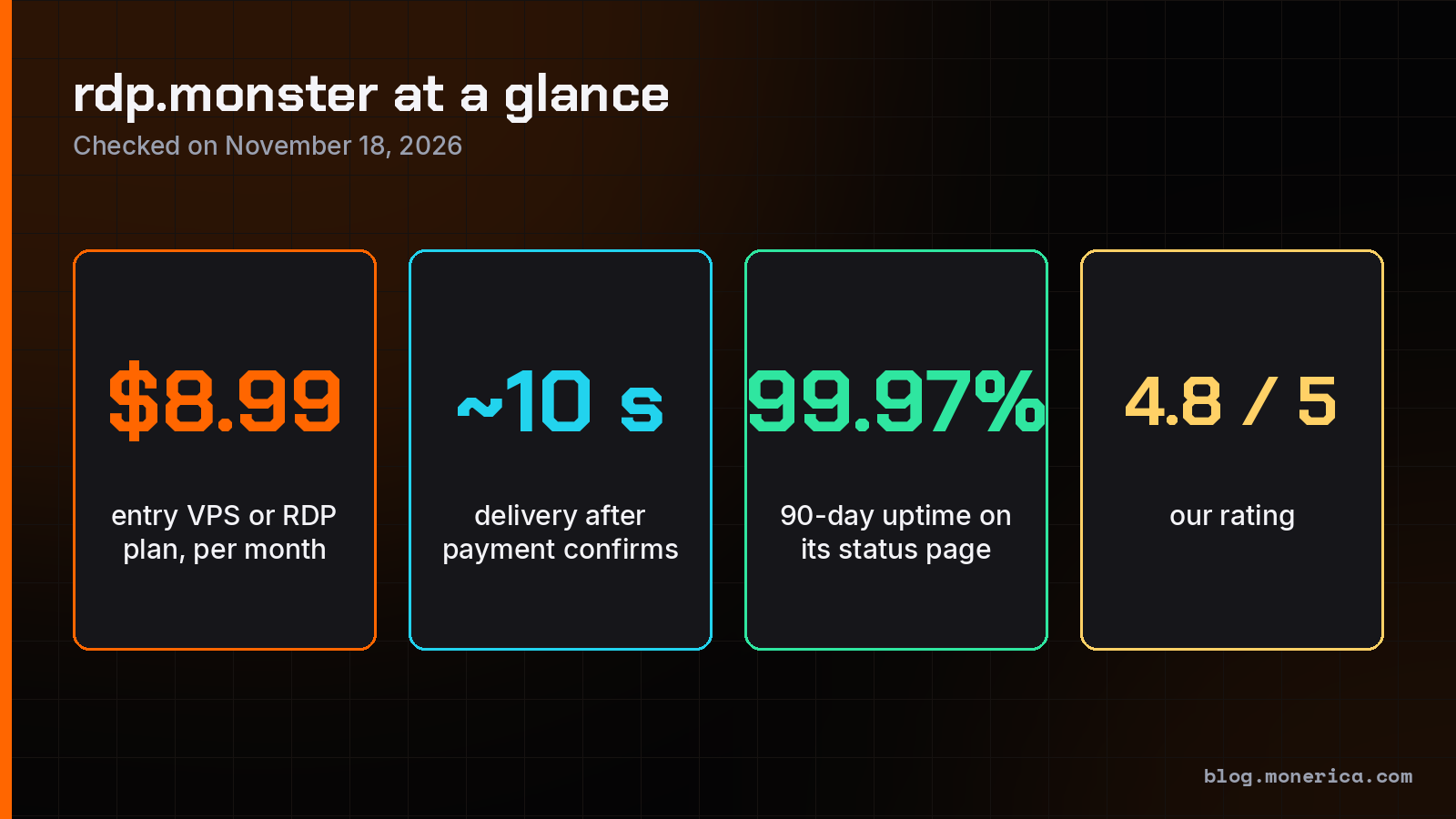
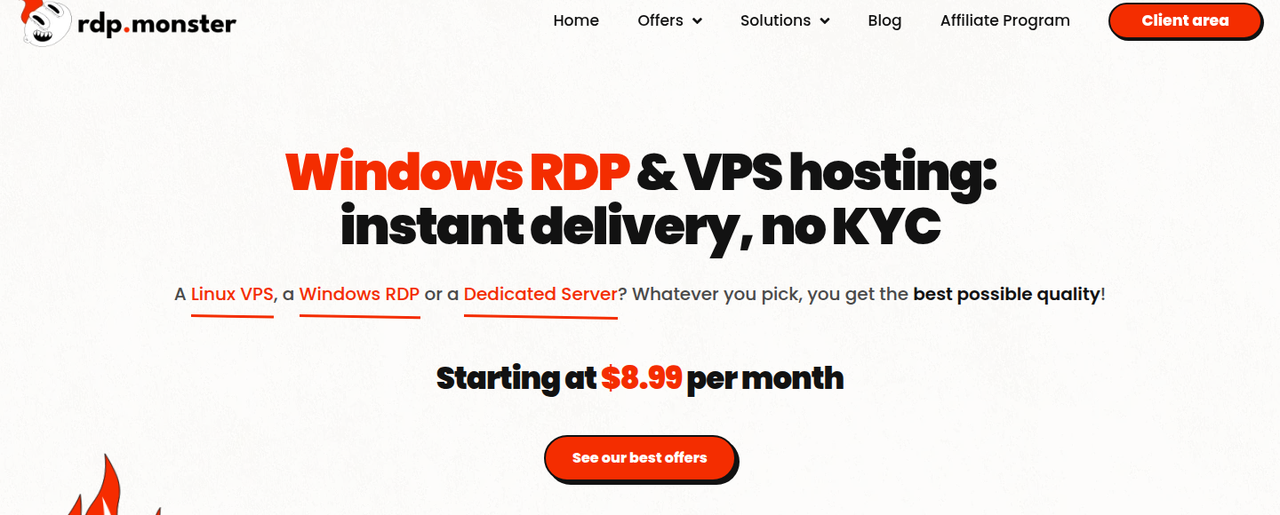
rdp.monster is a no-KYC host that sells Windows RDP servers, Linux VPS, dedicated servers, custom-built servers and domain names, and takes Monero. Plans start at $8.99 a month, servers are delivered automatically about 10 seconds after payment, and signing up takes an email address and nothing else. We rate it 4.8 out of 5: the catalog is wide, prices are low and delivery is fast, and it loses a little for strict refund and backup rules.
Disclosure: links to rdp.monster on this page are affiliate links. If you order through them, Monerica may earn a commission at no extra cost to you. Monerica readers have been ordering from rdp.monster through our link since 2025, which is one reason we wrote this review. It does not change the rating.
Visit rdp.monster · rdp.monster on Monerica

rdp.monster at a Glance
| Question | Answer |
|---|---|
| What it sells | Windows RDP and VPS, Linux VPS, dedicated servers, custom servers, domain names |
| Starting price | $8.99 a month for a VPS or RDP server, $119.99 a month for a dedicated server |
| Locations | VPS in Europe (France, Netherlands) and the USA (New York). Dedicated servers in Amsterdam, Paris, Marseille and New York |
| Signup | Email only. No ID, passport or selfie |
| Payment | Monero, Bitcoin, USDT and other crypto, plus cards and PayPal |
| Delivery | Automatic, about 10 seconds after the payment confirms |
| Uptime | 99.9% commitment in the terms. The public status page showed 99.97% over 90 days on November 18, 2026 |
| Support | 24/7 live chat, tickets and Telegram |
| Operator | Stellar Group SAS, named in the terms of service |
| Our rating | 4.8 / 5 |
What rdp.monster Sells
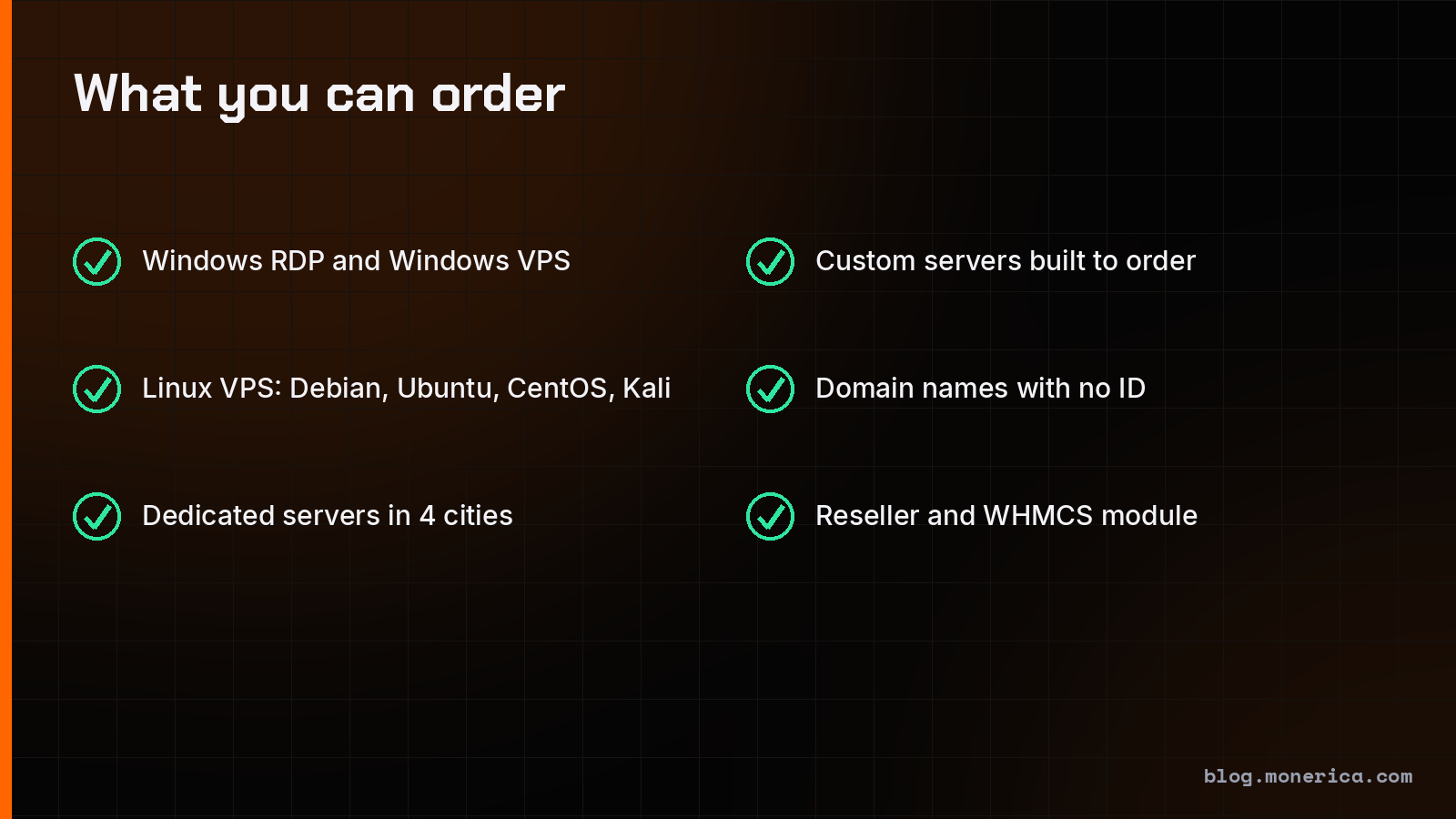
Windows RDP and Windows VPS
This is the product the name comes from. You get a full Windows Server machine with an administrator account, its own public IPv4 address and Remote Desktop access on port 3389. It is your own virtual machine on KVM with dedicated CPU cores, not a shared desktop session. You can choose Windows Server 2022 or 2012 and reinstall or switch version from the client area. Pick 2022 unless you have old software that needs 2012.
People use these servers to run trading platforms and bots around the clock, browser automation, streaming tools, or Windows-only software from a Mac or Linux computer.
Linux VPS
The Linux VPS plans use the same hardware and the same prices as the Windows ones. You get root access, a dedicated IPv4 address, NVMe storage and a choice of Debian, Ubuntu, CentOS or Kali Linux. All ports are open except mail port 25, which can be opened at checkout for $5 a month. A Linux VPS is the usual choice for a website, a VPN, a Monero node or a self-hosted app. Our guide on how to run a Monero node covers the node setup.
Dedicated servers
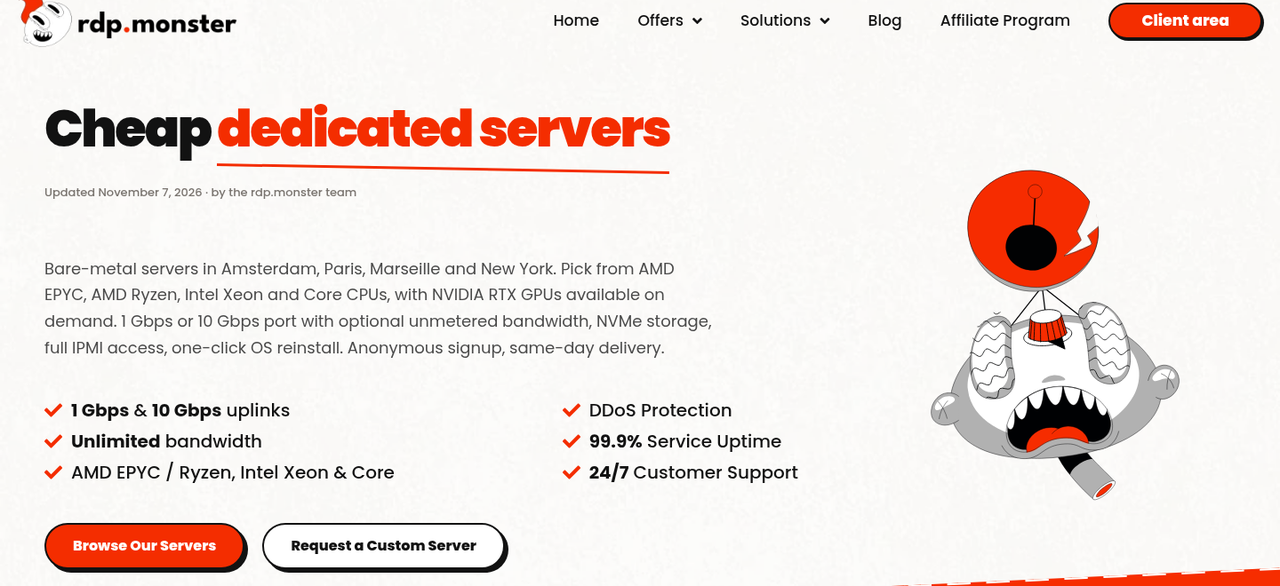
Dedicated servers are whole physical machines in Amsterdam, Paris, Marseille and New York. The site lists AMD EPYC, AMD Ryzen, Intel Xeon and Core processors, with NVIDIA RTX graphics cards on request. Prices start at $119.99 a month for an AMD Ryzen 7 3700X with 64 GB of memory and a 1 TB NVMe drive. Every server has an unmetered 1 Gbps port under a fair-use rule, with 10 Gbps available, network-level DDoS protection, full root access and IPMI so you can mount your own installer. There is no setup fee on standard configurations and reinstalling the operating system is free.
Custom servers
If the ready-made machines do not fit, or are out of stock, rdp.monster builds a server to order. You send the specification you need and get a quote within 24 hours. When we checked on November 18, 2026, the dedicated page said all ready-made servers were taken and offered the custom quote instead, so expect to use this route for bare metal right now.
Domain names
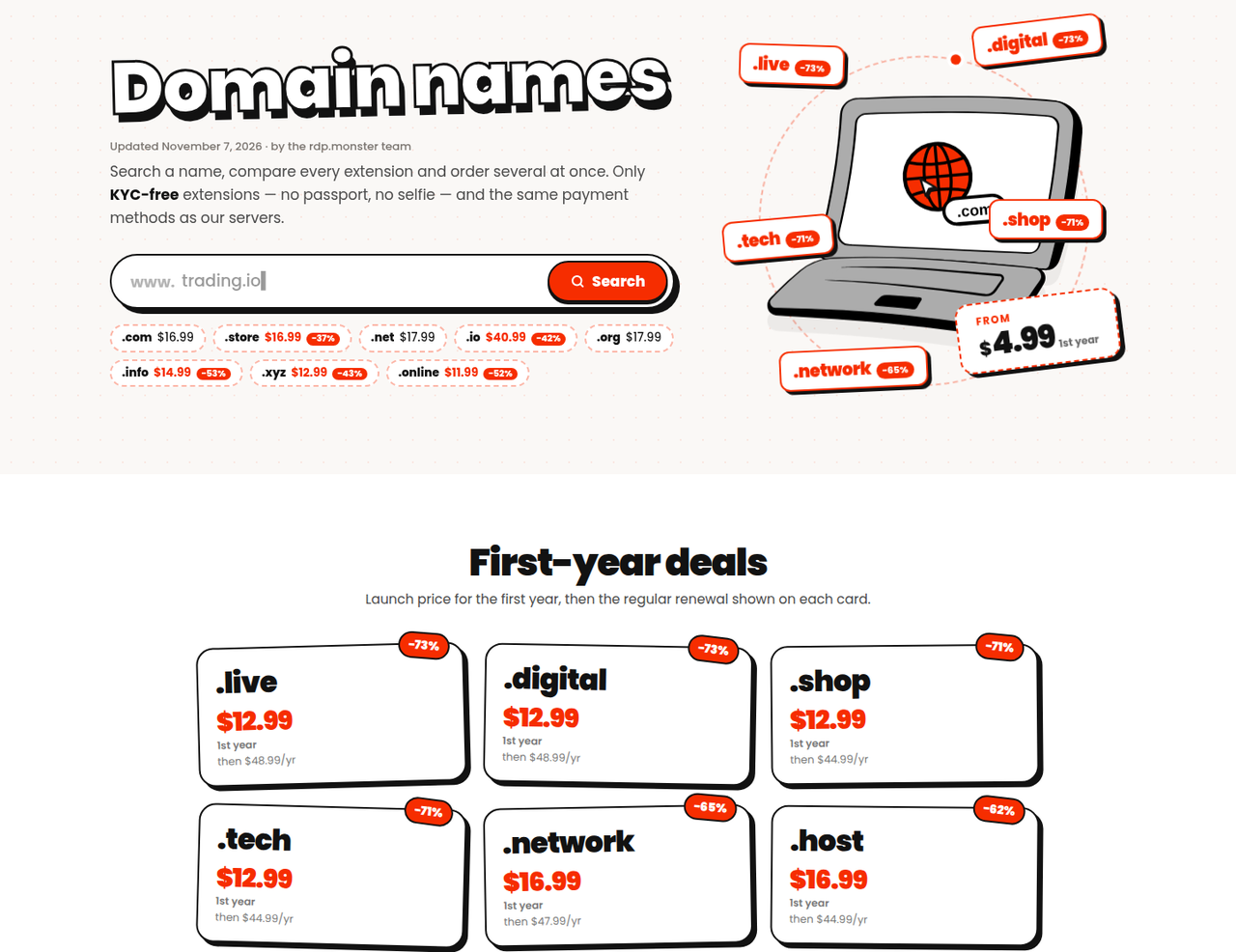
rdp.monster also registers domains, and only sells extensions that need no identity documents. You can order several names on one invoice, for 1 to 10 years, and pay the same way as for servers. A DNS manager, URL forwarding, your own nameservers and auto-renew are included, and you can transfer in a domain you already own.
| Extension | First year | Renewal |
|---|---|---|
| .com | $16.99 | $16.99 |
| .net | $17.99 | $17.99 |
| .org | $17.99 | $17.99 |
| .io | $40.99 | $70.99 |
| .xyz | $12.99 | $22.99 |
| .live, .digital | $12.99 | $48.99 |
Watch the renewal column. Some extensions are cheap in year one and cost three or four times as much afterwards. For other registrars, see how to buy a domain with Monero.
Reseller tools
Resellers get a wholesale discount, an API, a WHMCS module and a white-label shop. There is also an affiliate program that pays 15% to 50% of what referred customers spend.
Plans and Prices
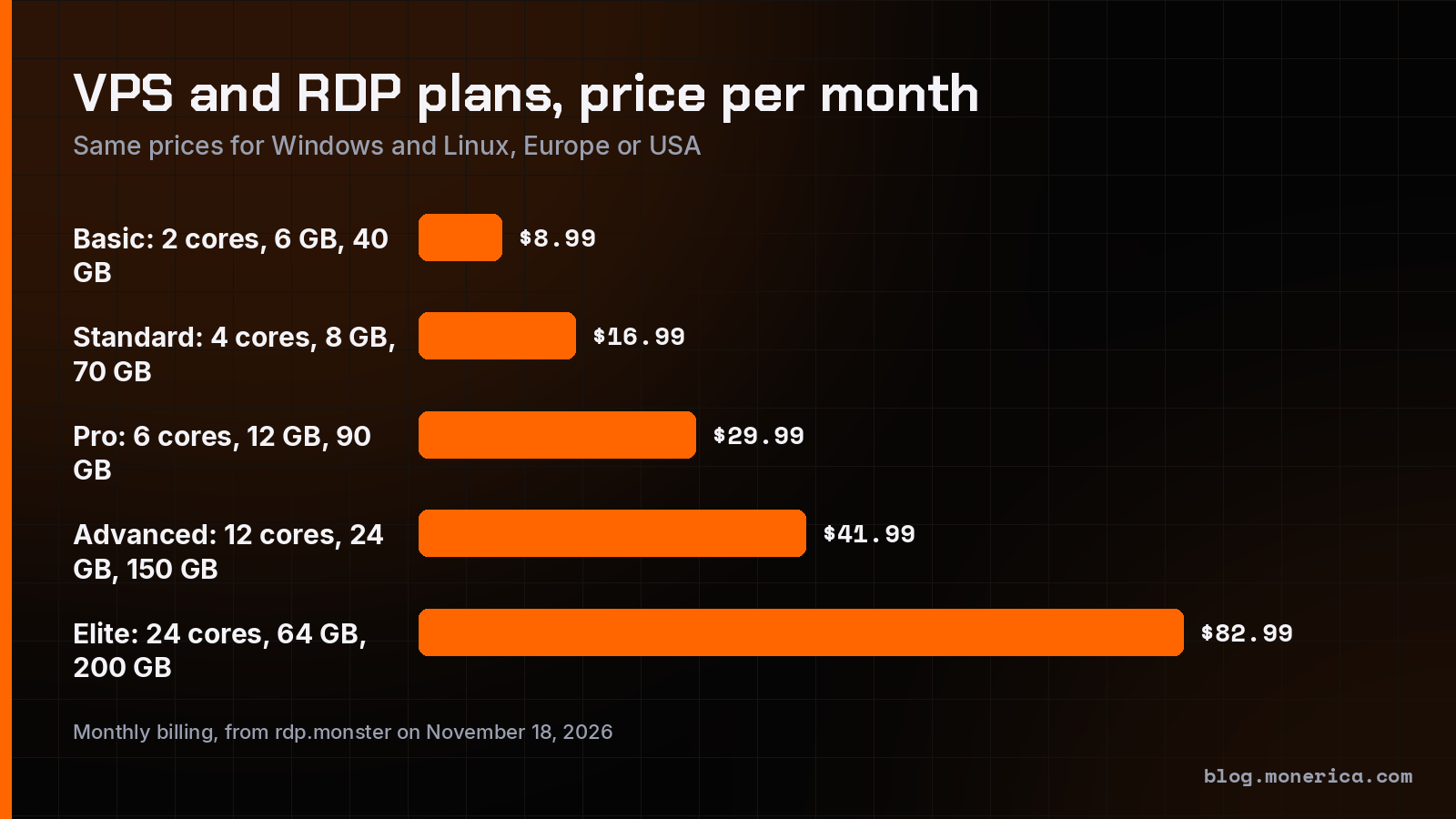
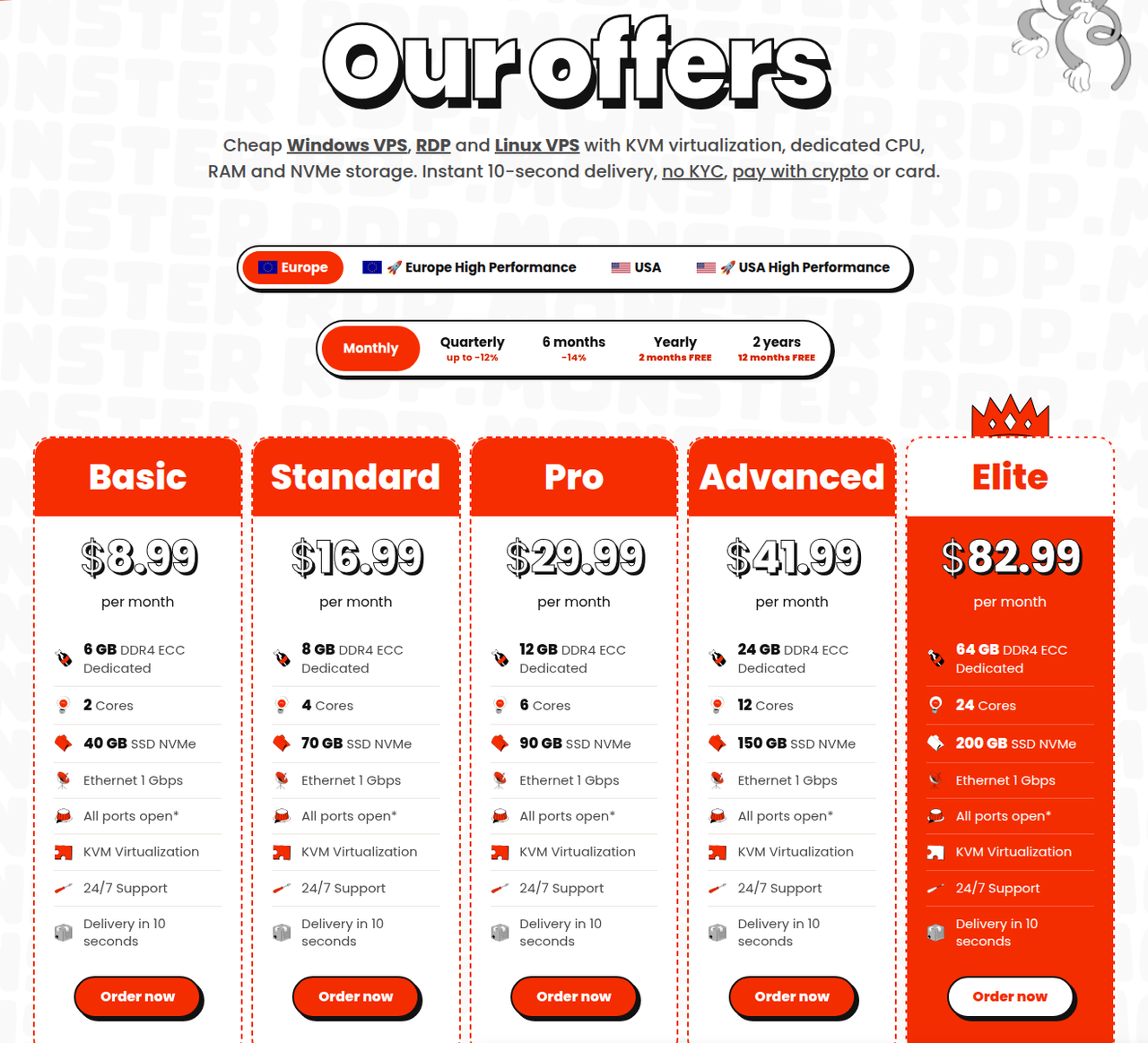
| Plan | Price per month | CPU cores | Memory | NVMe storage |
|---|---|---|---|---|
| Basic | $8.99 | 2 dedicated | 6 GB | 40 GB |
| Standard | $16.99 | 4 dedicated | 8 GB | 70 GB |
| Pro | $29.99 | 6 dedicated | 12 GB | 90 GB |
| Advanced | $41.99 | 12 dedicated | 24 GB | 150 GB |
| Elite | $82.99 | 24 dedicated | 64 GB | 200 GB |
Every plan has a 1 Gbps port, KVM virtualization and 24/7 support. The prices are the same for Windows and Linux and for Europe and the USA. A separate High Performance line, on AMD Ryzen 9 7950X processors according to the site, is offered in both regions at higher prices.
Longer billing periods are cheaper: up to 12% off quarterly, 14% off for six months, two months free on a yearly plan and twelve months free on a two-year plan. Start monthly, then extend once you know the server suits you. You can move to a bigger plan later without reinstalling.
How to Order and Pay With Monero
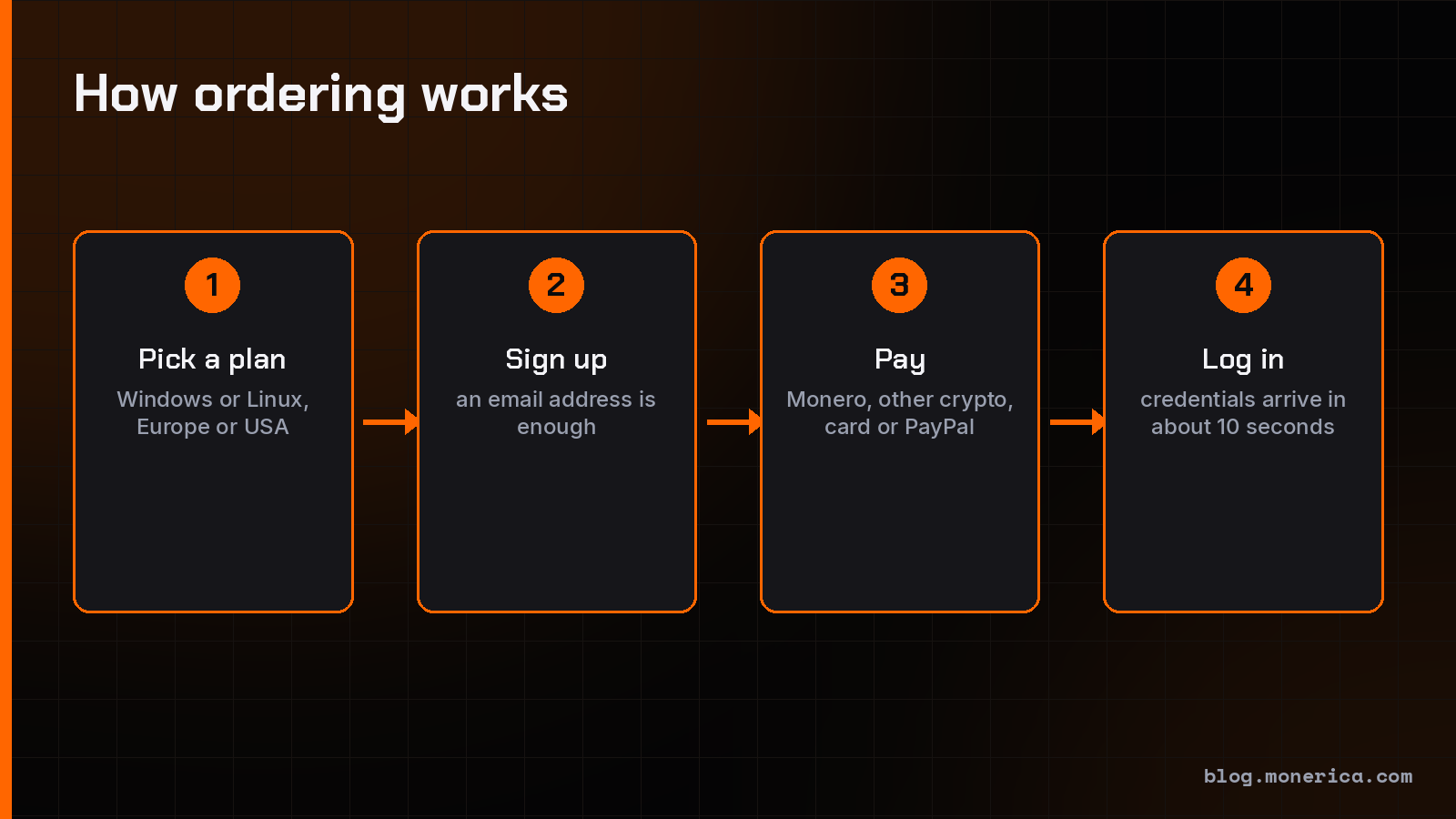
- Pick a plan. Choose Windows or Linux, Europe or the USA, and a billing period on rdp.monster.
- Create an account. An email address is enough. Use one that is not tied to your name if privacy matters to you. Our guide to private email providers lists options.
- Choose Monero at checkout. You are shown an address and an exact amount. Send from a wallet you control, not from an exchange account.
- Wait for the confirmation. The server is created automatically. The site says credentials arrive about 10 seconds after the payment confirms, at any hour.
- Log in and secure it. Change the password, update the system, and on Windows restrict who can reach Remote Desktop.
Need Monero first? Swap into it at CCE Cash, SageSwap or GhostSwap, or read how to buy Monero.
Paying with Monero keeps the payment off a public ledger. It does not hide what the server does. The provider can still see the IP address you sign up and connect from unless you use Tor or a VPN, so read what no-KYC hosting does and does not hide.
Uptime and Support
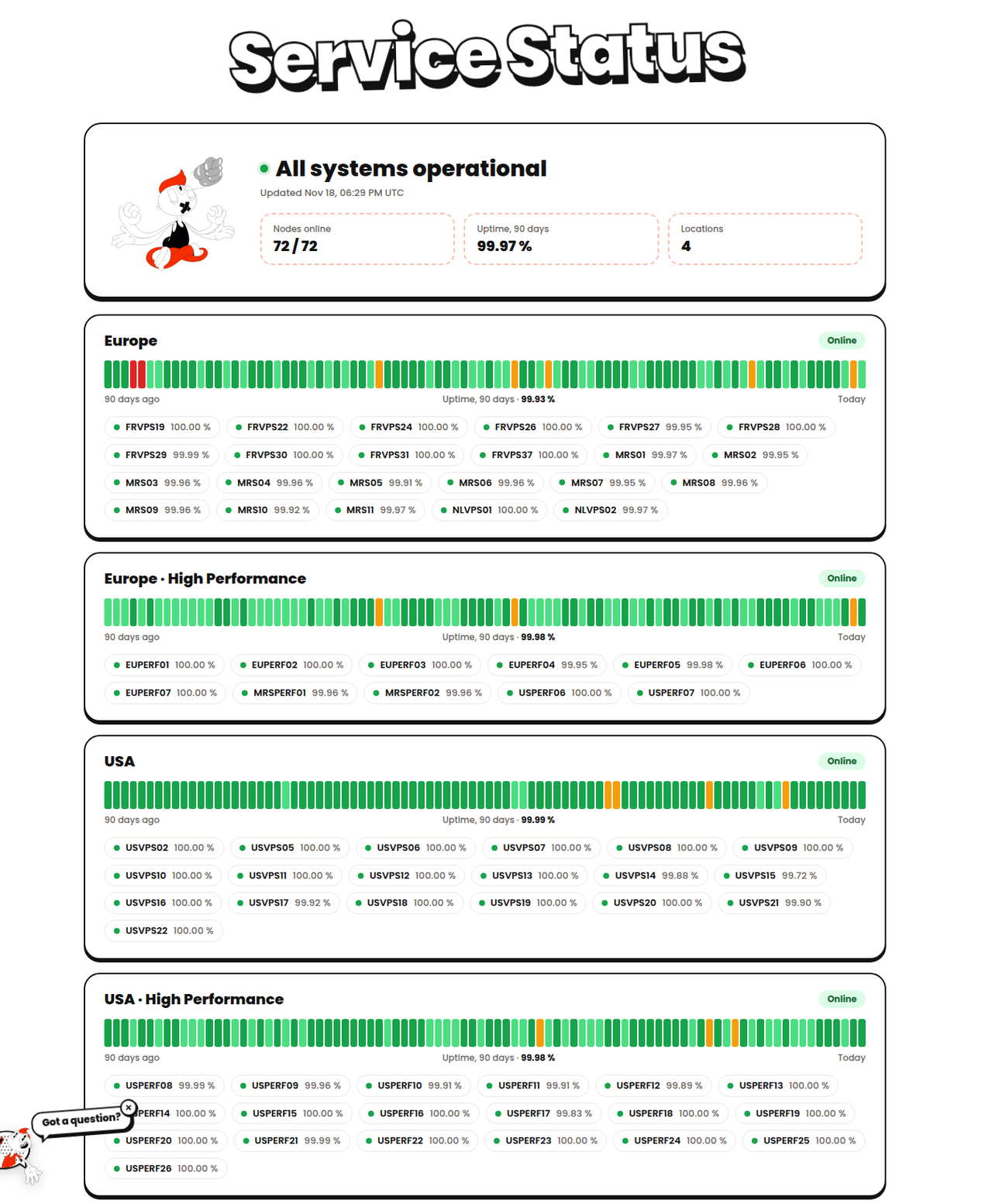
rdp.monster publishes a live status page with every node and 90 days of history. On November 18, 2026 it showed all systems operational, 72 of 72 nodes online and 99.97% uptime over 90 days. The terms of service commit to 99.9% a month: if a service falls below that for reasons on the provider's side, you can open a ticket within 30 days and get account credit in proportion to the downtime.
Support is offered around the clock by live chat, tickets and Telegram, and the site is translated into 13 languages.
What to Know Before You Order
These points come from the refund policy and terms of service. They are the main reason the rating is not a full 5.
- No backups. The provider keeps no backups of customer servers, and a deleted server cannot be restored. Keep your own copies.
- Refunds go to account balance. Refunds are credited to your rdp.monster balance, never back to a card or wallet, and the balance can only be spent there.
- A delivered server is not refunded unless the provider could not deliver it or fix a problem you reported in a ticket.
- Expiry is strict. A service that is not renewed stops at expiry and is deleted five days later.
- No mining on VPS plans. The acceptable use rules also ban spam, attacks, scanning, phishing and illegal content.
- Mail port 25 costs extra, and an IP address that lands on a blocklist such as Spamhaus is withdrawn until it is changed.
Who rdp.monster Suits
- Good fit: anyone who wants a cheap Windows desktop in a datacenter, a Linux server for a website, VPN or node, or a dedicated machine without sending ID, and who wants it running within minutes.
- Less suited: people who need managed backups, money-back refunds to their original payment method, or crypto mining on a VPS.
Pros and Cons
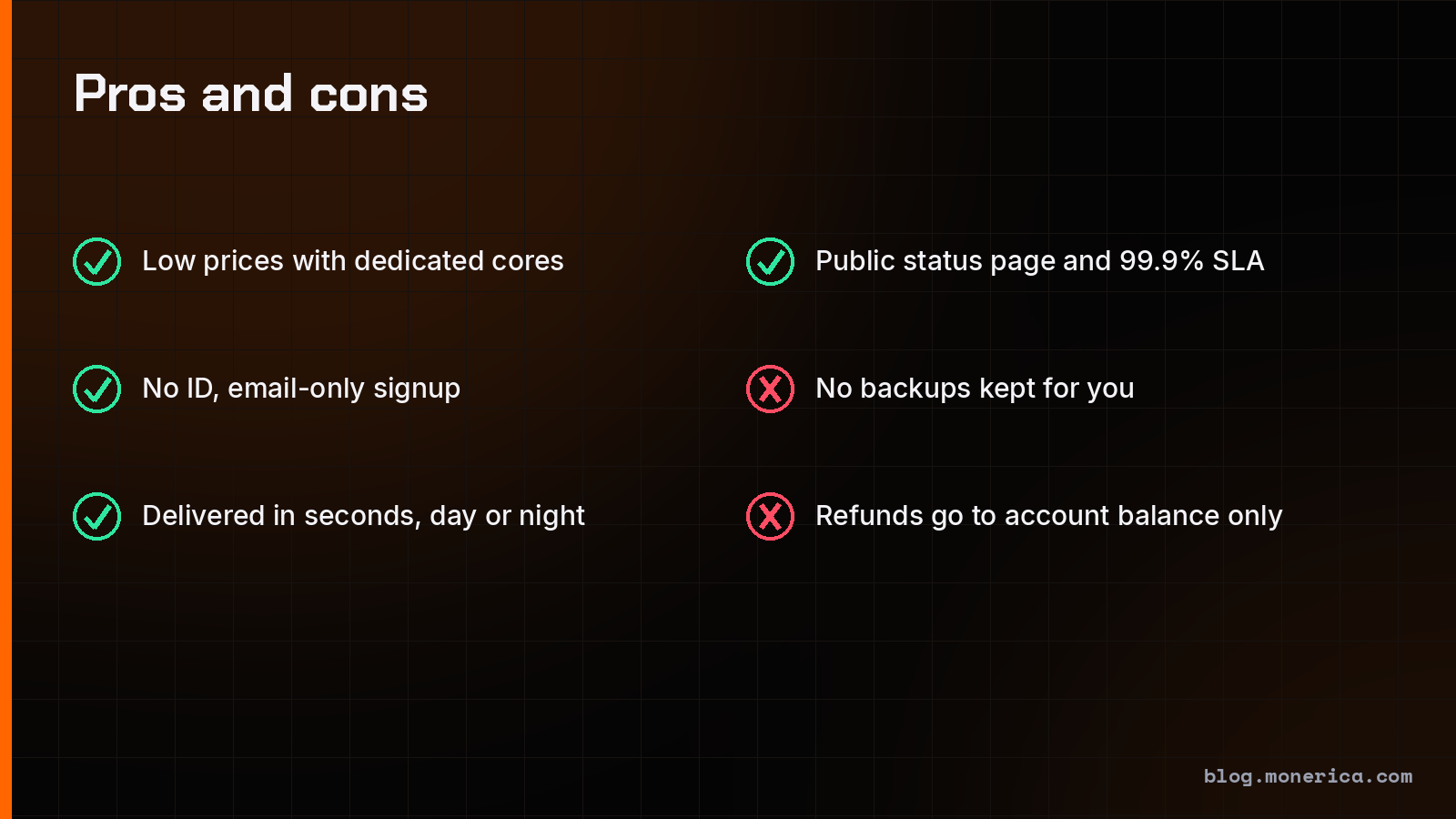
- Pros: low entry price with dedicated cores, email-only signup, automatic delivery in seconds, public status page with a 99.9% commitment, Windows and Linux at the same price, dedicated and custom servers, domains in the same account.
- Cons: no backups, refunds to balance only, ready-made dedicated servers were out of stock when we checked, renewal prices on some domain extensions are much higher than the first year.
Our Rating: 4.8 out of 5
The rating is based on what rdp.monster publishes about its plans, policies and uptime, and on the fact that Monerica readers have kept ordering from it through our link since 2025. It scores top marks for price, range and speed of delivery. The missing 0.2 is for the backup and refund rules above, which are stricter than at some hosts.
Alternatives
To compare before you buy, see where to buy a VPS with Monero, the Monero dedicated servers guide, our BTCVPS review and our BlueVPS review. Monerica lists more hosts under VPS hosting and dedicated servers.
Frequently Asked Questions
Is rdp.monster legit?
It is an operating host with a public status page, published terms that name its operator (Stellar Group SAS), and a referral program that has paid Monerica since 2025. As with any host, start with a one-month plan.
Does rdp.monster need ID?
No. The site says an email address is enough for servers, and it only sells domain extensions that need no identity documents.
Can I pay rdp.monster with Monero?
Yes. Monero is one of the checkout options, next to Bitcoin, USDT and other coins, cards and PayPal.
How fast is delivery?
VPS and RDP servers are created automatically, about 10 seconds after the payment confirms according to the site. The terms say that if an automated step fails, staff finish the delivery by hand within 24 business hours. Dedicated servers in stock are delivered the same day.
What is the difference between RDP and a Windows VPS here?
They are the same product. You rent a Windows Server virtual machine and reach its desktop with Remote Desktop (RDP).
Can I get a refund?
Only as account balance, and not for a server that was delivered and works. Read the refund policy before paying for a long period.
Can I mine Monero on an rdp.monster VPS?
No. Mining is forbidden on VPS plans. For mining, read our Monero mining guide.