▶ Watch the full GhostSwap review on YouTube (also on Monerica Video)
Can you still swap Bitcoin for Monero without an account, without an email, and without handing over your ID? To find out, we tested GhostSwap (ghostswap.io), a no-KYC crypto exchange, with real money: a live Bitcoin to Monero swap, a look at its new Private Send feature, and an AMLBot check on the coins we sent.
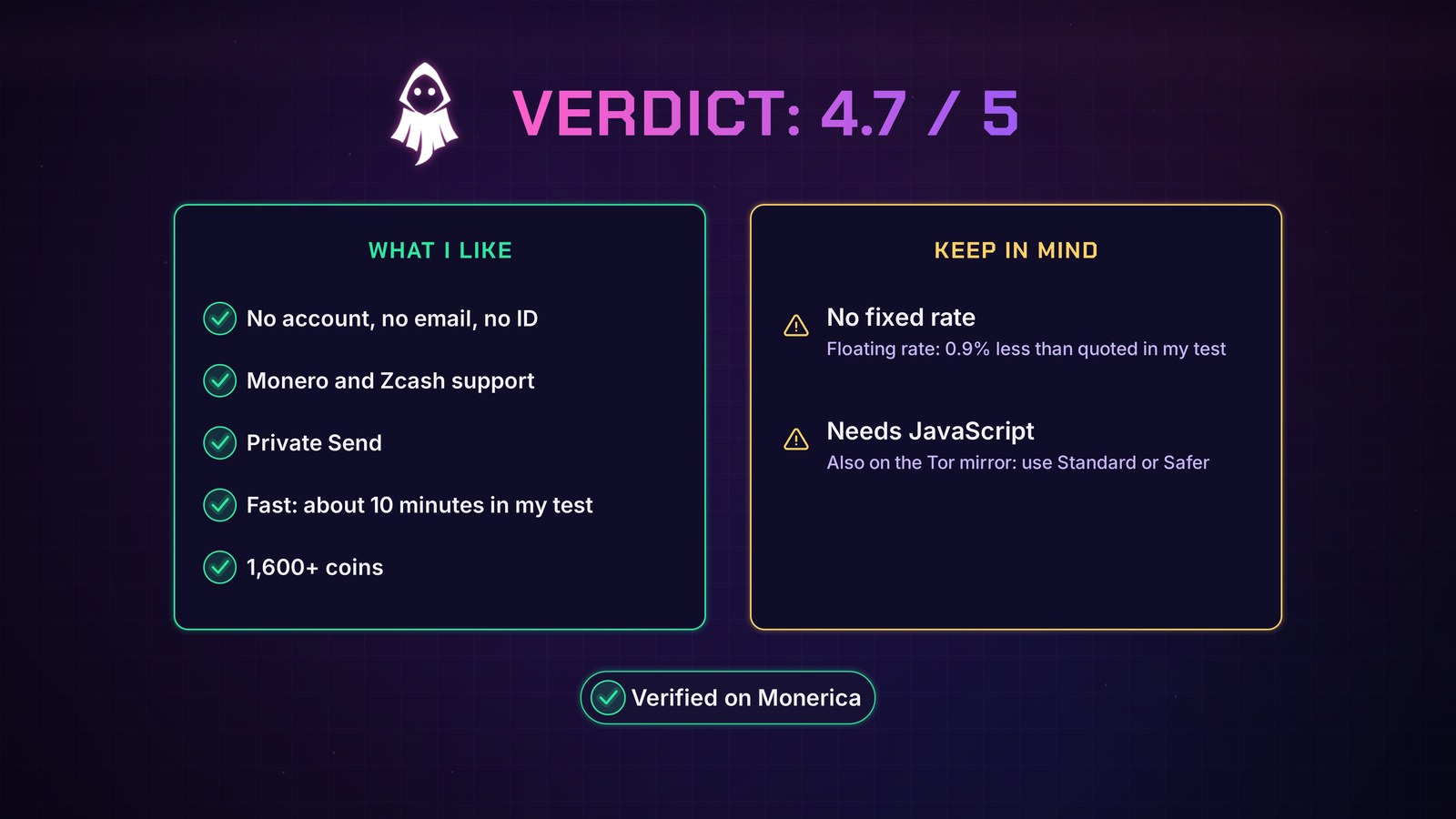
We rate it 4.7 out of 5. The swap went through without any problems, the Monero arrived about 10 minutes after the Bitcoin was sent, and there was no account, email or ID at any point. The only two things to keep in mind: there's no fixed rate (on the floating rate we received about 0.9% less than quoted, which is part of why it's not higher), and the swap box needs JavaScript.
Try it here: ghostswap.io
Disclosure: GhostSwap sponsored the video this review is based on. They didn't get to edit what we say, and everything shown is a real swap with our own money.
The verdict at a glance
- Rating: 4.7 / 5
- What it is: an independent instant swap service, running since October 2024
- Coins: 1,600+, including Monero, Zcash, Bitcoin, Ethereum and USDT
- Account: none. No email, no ID, no balances held on the site
- Our test: 0.0012 BTC (a little under $100) to Monero, received in about 10 minutes
- Extras: Private Send, a Tor mirror, VPNs allowed
- Keep in mind: floating rate only (no fixed rate), and JavaScript is required
What GhostSwap is
GhostSwap is an independent swap service. You pick two coins, paste the address you want to be paid out to, send your deposit, and the coins are sent straight to your wallet.
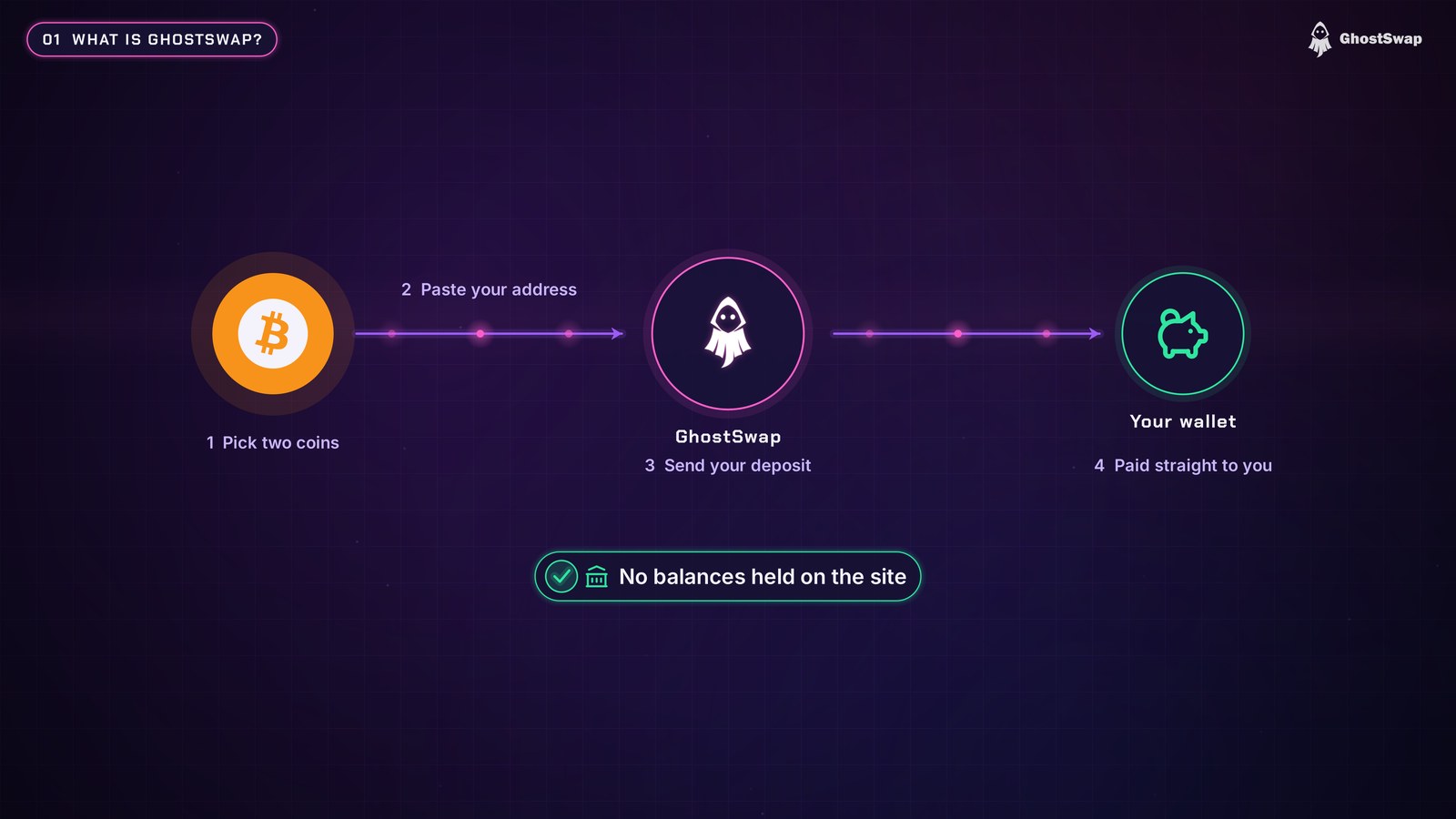
There are no balances kept on the site, so you're never leaving money sitting on an exchange. It's a straight swap between what you send and what you want back.
VPN, Tor and JavaScript
Using a VPN is fine, and GhostSwap says it doesn't store your IP address in plain form, only a scrambled (hashed) version. For extra privacy, use a VPN, or even better, GhostSwap's Tor mirror, so you can swap without ever leaving the Tor network. You'll find the mirror on GhostSwap's Monerica profile.
One thing to know: the swap box needs JavaScript, on the Tor mirror too. In Tor Browser, use the Standard or Safer security level, because Safest turns JavaScript off.
What "no KYC" means here
KYC stands for Know Your Customer. On most exchanges, that means an account, an email, a selfie and a scan of your passport. On GhostSwap there's none of that: no account, no email and no ID to swap.
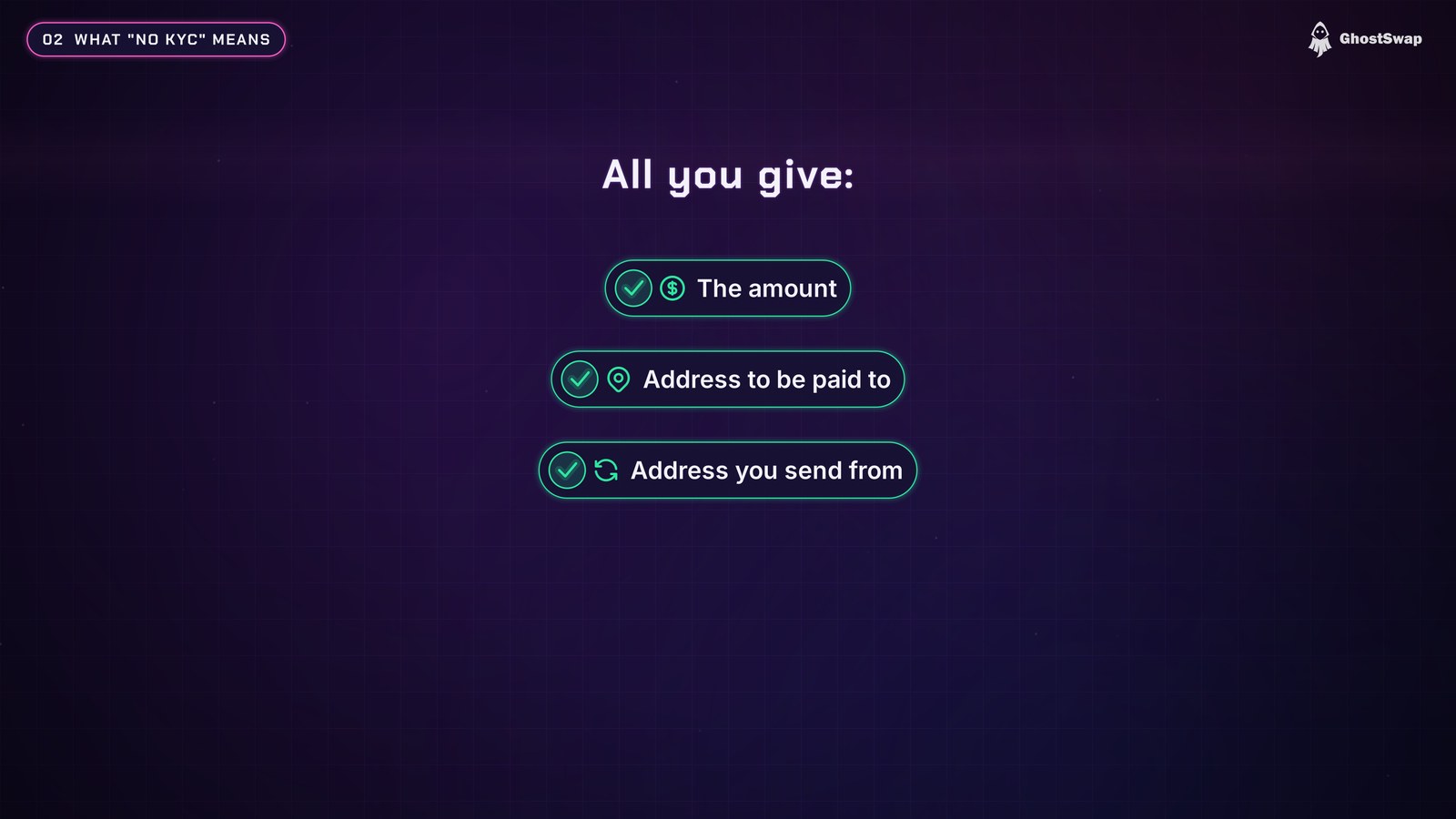
The only things you give are the amount, the address you want to be paid to, and the address you're sending from. The sending address is also where any refund would go if a swap can't be processed, so your coins have a clear way back to you.
Our live test: Bitcoin to Monero
We swapped 0.0012 BTC, a little under $100, to Monero, over a VPN. Here's how it went, step by step.
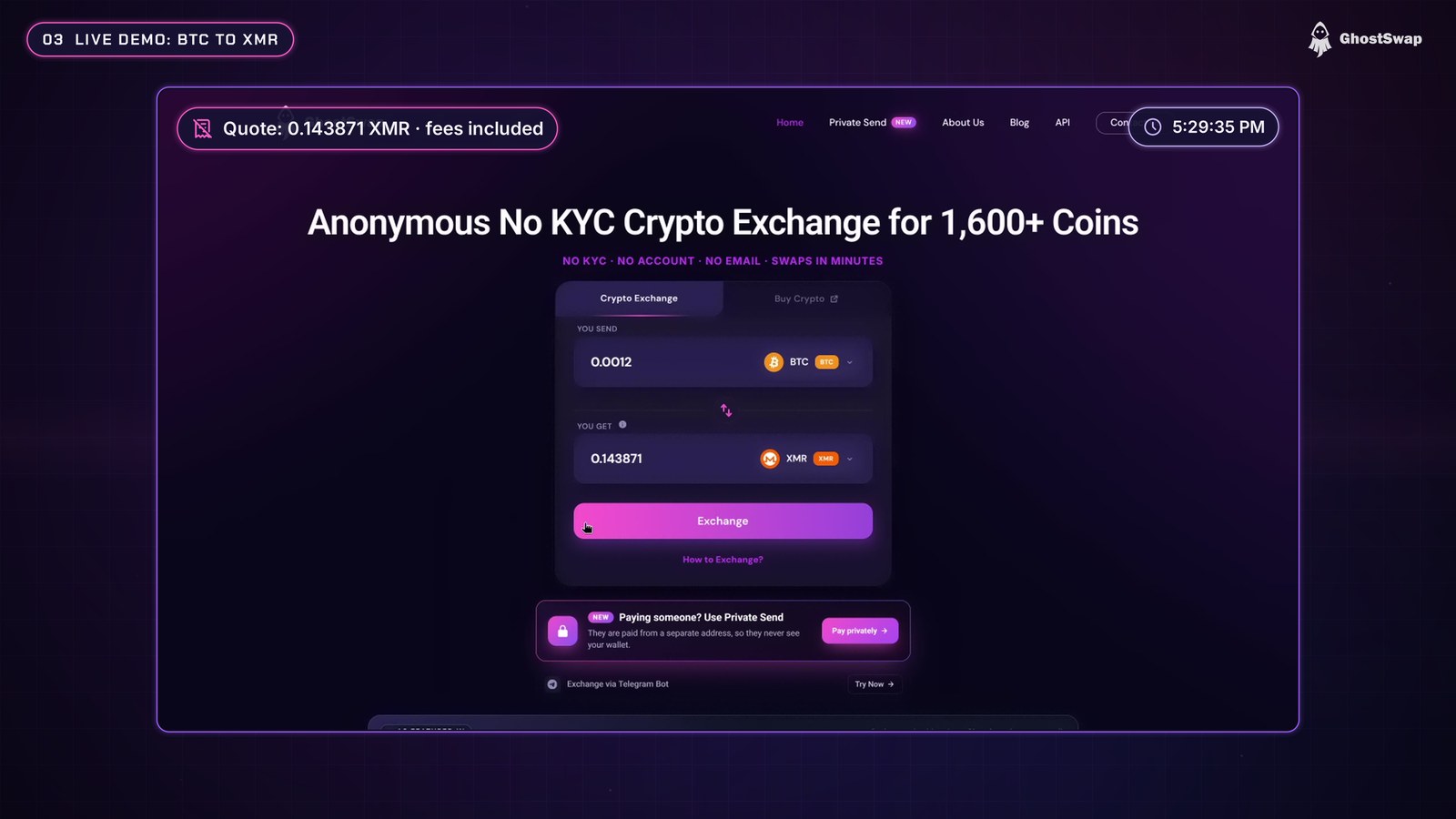
- Enter the amount and pick Monero. GhostSwap quoted about 0.1439 XMR, with the fees already included.
- Paste your Monero address. A Monero address starts with a 4 or an 8. Always double-check the first and last few characters of any address you paste.
- Paste the exact Bitcoin address you're sending from. That's also where a refund would go if anything went wrong.
- Confirm. GhostSwap shows a one-time deposit address with a QR code.
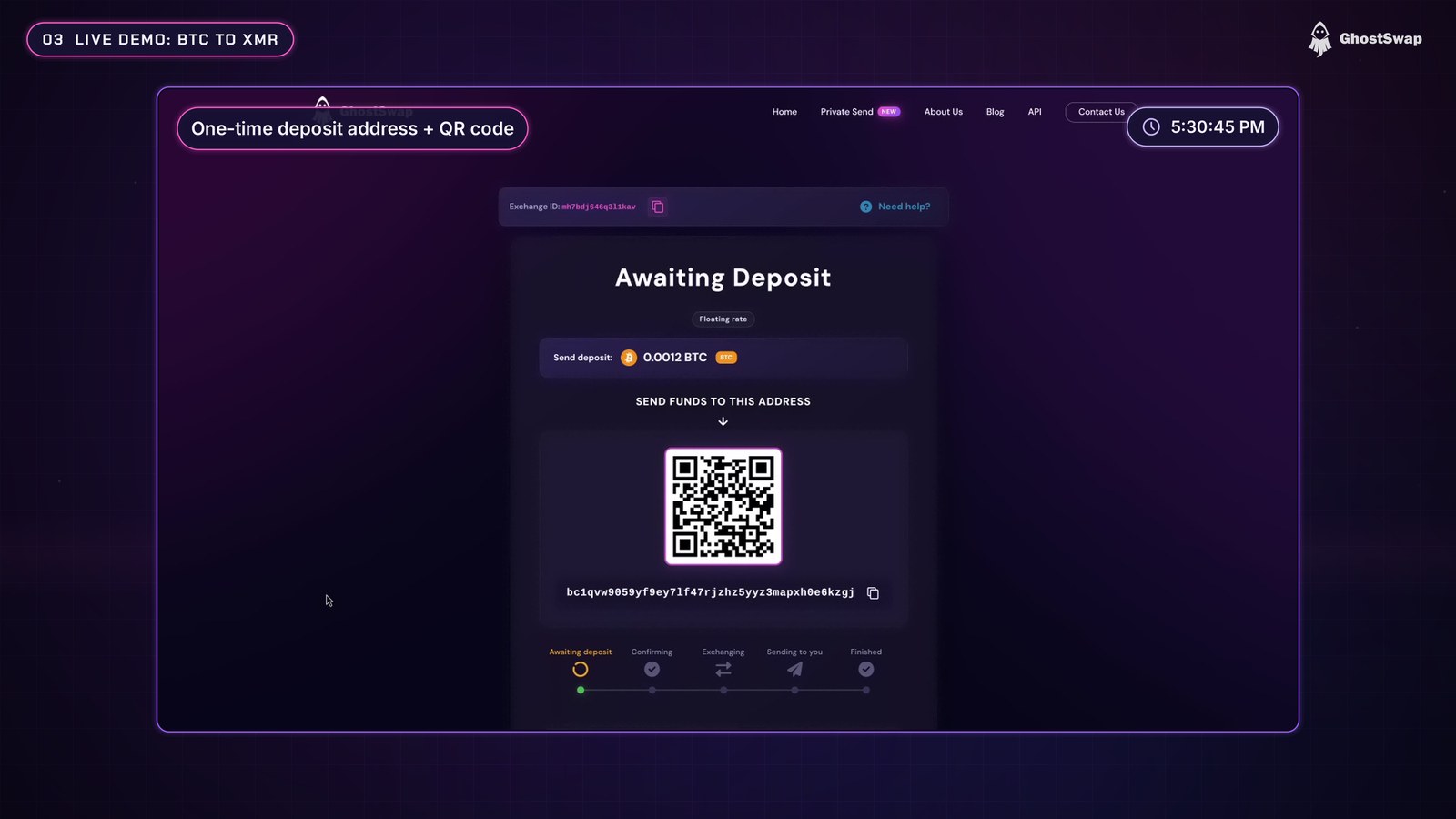
- Send, then follow the order on the status page. The page also shows an exchange ID. Save it: it's what support will ask for if anything ever goes wrong.
The Bitcoin left our wallet at 5:31 PM. The status page moved through confirming the deposit, exchanging and sending, and here's the nice surprise: our Monero wallet had already received the coins at 5:41 PM, while the page still said "sending". The page caught up a bit later, once the Monero had about 5 confirmations, which is probably a safety step on their side to make sure you receive the coins.
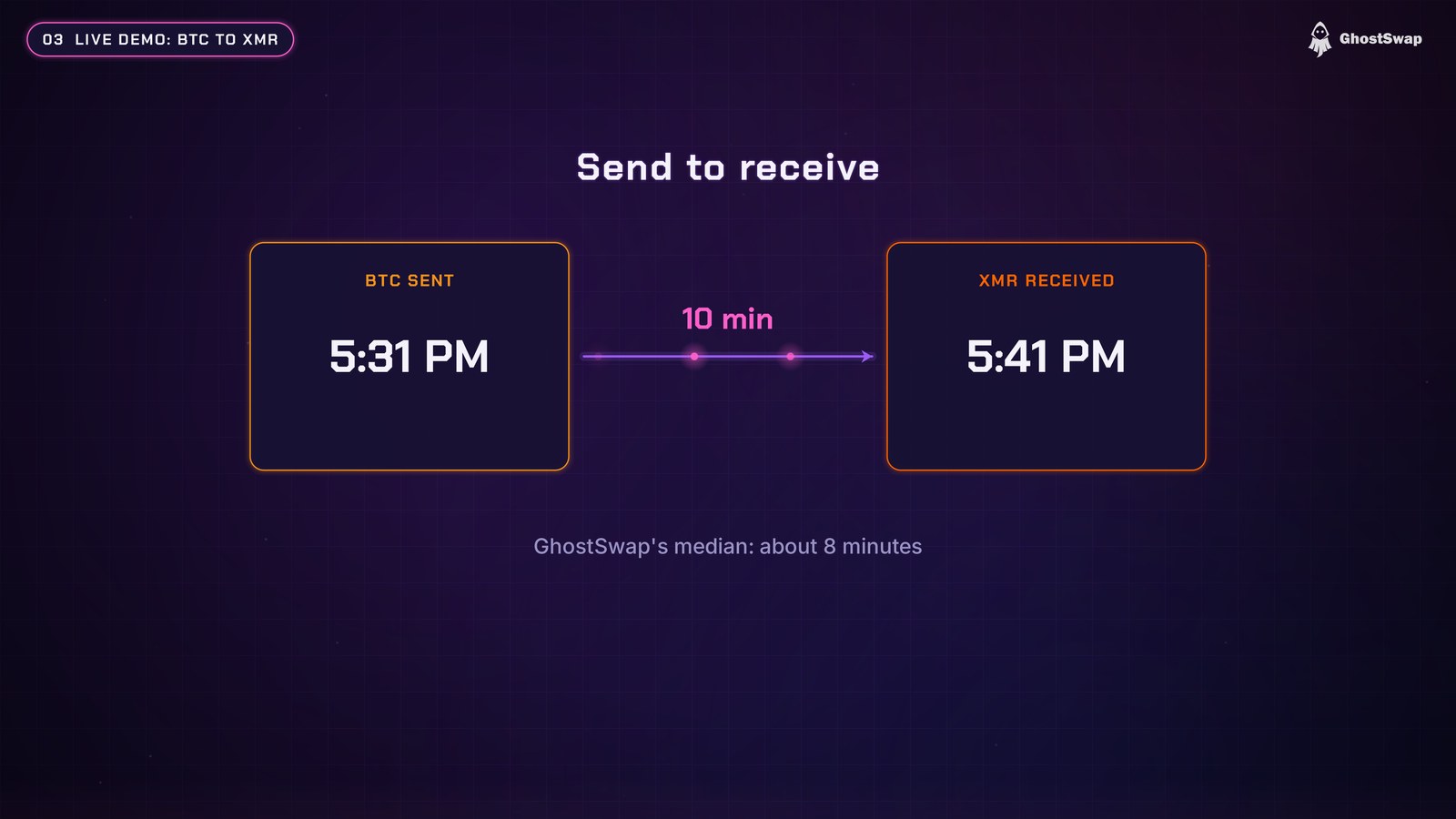
That's about 10 minutes from send to receive, close to GhostSwap's own 8-minute median. (Monero then needs about 20 minutes, 10 blocks, to unlock before you can spend it. That's how Monero works, not a GhostSwap delay.)
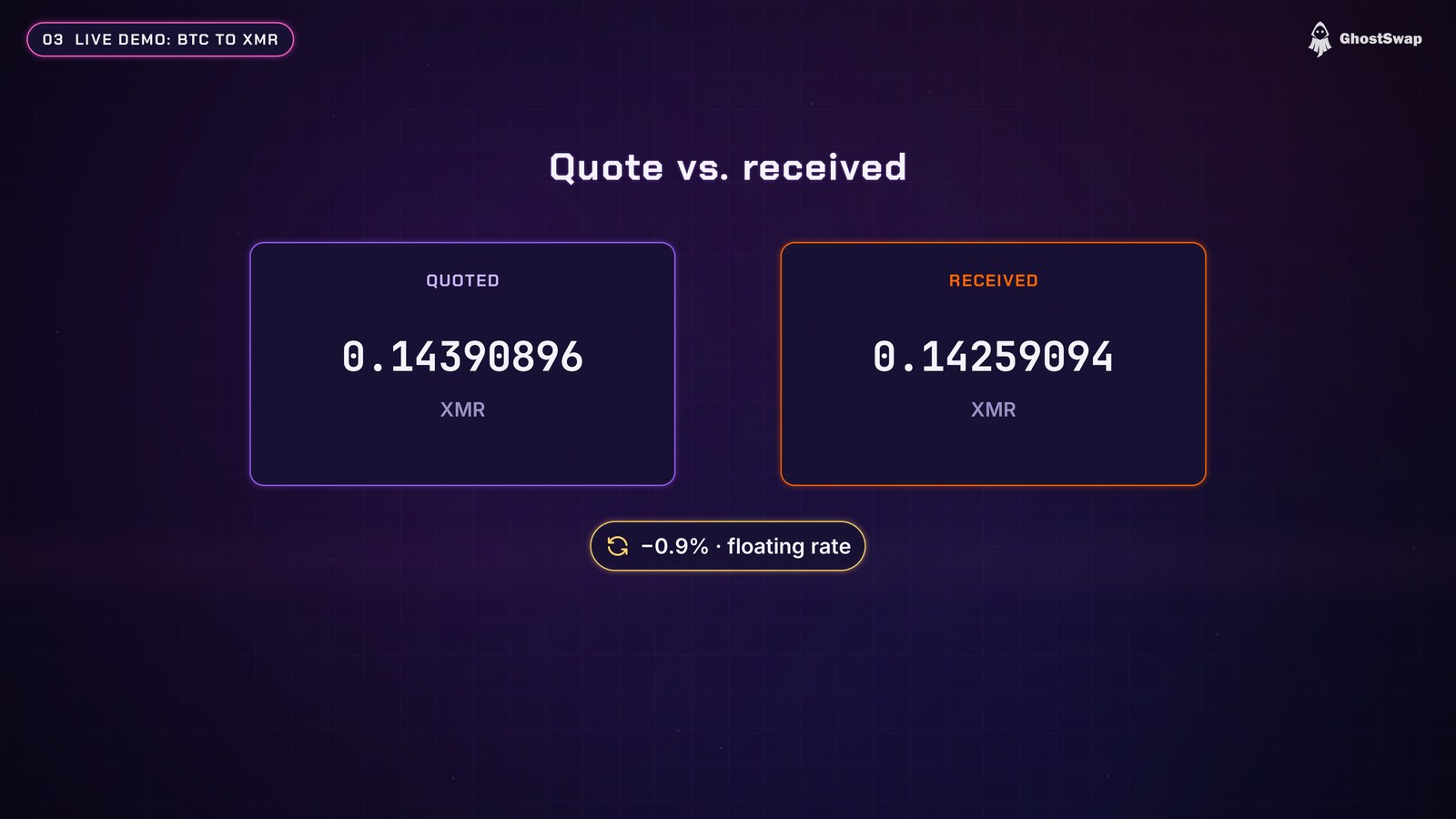
The quote was for 0.14390896 XMR and we received 0.14259094 XMR, about 0.9% less. With a floating rate, the final amount can move a little from the quote. That's normal, but good to know before you swap.
Coins and speed
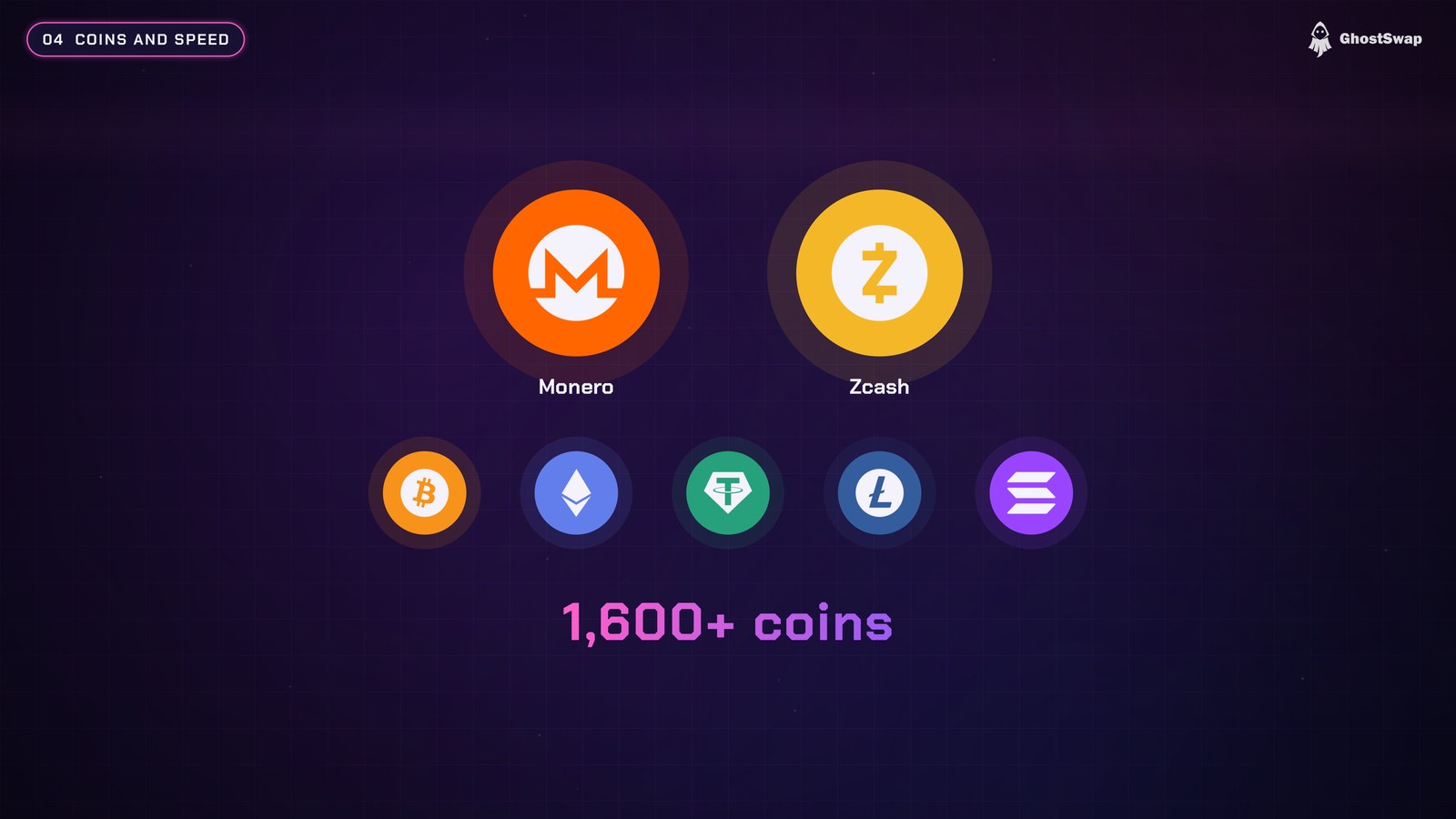
Monero isn't the only option. GhostSwap also supports Zcash, plus Bitcoin, Ethereum, USDT and more than 1,600 coins in total. Most swaps finish in minutes. The exact time mainly depends on how fast the coins you send get confirmed.
Private Send: pay someone without showing your wallet
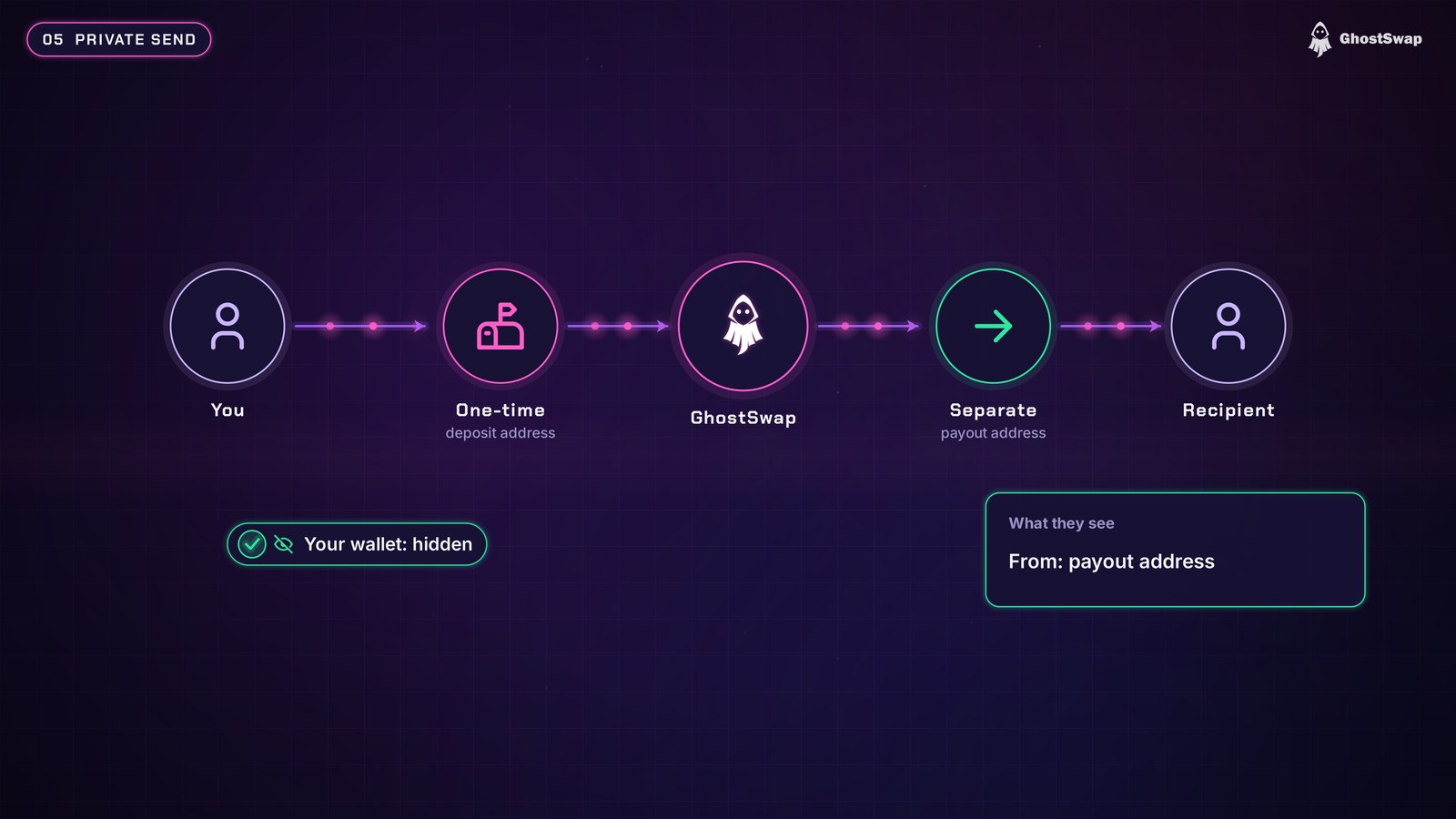
Private Send is a newer GhostSwap feature. Say you need to pay someone, but you don't want them to see your wallet, your balance or your history. You enter what they should receive and their address, then you pay into a one-time address. GhostSwap pays them from a separate address, so your wallet never shows up in their transaction.
- You can pay in Monero and have them receive Bitcoin or USDT.
- Most payments arrive within 5 to 30 minutes, and you can follow every step with your swap ID.
- For the best privacy, pay with Monero from a wallet you control, and ask the receiver for a fresh address.
On public chains like Bitcoin, the amount and the time the recipient was paid are still visible. Only your wallet stays out of it.
Our AML check
After the swap, we checked the Bitcoin we sent with AMLBot. It came back as medium risk with no sanctions links, and GhostSwap processed it without any questions. In our test, coins up to medium risk went through fine.
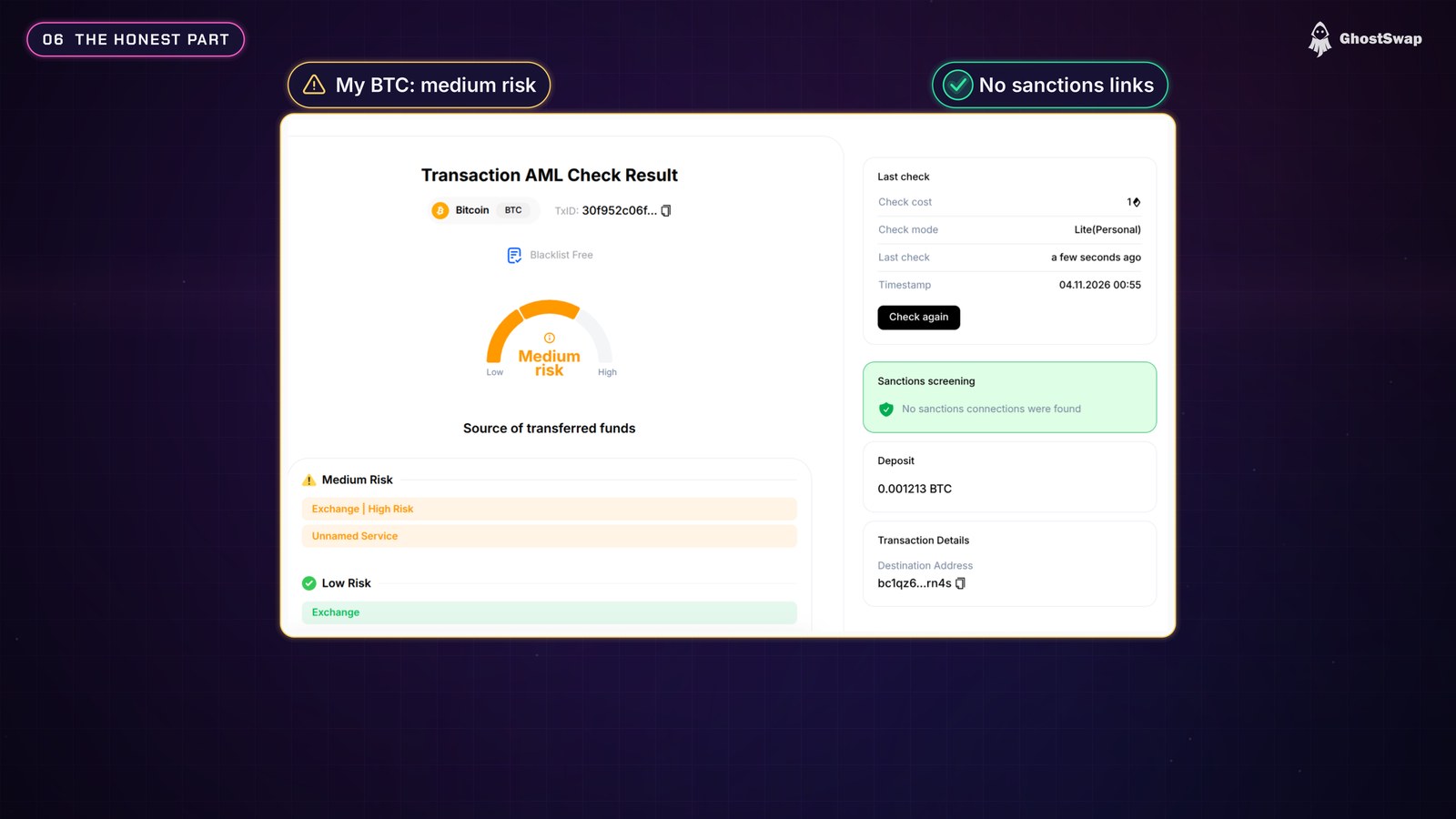
It's a good habit to check coins that someone sent you first (when they're not Monero) with AMLBot.com or a similar tool, so tainted coins never come as a surprise.
Tips before you swap
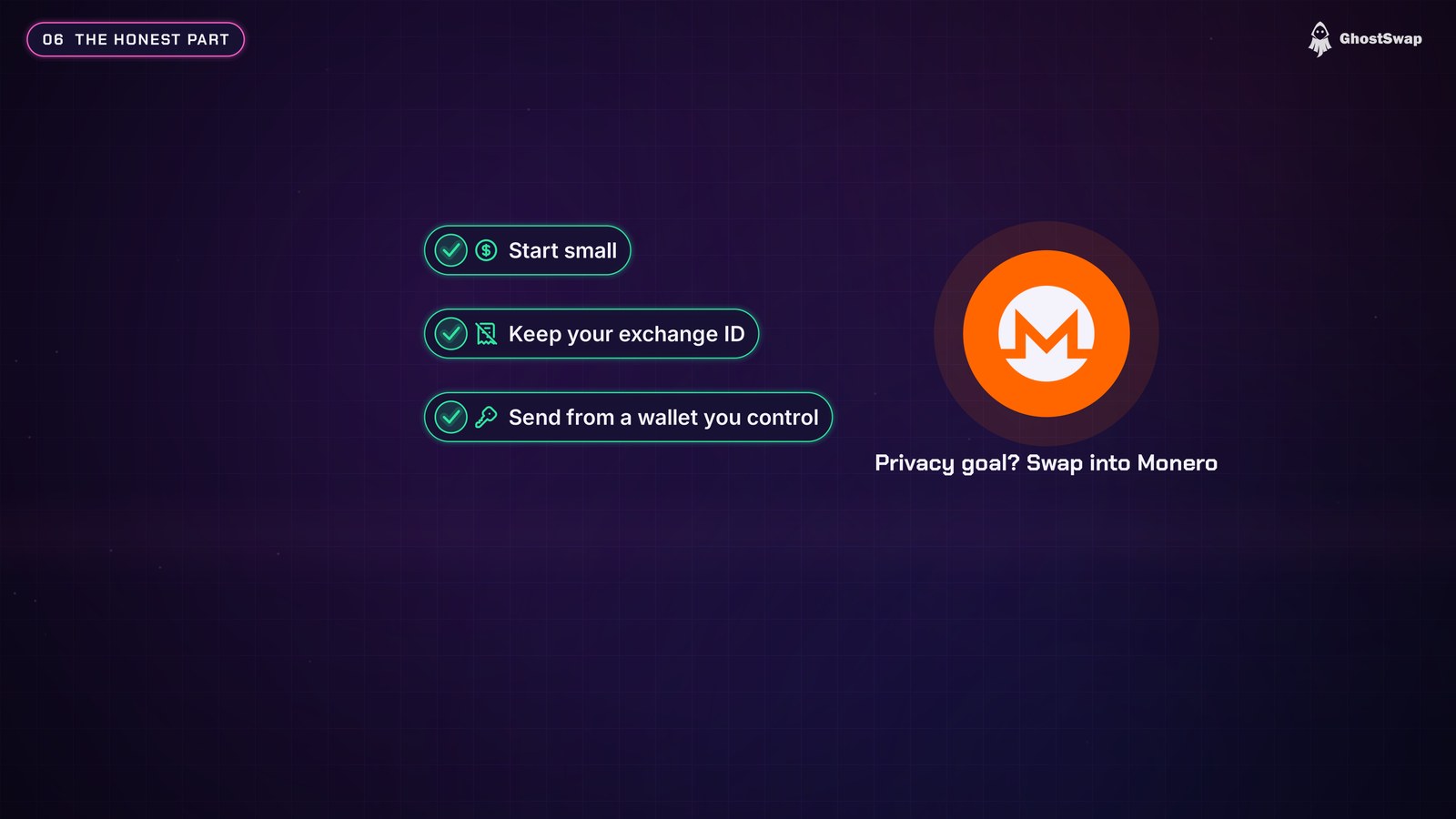
- Start small on your first swap.
- Keep your exchange ID until the coins are in your wallet.
- Send from a wallet you control, not from a centralized exchange, since refunds go back to the sending address.
- If privacy is your goal, swapping into Monero is the strongest option out there.
What to keep in mind
- No fixed rate. Swaps use a floating rate, so the amount you receive can move a little from the quote (about 0.9% in our test).
- JavaScript is required. The swap box needs JavaScript, including on the Tor mirror. Use Tor Browser's Standard or Safer level.
Verdict: 4.7 / 5
For fast, simple swaps without an account, especially into Monero or Zcash, GhostSwap does what it says. Our swap went through without any problems in about 10 minutes, there was no KYC at any point, and Private Send is a useful new feature for paying people without exposing your wallet. GhostSwap is listed as Verified on Monerica.
Why 4.7 and not higher: there's no fixed-rate option, and on the floating rate our swap paid out about 0.9% less than the quote. That's within normal range for a floating swap, but a fixed rate would let you lock in the amount. The swap box also needs JavaScript.
Read more reviews, and leave your own with your order URL to help the community, on GhostSwap's Monerica profile. To swap, go to ghostswap.io.
▶ Watch the GhostSwap review on YouTube (also on Monerica Video)
Related Articles
- Best Monero Exchanges 2026: No-Account XMR Swaps Compared
- BTC to XMR Instant Exchanges: Swap Bitcoin to Monero, No Account
- What Is Tor? How It Really Works (and How People Still Get Caught)